Your internet provider sees less
With CopVPN on, your provider sees encrypted traffic to a CopVPN server, not the sites you visit.
CopVPN hides your IP address and encrypts your connection, at home and on public Wi-Fi. One account covers your unlimited devices.
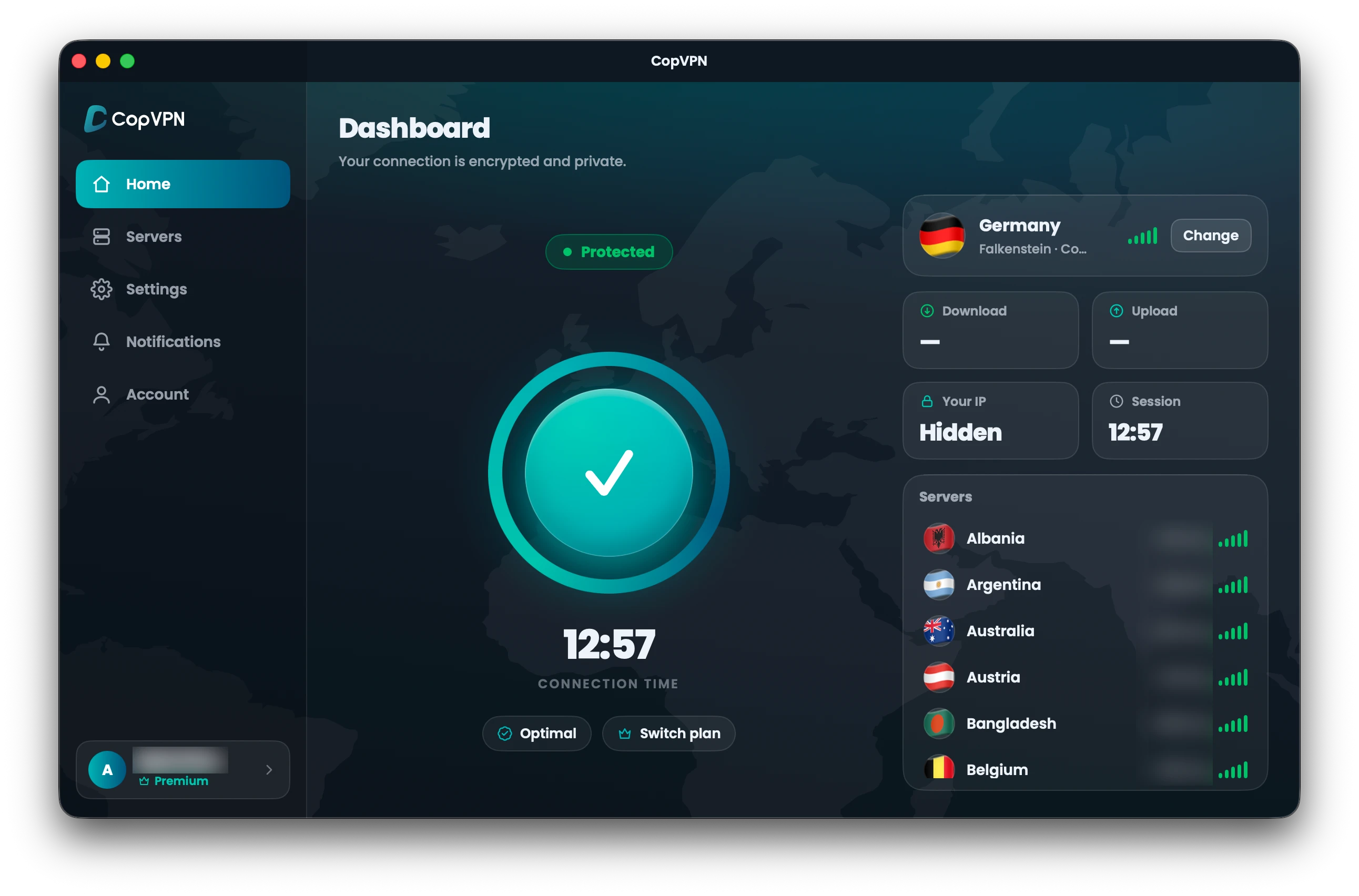
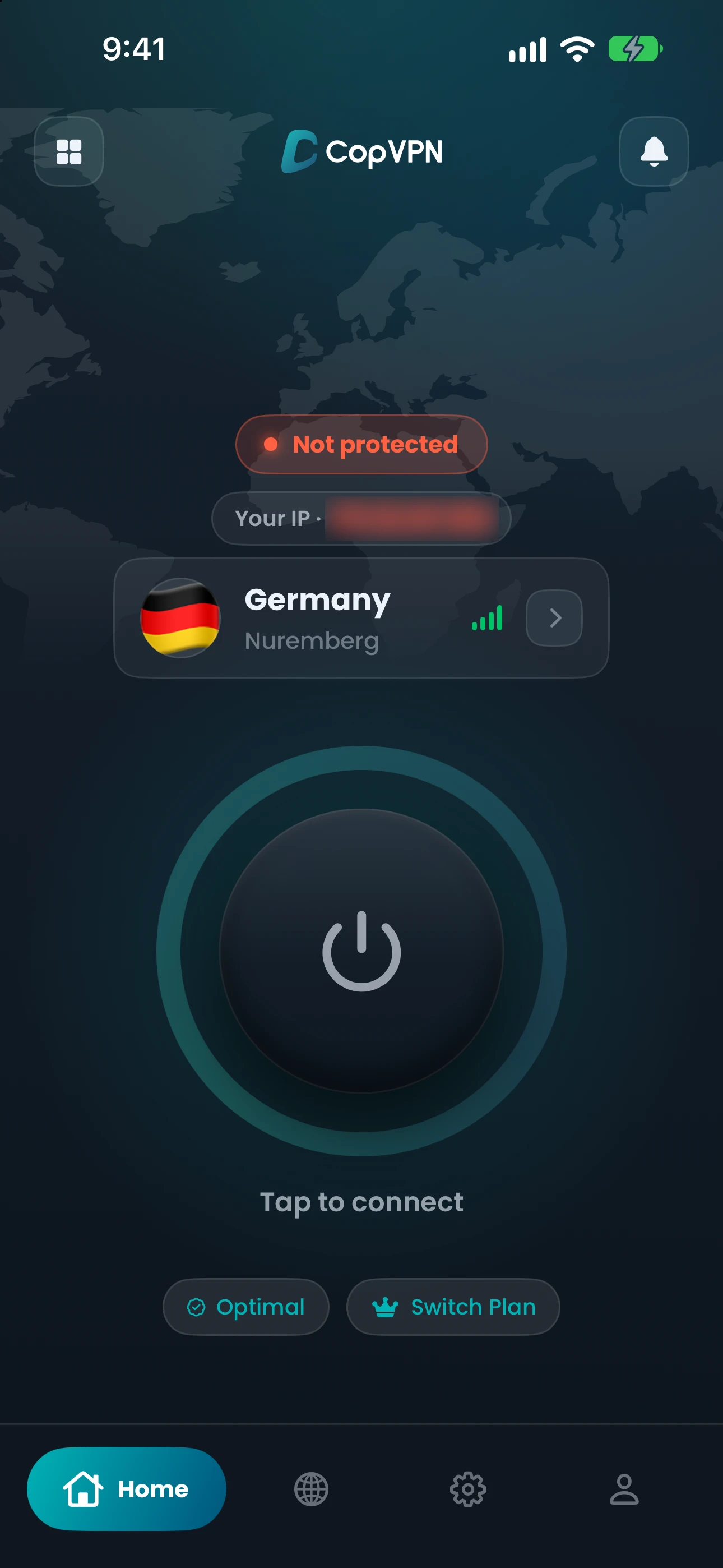
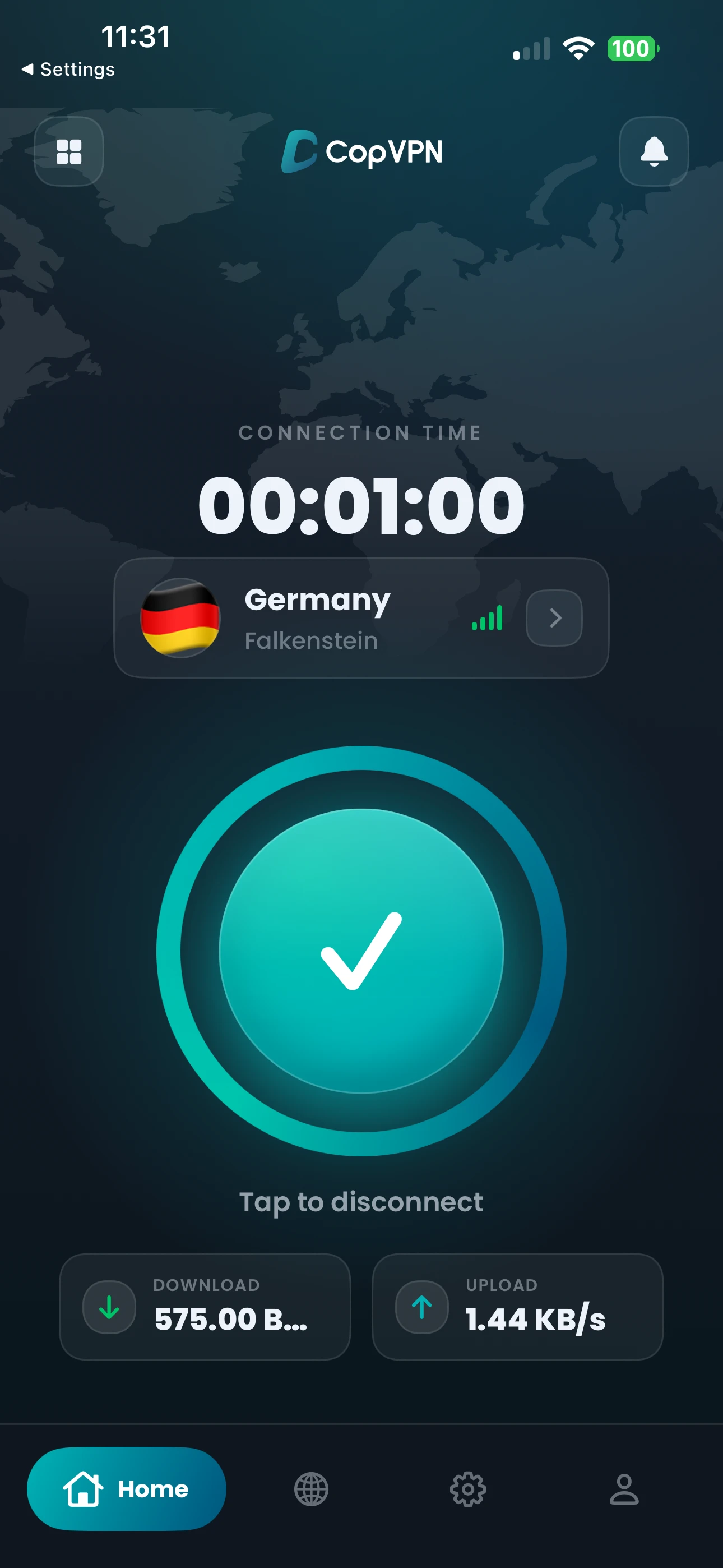
One account signs in to every app.
Coming soon: Apple TV
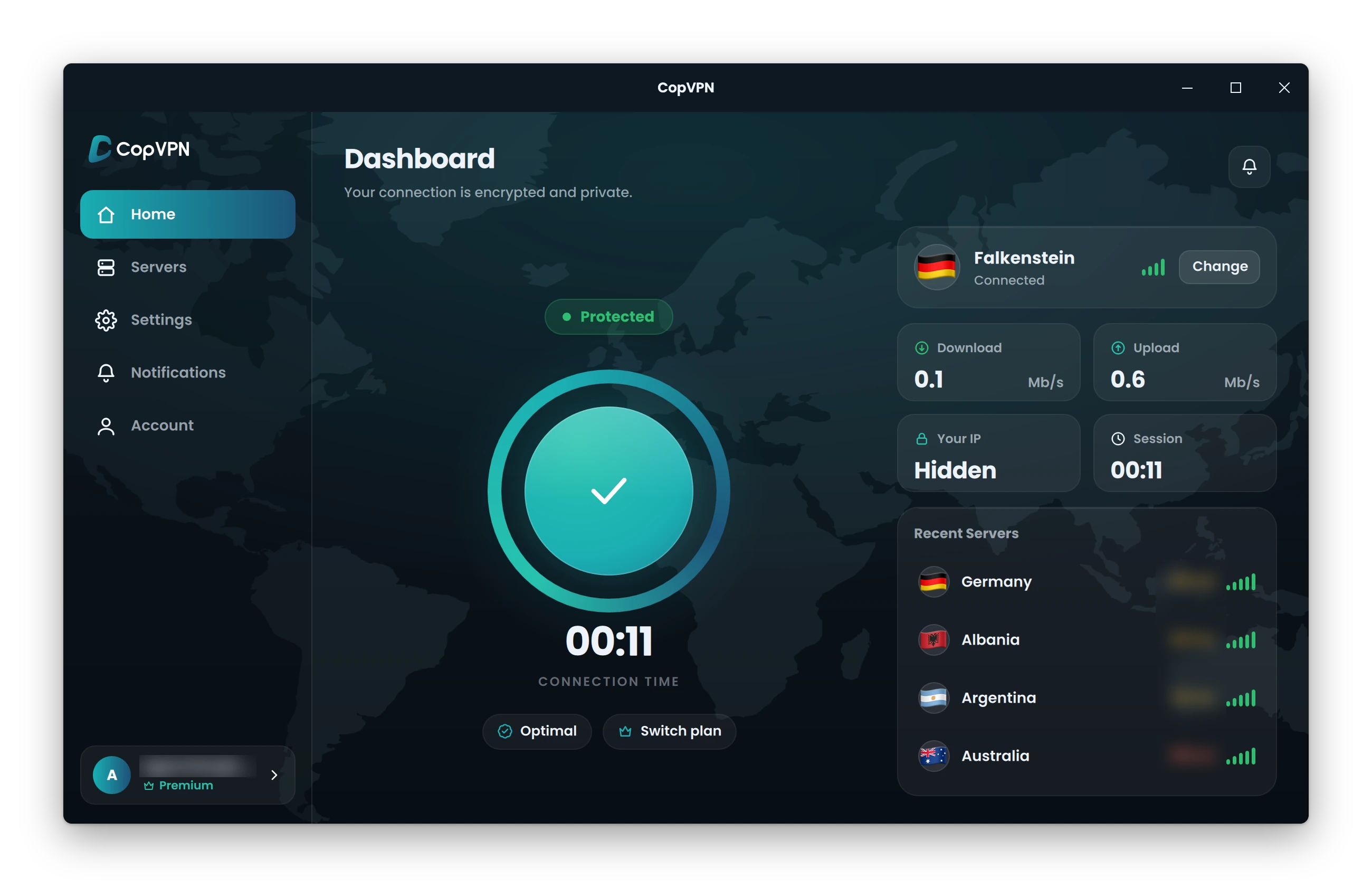
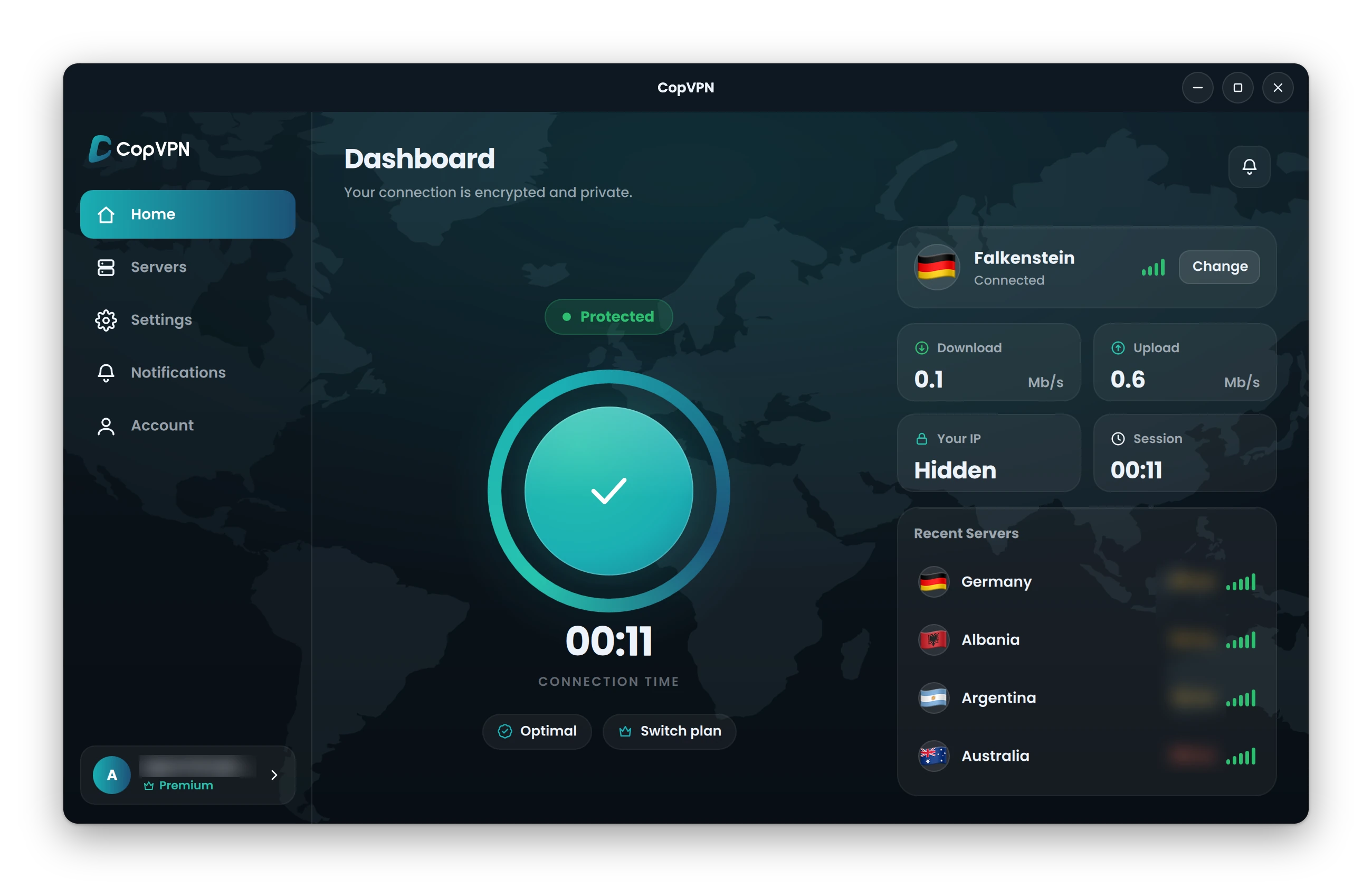
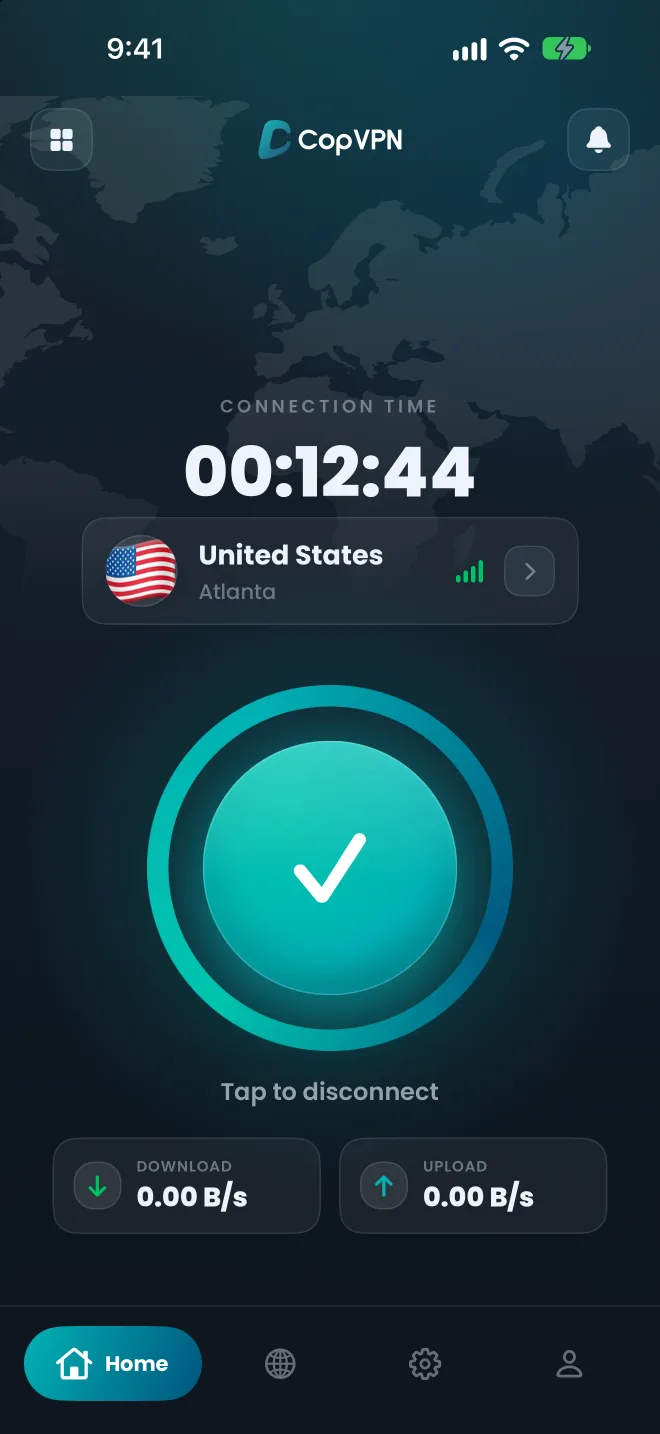
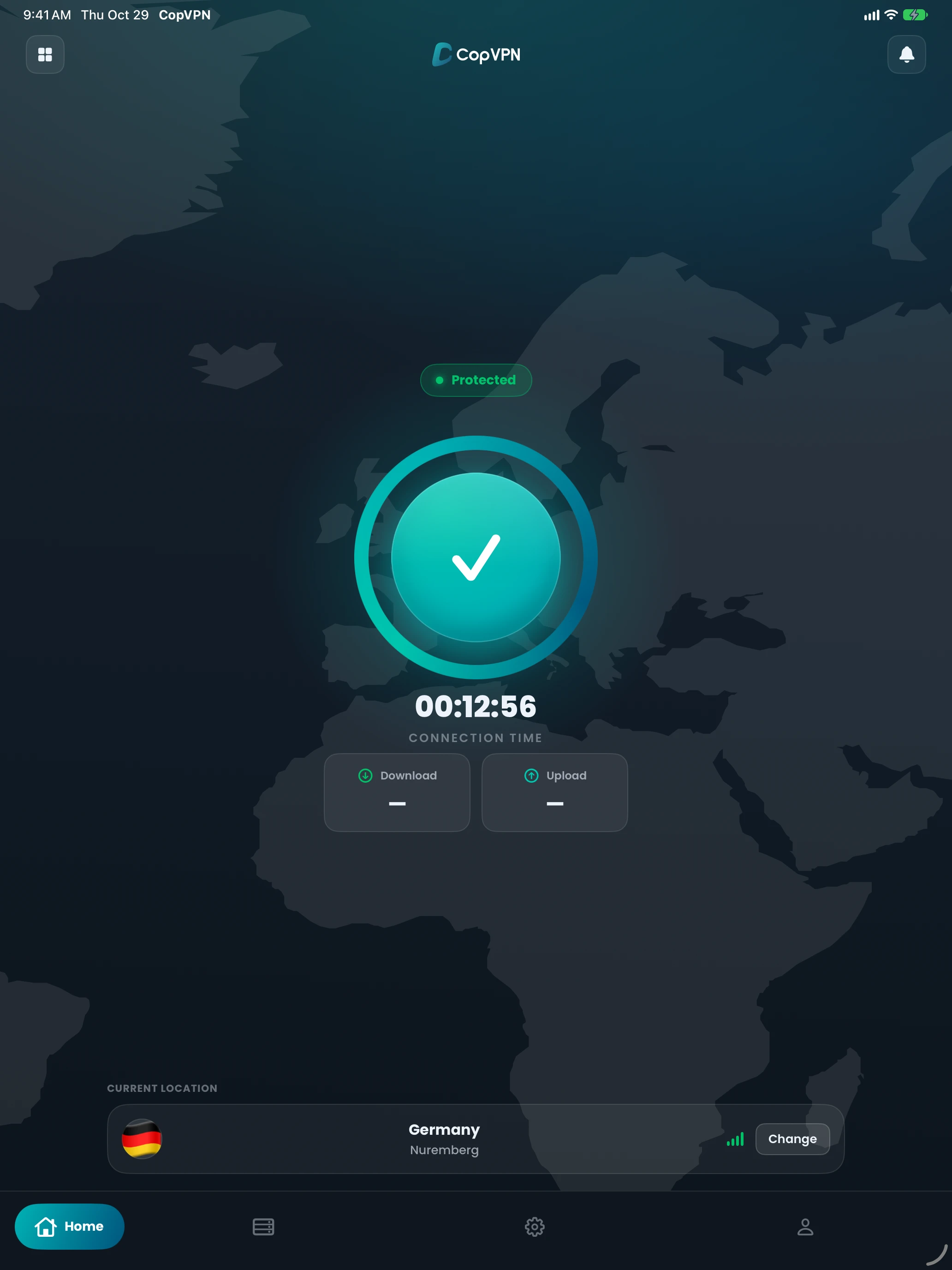
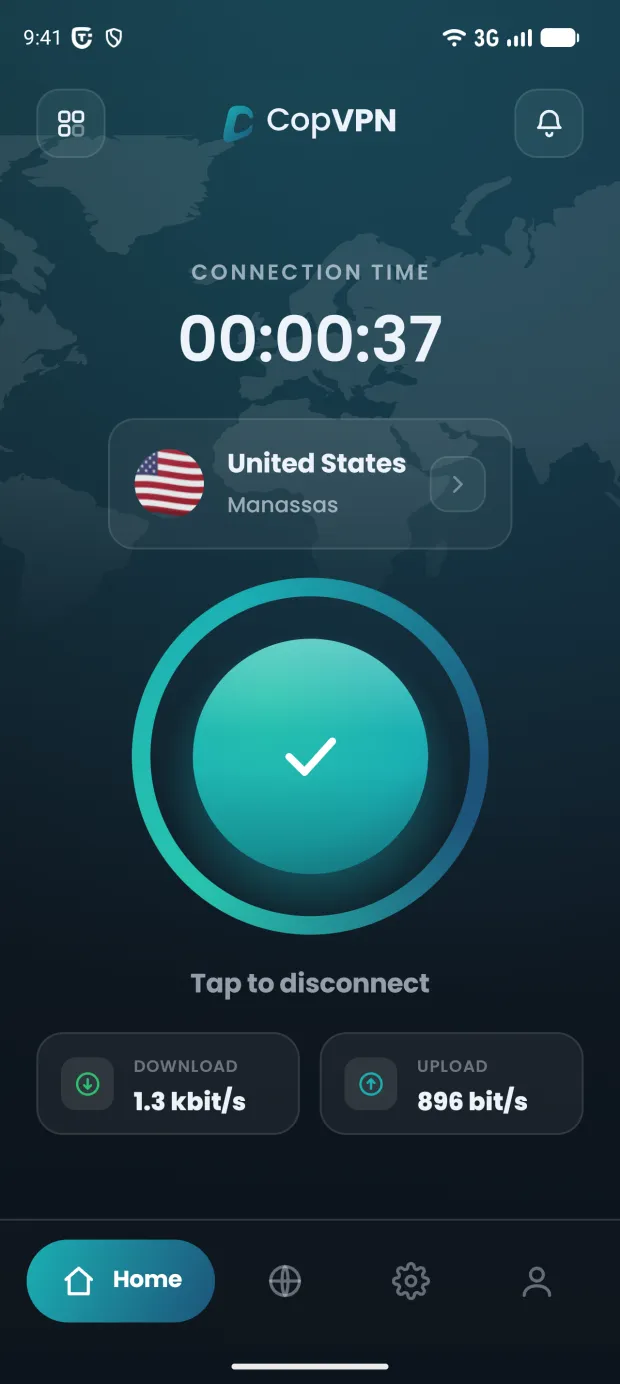
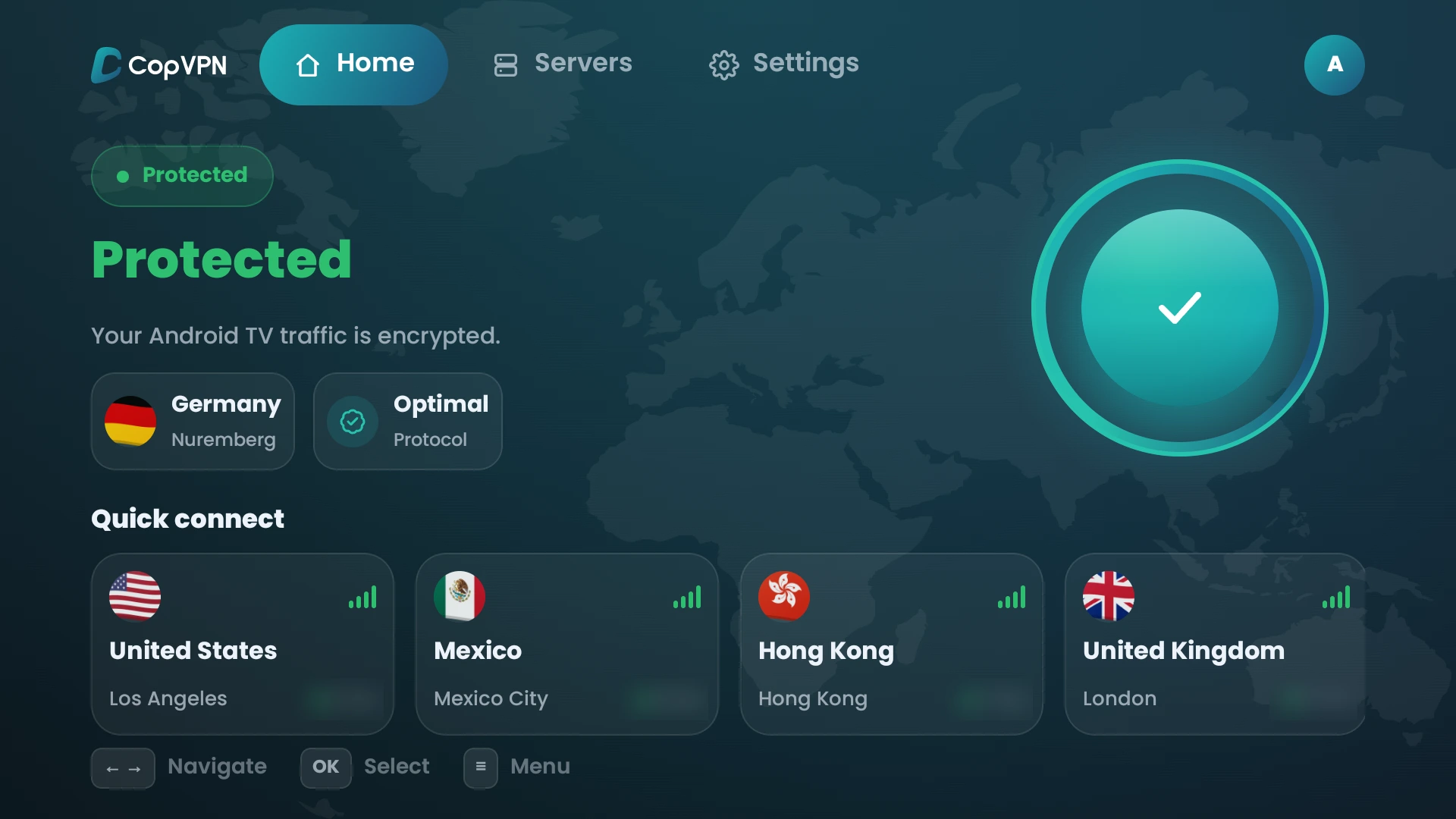
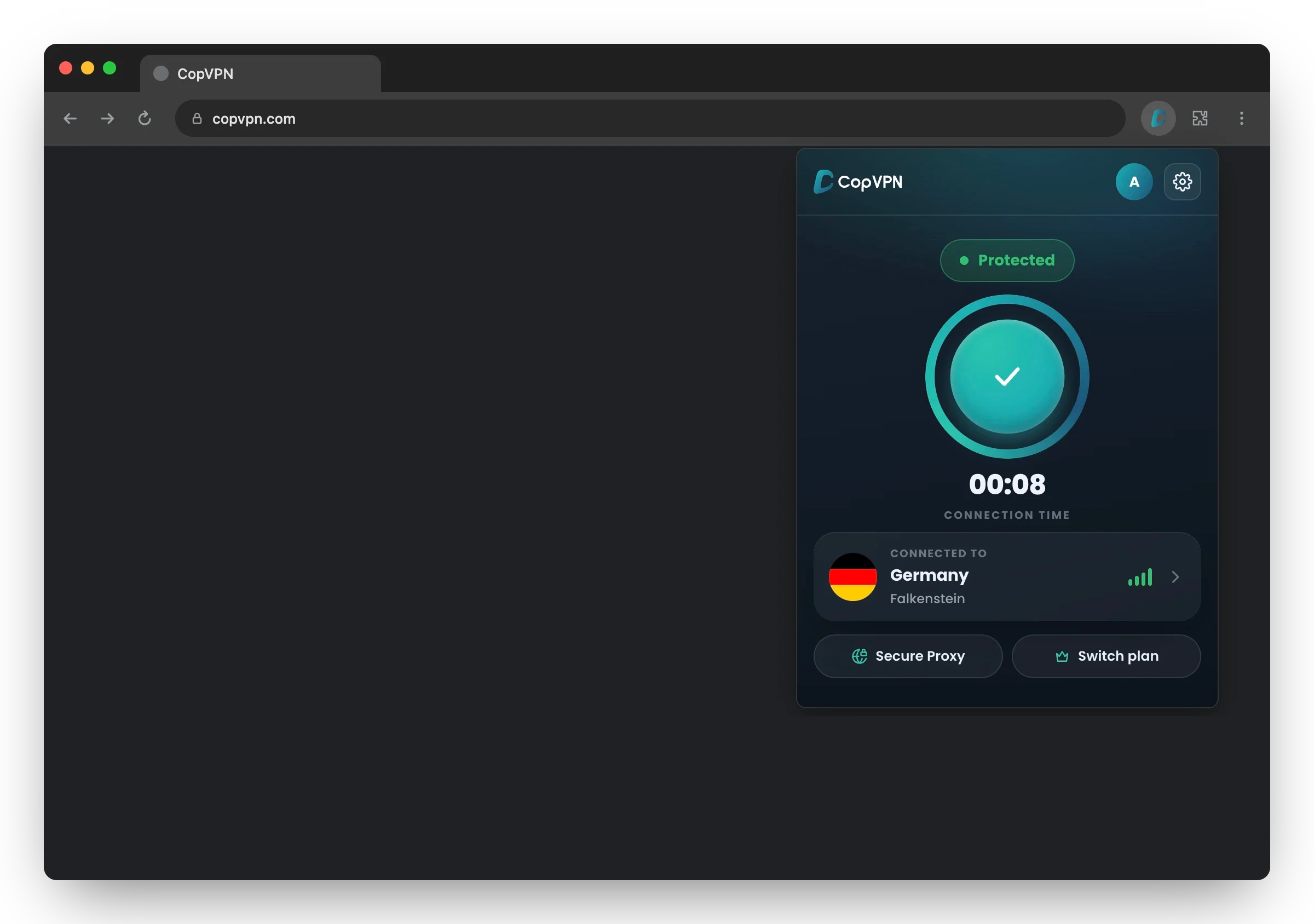
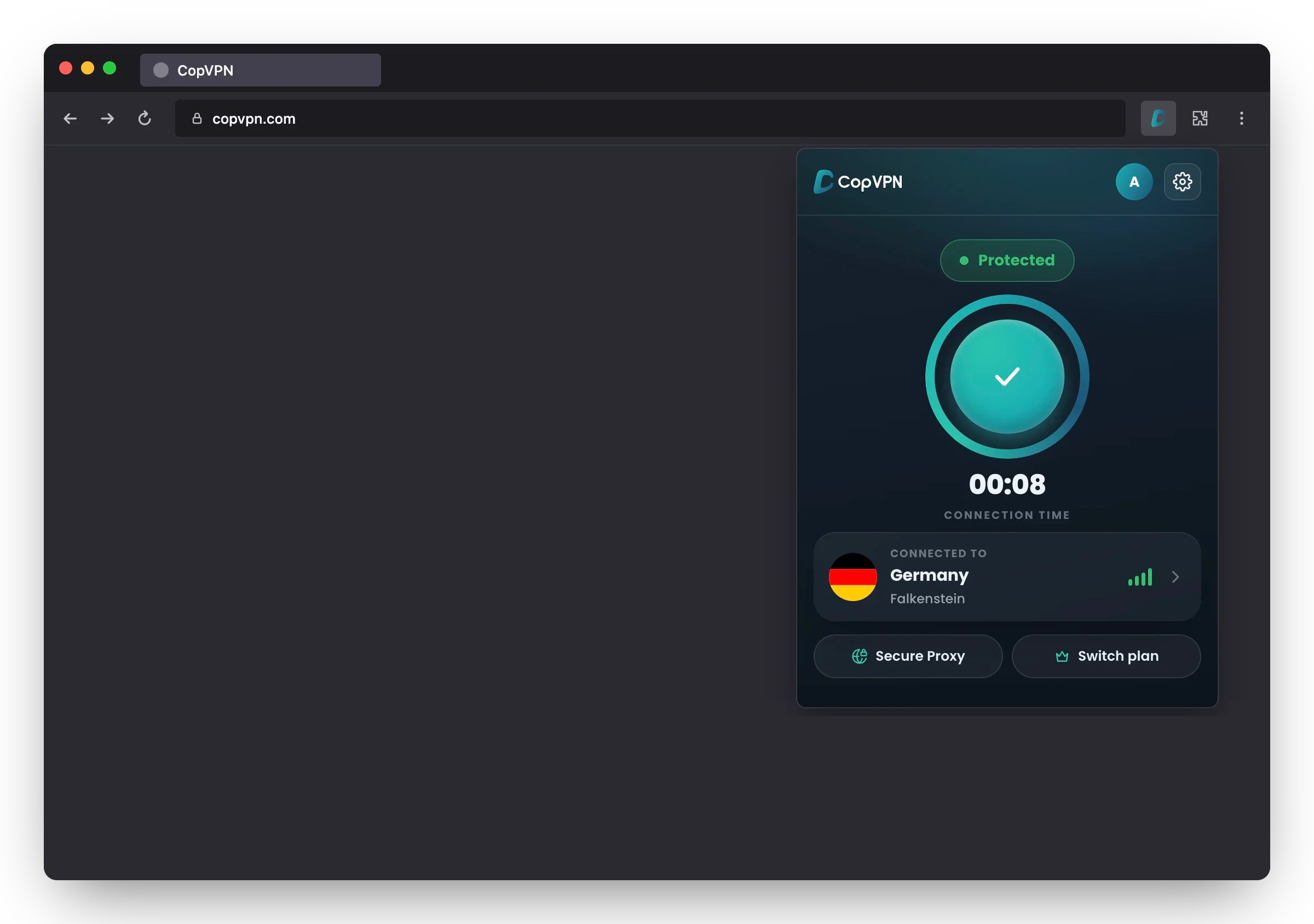
Connect in one click. Pick a server, a protocol or a setting from the sidebar.
Windows 10 (version 1809 or later) and 11, 64-bit.
Passwordless sign-in, free locations in every app and one clear price.
Sign in with your email and a 6-digit code, or with Apple or Google.
Connect to our free locations on Windows, Mac, Linux, iPhone, iPad, Android, Android TV and the browser extension before you buy.
Every plan shows its total before you pay, and the longer plans add extra months on top.
Questions about an app, a plan or a payment? Email our support team.
See what changes on public Wi-Fi when CopVPN is on.
IllustrationOn café Wi-Fi, before and after CopVPN
Four everyday moments when a VPN helps.
With CopVPN on, your provider sees encrypted traffic to a CopVPN server, not the sites you visit.
On iPhone, iPad and Android, auto-connect turns CopVPN on when you join Wi-Fi you don’t trust.
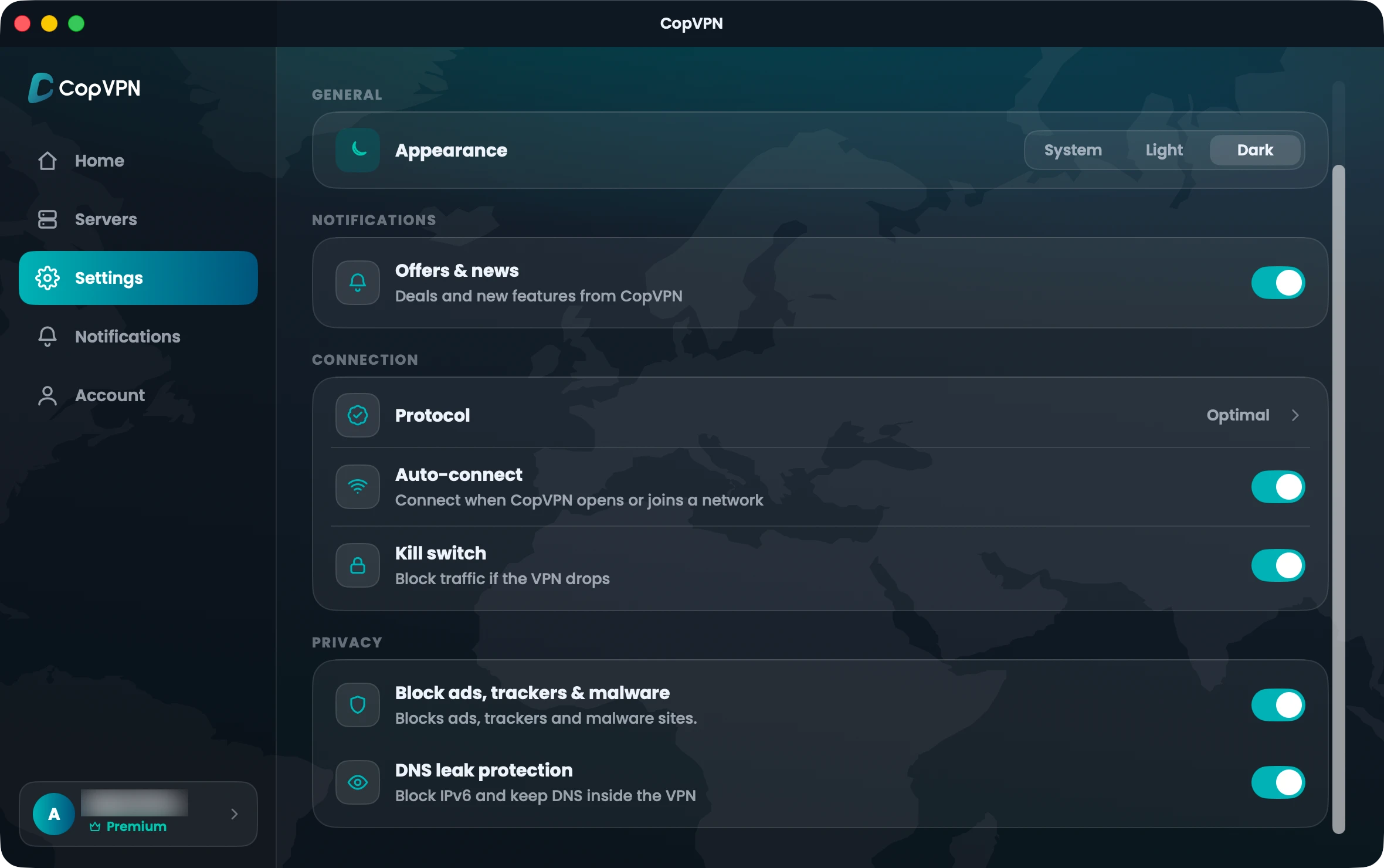
Some office networks block VPNs. Choose Optimal and Smart Connect tries another protocol by itself if one can’t connect.
Sign in on Android TV with the account you use everywhere else.
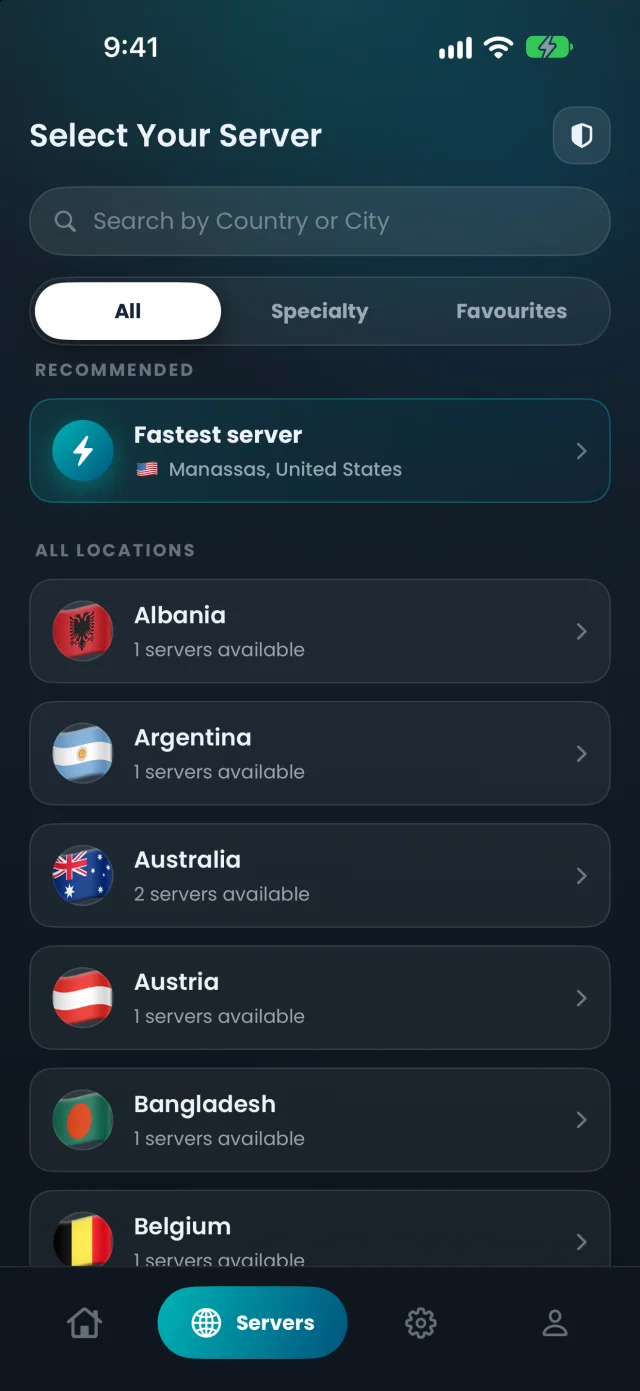
Pick a group in the Specialty tab of the Windows, Mac, Linux, iPhone, iPad, Android and Android TV apps. All three come with every plan.
Servers set aside for shows, films and video. Pick one from the Streaming group and press play.

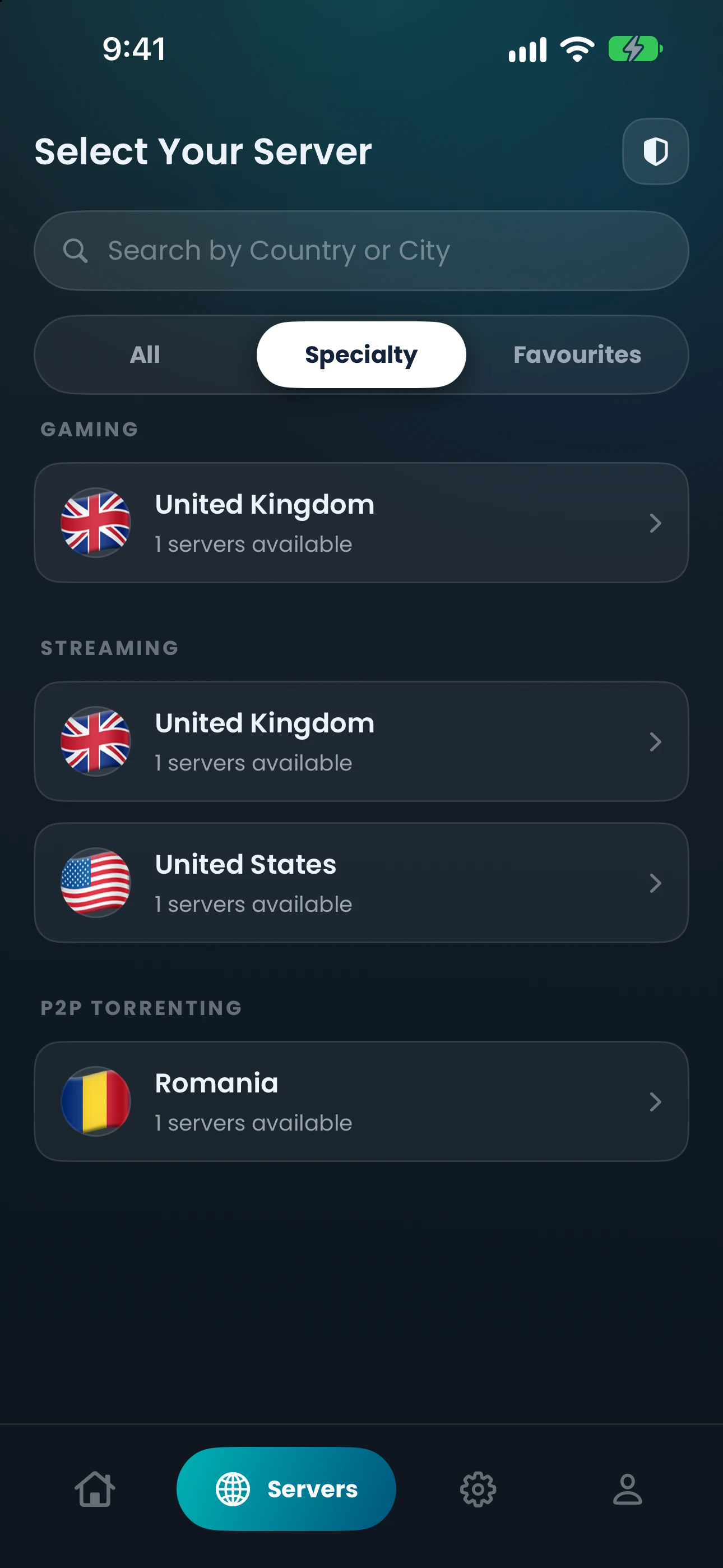
Servers set aside for online play. Choose one from the Gaming group before you join a match.

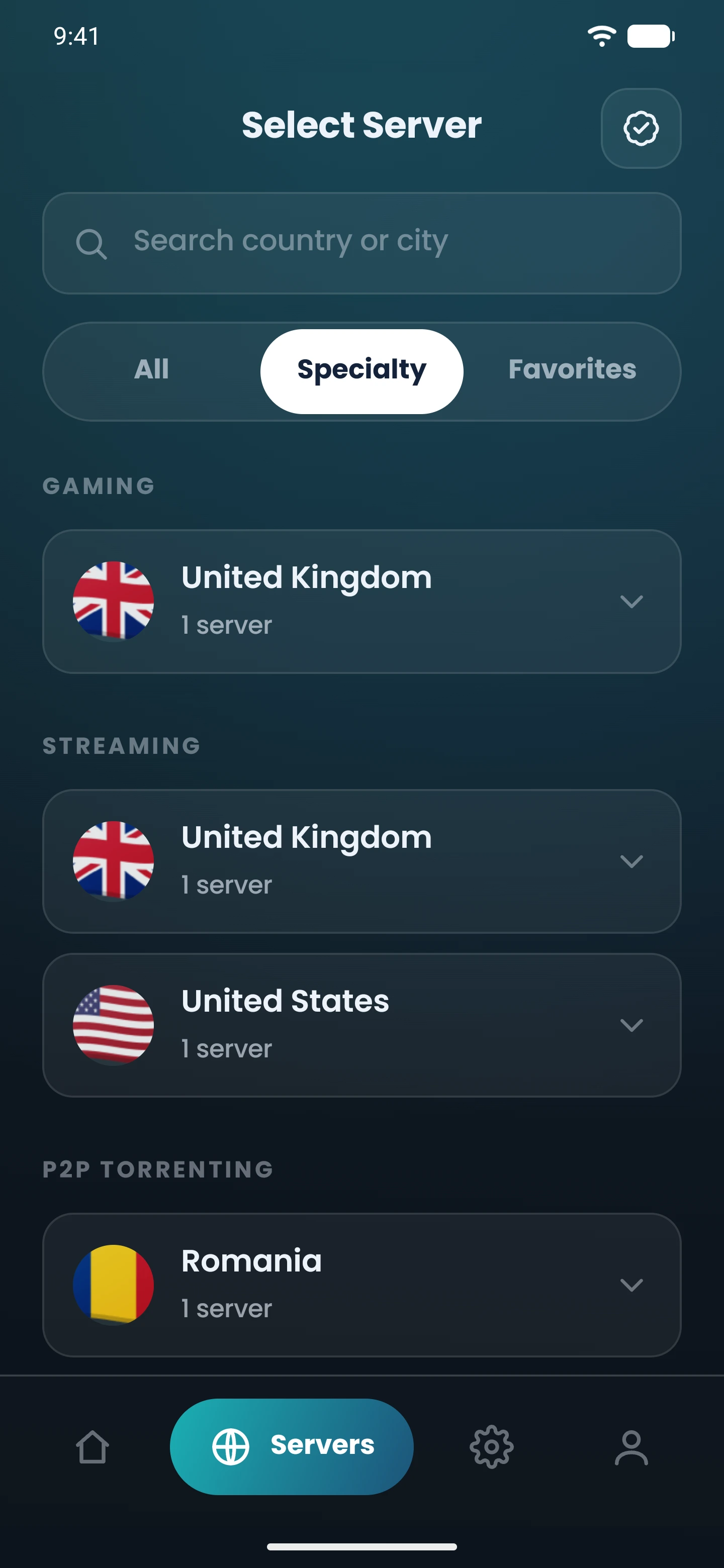
The Specialty tab in the Mac app. CopVPN makes no promise about any particular service or game.
A plan opens every location.
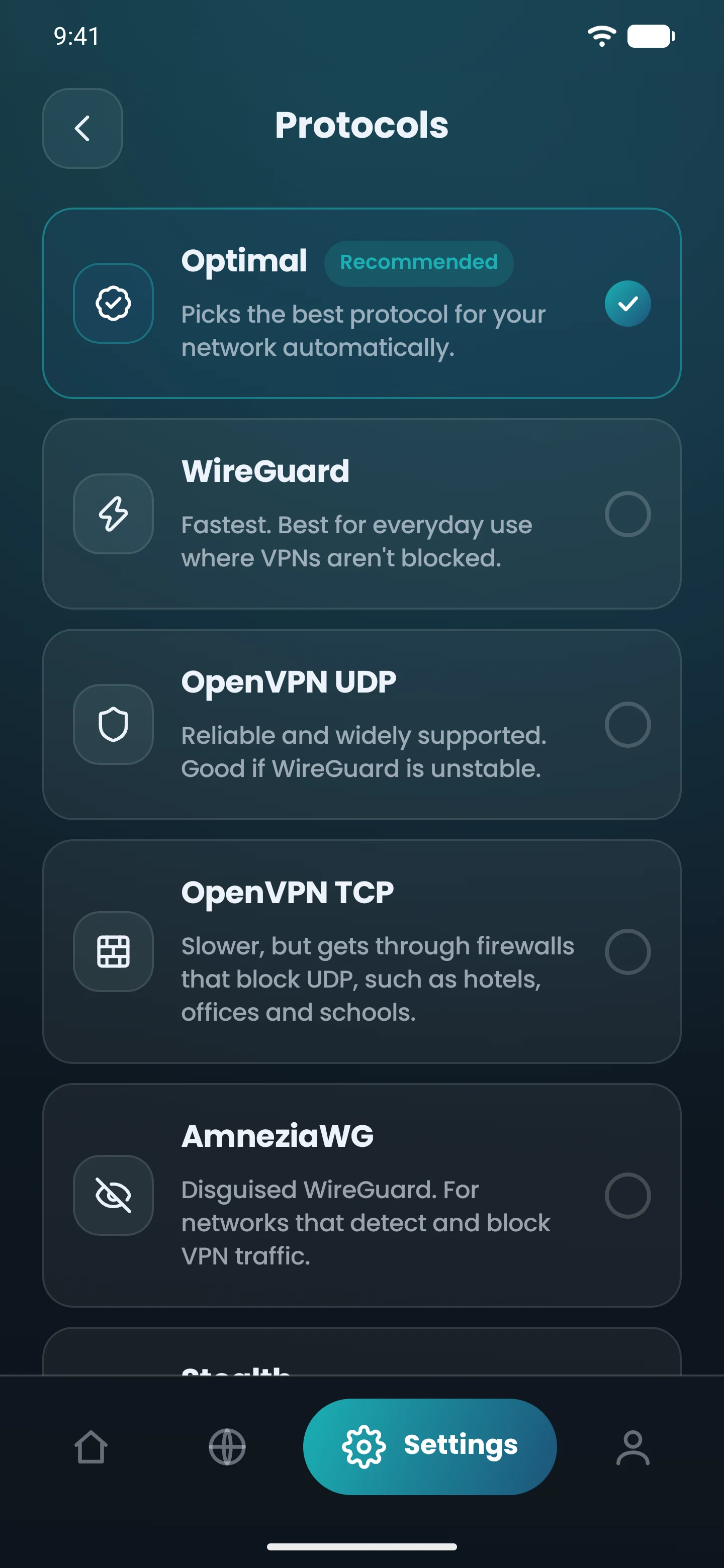
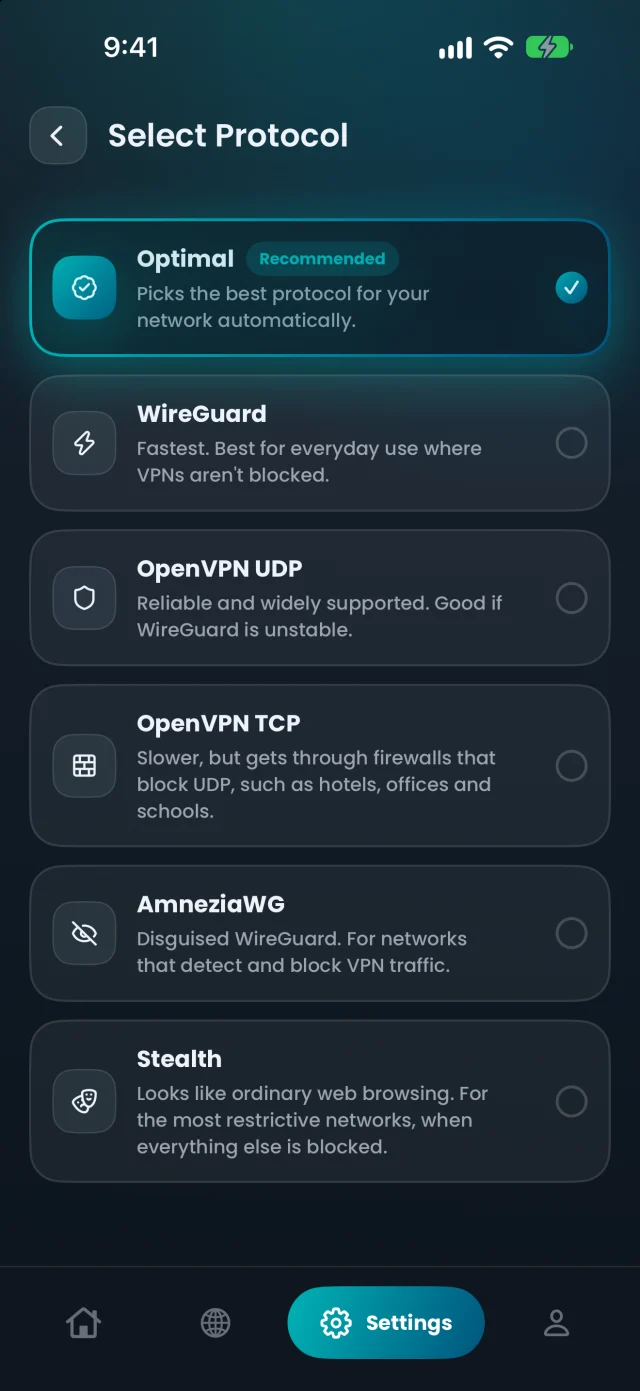
5 protocols, from everyday networks to the most restrictive ones. Leave it on Optimal and the app picks for you.
Fastest. Best for everyday use where VPNs aren’t blocked.
Reliable and widely supported. Good if WireGuard is unstable.
Slower, but gets through firewalls that block UDP, such as hotels, offices and schools.
Disguised WireGuard. For networks that detect and block VPN traffic.
Looks like ordinary web browsing. For the most restrictive networks, when everything else is blocked.
8 The Green, Ste A, Dover, DE 19901, United States
contact@copvpn.com, answered by email
We build the CopVPN apps for Windows, Mac, Linux, iPhone, iPad, Android and Android TV, plus the browser extension for Chrome, Edge and Firefox. Follow along:
Try CopVPN on your own devices. If it isn’t right for you, ask for a refund within 30 days.
Refund PolicyCredit card, Apple Pay and Google Pay at checkout. You can also pay by bank wire or crypto.


Short, straight answers, by topic.
Our support team answers by email.
Contact our support teamA VPN (virtual private network) sends your internet traffic through an encrypted tunnel to a server run by the VPN provider. Websites see that server’s address instead of yours, and the network you’re on, such as public Wi-Fi, sees only encrypted data. Read more about how a VPN works
CopVPN is a VPN service from CopVPN, Inc. that hides your IP address and encrypts your connection. It has apps for Windows, Mac, Linux, iPhone, iPad, Android and Android TV, and a browser extension for Chrome, Edge and Firefox. One account covers unlimited devices.
You can start for free. Every CopVPN app connects to our free locations without a plan. A plan opens every location and the Streaming, Gaming and P2P servers.
A VPN protects your connection; incognito mode only stops your browser saving history and cookies on your device. Incognito doesn’t hide what you do from your internet provider, your employer or the sites you visit. A VPN encrypts your traffic and changes the address sites see.
No. A VPN encrypts your connection and hides your IP address from the sites you visit. It doesn’t hide the accounts you sign in to or what you type into forms.
Plans start at $5.99 a month. Longer plans cost less per month: the 5-year plan works out to about $1.49 a month. Every plan opens every location, on unlimited devices, and you see the total before you pay. See all plans
Extra months are months a deal adds on top of the term you pay for, on the longer plans bought on our website. Right now: 2 months on the 1-year plan, 4 on the 2-year plan and 6 on the 5-year plan. You pay for the term, and the plan runs for the term plus the extra months. Plans bought through the App Store or Google Play have no extra months.
There’s no free trial. Instead, every CopVPN app connects to our free locations without a plan, so you can try it on your own devices first. CopVPN also comes with a 30-day money-back guarantee.
CopVPN comes with a 30-day money-back guarantee. If CopVPN isn’t right for you, ask for a refund within 30 days of the payment in my.copaccount.com, under Billing › Payment History. The Refund Policy has the full terms. Refund Policy
Credit card (Visa, Mastercard, American Express, Discover and JCB), Apple Pay, Google Pay, bank wire and crypto. All prices are in US dollars.
Unlimited. Install CopVPN on your phones, tablets, computers and Android TV, and sign in to each one with the same account. VPN for multiple devices
Windows 10 (version 1809 or later) and Windows 11, 64-bit; macOS 14 or later from the Mac App Store, on Apple silicon and Intel; Linux on Ubuntu 22.04 or later and Debian 12 or later; iPhone and iPad on iOS or iPadOS 16 or later; Android 7.0 or later, and Android TV. The browser extension runs on Chrome 116 or later, Microsoft Edge 116 or later and Firefox 128 or later. All downloads
The extension for Chrome, Edge and Firefox protects that browser only, with one protocol, Secure Proxy. It has a kill switch for that browser, “Block ads, trackers & malware” and a Bypass list for sites that skip the VPN. Without a plan, it connects to the free locations.
Yes, from the same Google Play listing as the phone app. On Android TV, Settings has Protocol, Auto-connect and Premium, and DNS leak protection is always on. It has no kill switch, split tunneling or ad blocking. Without a plan, it connects to the free locations.
No. CopVPN is passwordless. You sign up and sign in with your email and a 6-digit code, or with Apple or Google. There’s no password to create, change or forget.
It helps. On café, airport and hotel Wi-Fi, a VPN encrypts your traffic, so other people on the same network can’t read it. On iPhone, iPad and Android, auto-connect can turn CopVPN on whenever you join Wi-Fi you don’t trust.
A kill switch blocks your internet traffic if the VPN drops. It’s off until you turn it on. The Android TV app doesn’t have one.
Yes, in the CopVPN apps: “Block IPv6 and keep DNS inside the VPN” is on out of the box. On Android TV it’s always on, with no switch. The browser extension has no DNS setting; while it’s connected, site lookups go through CopVPN.
Yes, with “Block ads, trackers & malware”, which blocks known ad, tracking and malware sites on your device. It isn’t antivirus and doesn’t scan files. You choose whether to turn it on. The Android TV app doesn’t have it.
On their network, a VPN hides the contents and destinations of your traffic from them. If they manage the device itself, monitoring software on it can see what you do before it reaches the VPN.
85+ locations in 65+ countries, and every plan, from 1 month to 5 years, includes all of them, plus the Specialty servers for Streaming, Gaming and P2P Torrenting. Without a plan, every CopVPN app connects to the free locations. All locations
Leave the app on Optimal. It picks the best protocol for your network automatically, and Smart Connect tries another one by itself if the first can’t connect. To choose yourself, use WireGuard for everyday browsing, and AmneziaWG or Stealth on networks that block VPNs. Compare protocols
Try AmneziaWG: “Disguised WireGuard. For networks that detect and block VPN traffic.” If that’s blocked too, try Stealth: “Looks like ordinary web browsing. For the most restrictive networks, when everything else is blocked.”
OpenVPN uses AES-256 encryption. WireGuard and AmneziaWG use WireGuard’s own cryptography, ChaCha20-Poly1305.
In the Specialty tab of the Windows, Linux, Mac, iPhone, iPad, Android and Android TV apps, with a plan. It lists server groups for Streaming, Gaming and P2P Torrenting. We make no promise about any particular service or game.
Try another location, or switch to OpenVPN UDP: “Reliable and widely supported. Good if WireGuard is unstable.” A kill switch blocks your internet traffic if the VPN drops; it’s off until you turn it on.
Choose a location closer to where you are, then reconnect. You can also switch protocol: WireGuard is “Fastest. Best for everyday use where VPNs aren’t blocked.” Change one thing at a time, so you can tell what helped.
Some apps and sites don’t work with a VPN. Try a different location, then a different protocol. On Android, split tunneling lets you choose which apps use CopVPN, and in the browser extension the Bypass list lets chosen sites skip the VPN. If nothing helps, contact our support team and tell us the app or site.
Check your system meets the minimum: Windows 10 (version 1809 or later) or 11, 64-bit; macOS 14 or later; iOS or iPadOS 16 or later; Android 7.0 or later; or Ubuntu 22.04 or later and Debian 12 or later for Linux. Some office and school networks block downloads, so try another network. If it still won’t work, contact our support team with your device and system version.
Check your spam or junk folder, and make sure you typed the email address on your account. If it still doesn’t arrive, contact our support team from that address. Don’t share your code with anyone.
5 years + 6 EXTRA months, about $1.49 a month.
Cookies on copvpn.com
We use essential cookies to run the site. With your OK, we also use Google Analytics and Hotjar to see how pages are used. We never use cookies for advertising. Privacy Policy