Mac App Store
CopVPN
- macOS 14 Sonoma or later
- Installs and updates through the Mac App Store
CopVPN for Mac
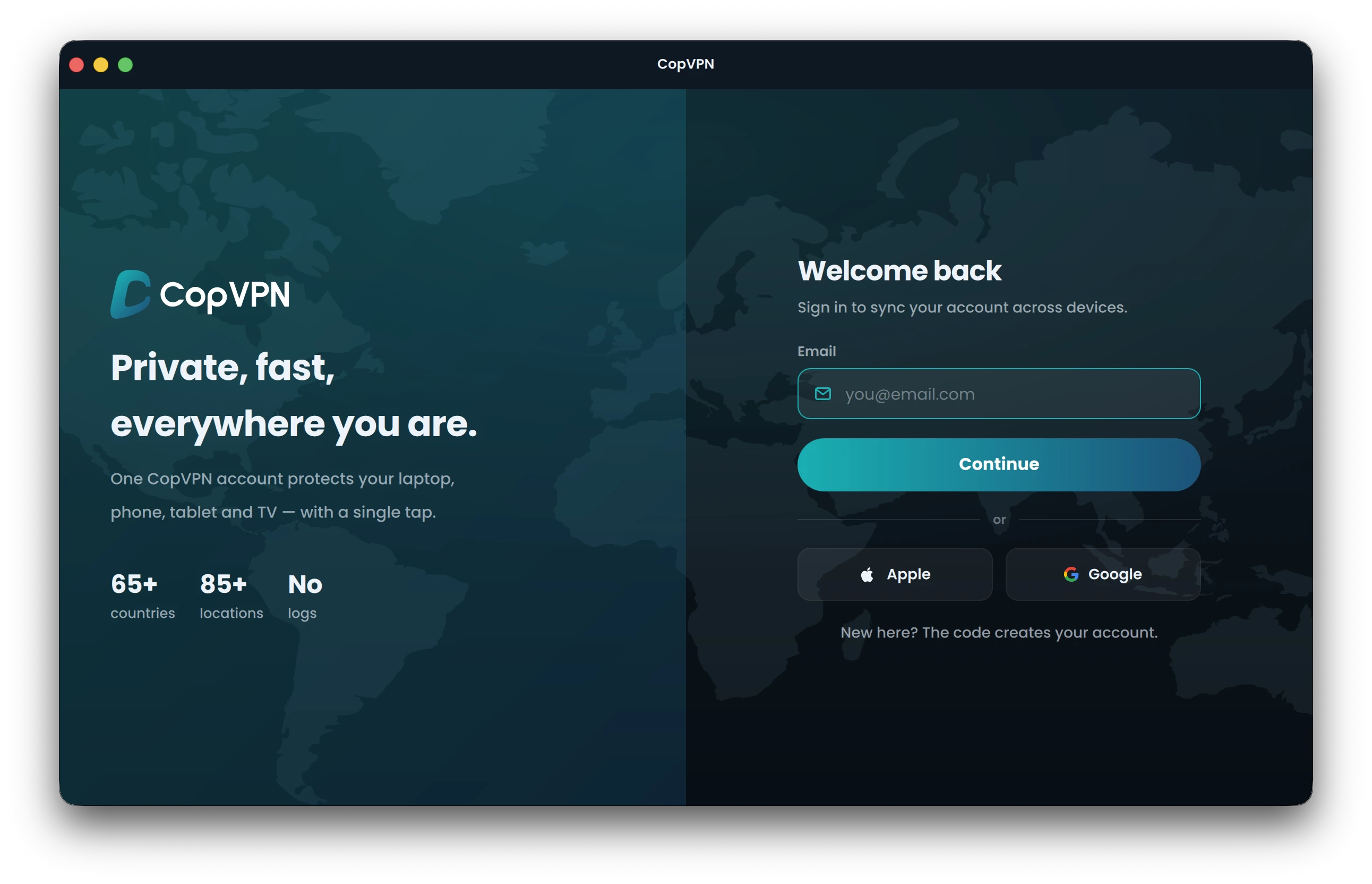
Get CopVPN from the Mac App Store: one universal app for Apple silicon and Intel Macs on macOS 14 Sonoma or later, with 5 protocols, a kill switch, DNS leak protection and ad blocking. Sign in with your email and a 6-digit code, or with Apple or Google.
No Mac App Store? Download CopVPN for Mac from our website (.dmg)
Without a plan, the Mac app connects to the free locations. A plan opens every location. Already have one? Sign in with the same account.
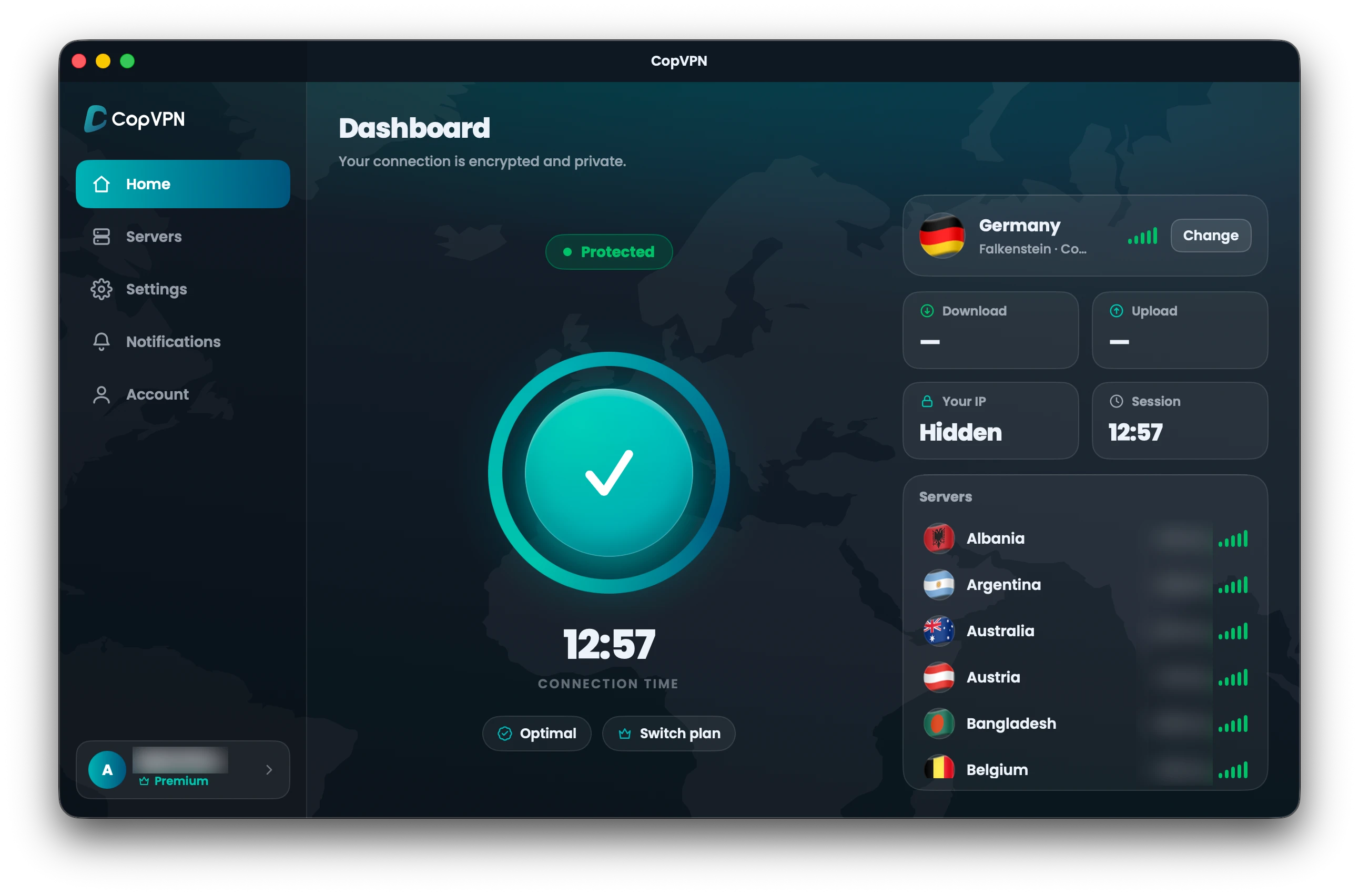
DashboardClick once to connect. The Dashboard shows when you’re protected.
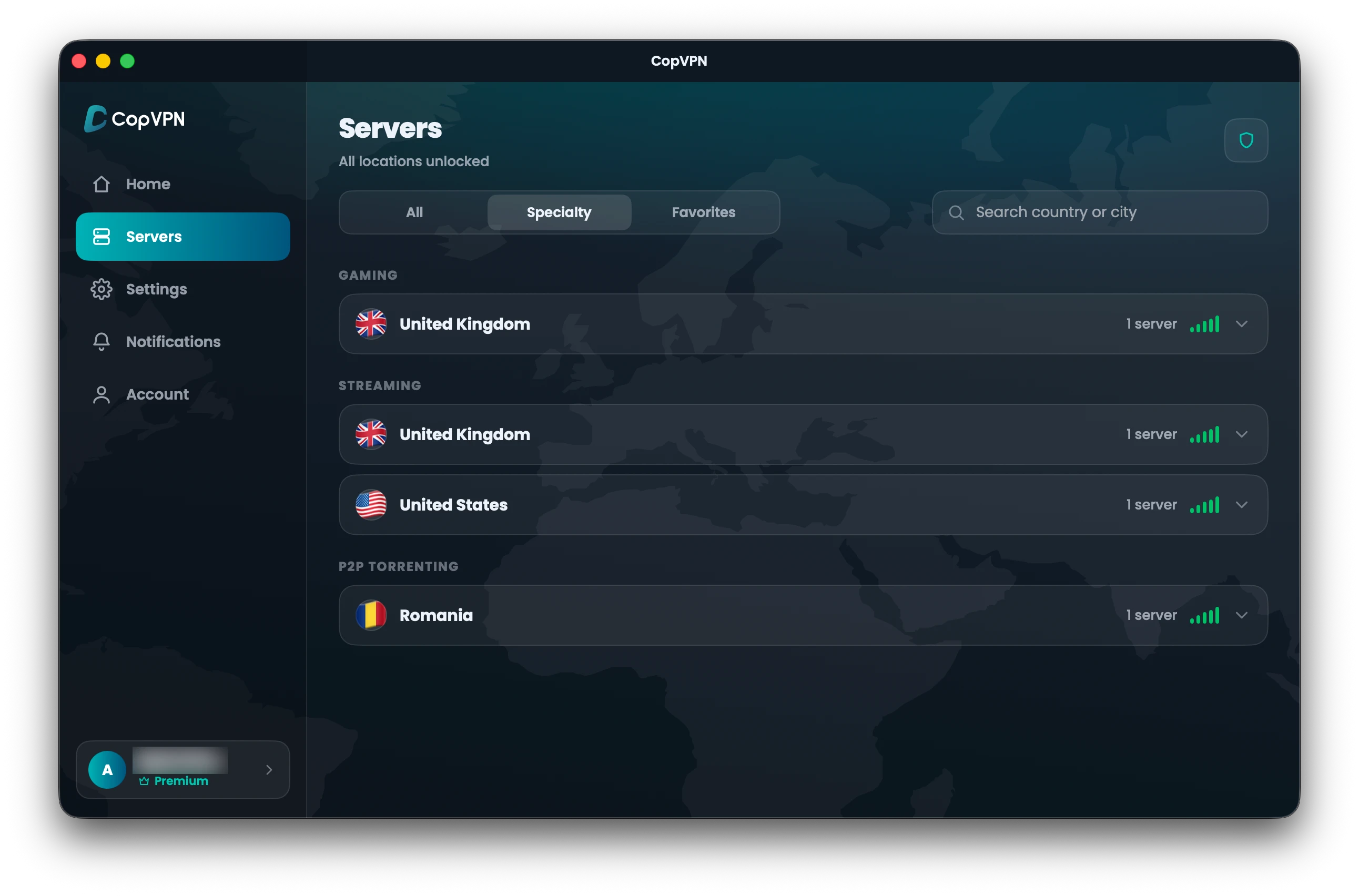
Servers85+ locations in 65+ countries, plus server groups in the Specialty tab, with a plan.
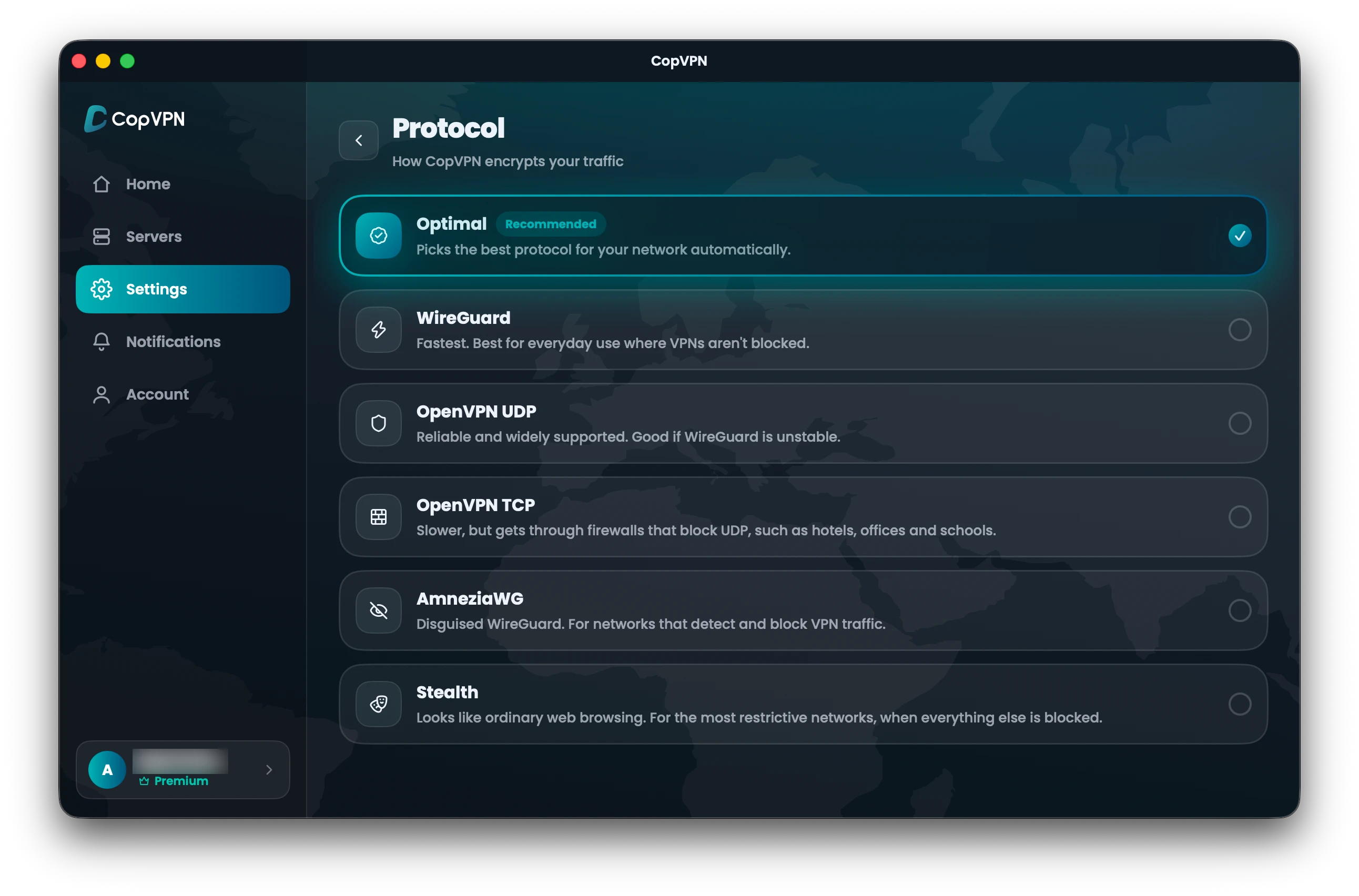
Protocol5 protocols, and Optimal to pick one for you.
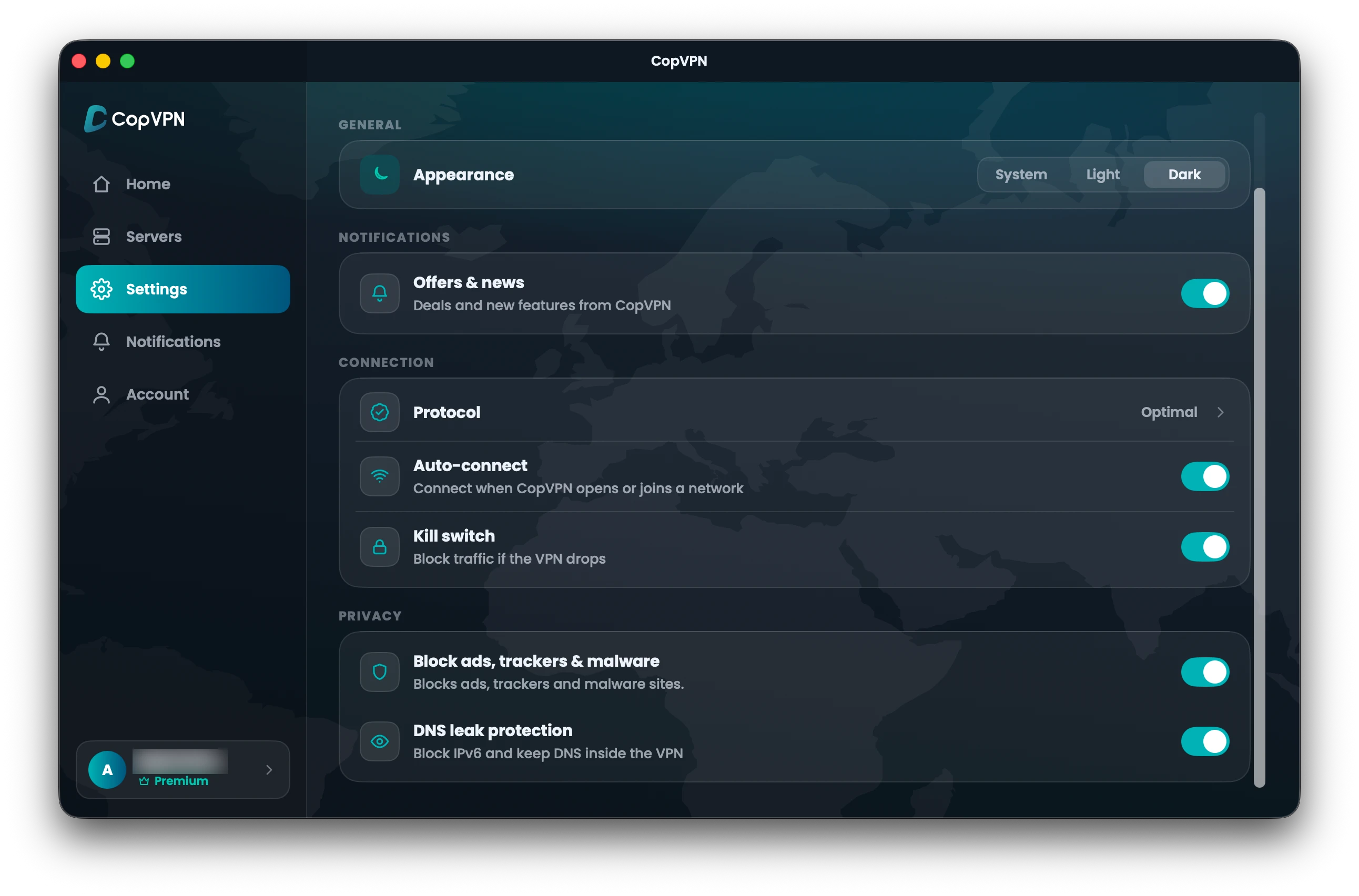
SettingsFour switches in one window, shown here switched on.
Before you install
CopVPN for Mac is one universal app for Apple silicon and Intel Macs on macOS 14 Sonoma or later. Check your Mac on the left, and open the groups on the right to see what you get.
macOS on this Mac
Chip
Ready for CopVPN
On Apple silicon, it runs as the universal app.On an Intel Mac, it’s the same universal app. Get it from the Mac App Store.
Download on the Mac App StoreUpdate macOS first
CopVPN for Mac needs macOS 14 Sonoma or later. Update your Mac, then get the app from the Mac App Store.
Not sure? Choose Apple menu › About This Mac. It shows your macOS version and whether your Mac has Apple silicon or an Intel processor.
CopVPN
Latest version · Mac App Store · Universal
Direct download
For Macs that can’t use the Mac App Store. It’s the same CopVPN app, and you can buy a plan from it with direct payment through our secure web checkout.
Mac App Store
Direct download
You can keep both. Connect with one app at a time.
Not notarized by Apple Built and signed by CopVPN, Inc. with our Apple Developer ID. It isn’t notarized by Apple, so macOS warns you before it opens, and some antivirus apps may flag it. Check that your file matches the SHA-256 below before you install.
29e4805581f0d805c7ce4b28f1dda2a55219c47f45ec9716bfb71d7cd3e05cb2Wording can differ slightly between macOS versions.
Your other devices
Sign in with the same account on as many devices as you like. On iPhone and iPad, CopVPN is on the App Store too, for iOS or iPadOS 16 or later.
Get the VPN for iPhone and iPad Download CopVPN for every platform
Mac questions
Our support team answers by email:
contact@copvpn.comFrom the Mac App Store, or from our website, as a download on this page for Macs that can’t use the App Store.
Macs on macOS 14 Sonoma or later. CopVPN for Mac is one universal app, so it runs on Macs with Apple silicon and on Intel Macs.
The first time you connect, macOS asks to add a VPN configuration. Allow it once.
As many as you like. Install CopVPN on your phones, tablets, computers and Android TV, and sign in to each one with the same account.
Yes. In Settings, turn on Kill switch: “Block traffic if the VPN drops.” It’s off until you turn it on.
5 protocols: WireGuard, OpenVPN UDP, OpenVPN TCP, AmneziaWG and Stealth. Optimal “Picks the best protocol for your network automatically.” Stealth “Looks like ordinary web browsing. For the most restrictive networks, when everything else is blocked.”
Turn on “Block ads, trackers & malware” in Settings. It blocks known ad, tracking and malware sites on your Mac. It isn’t antivirus and doesn’t scan files.
No. The Mac app has no split tunneling and no trusted networks. Split tunneling is in the Android app, and the browser extensions have a Bypass list of sites that skip the VPN.
No. Without a plan, the Mac app connects to the free locations. A plan opens all 85+ locations. There’s no free trial.
Yes. A plan bought at our checkout, in the App Store, the Mac App Store or Google Play is saved to your CopVPN account and unlocks every CopVPN app signed in with the same account, the Mac app included. Store plans are billed and refunded by the store.
With your email and a 6-digit code, or with Apple or Google. CopVPN doesn’t use passwords, so there’s nothing to create or reset.
Cookies on copvpn.com
We use essential cookies to run the site. With your OK, we also use Google Analytics and Hotjar to see how pages are used. We never use cookies for advertising. Privacy Policy