VPN not connecting? Smart Connect finds a way that works
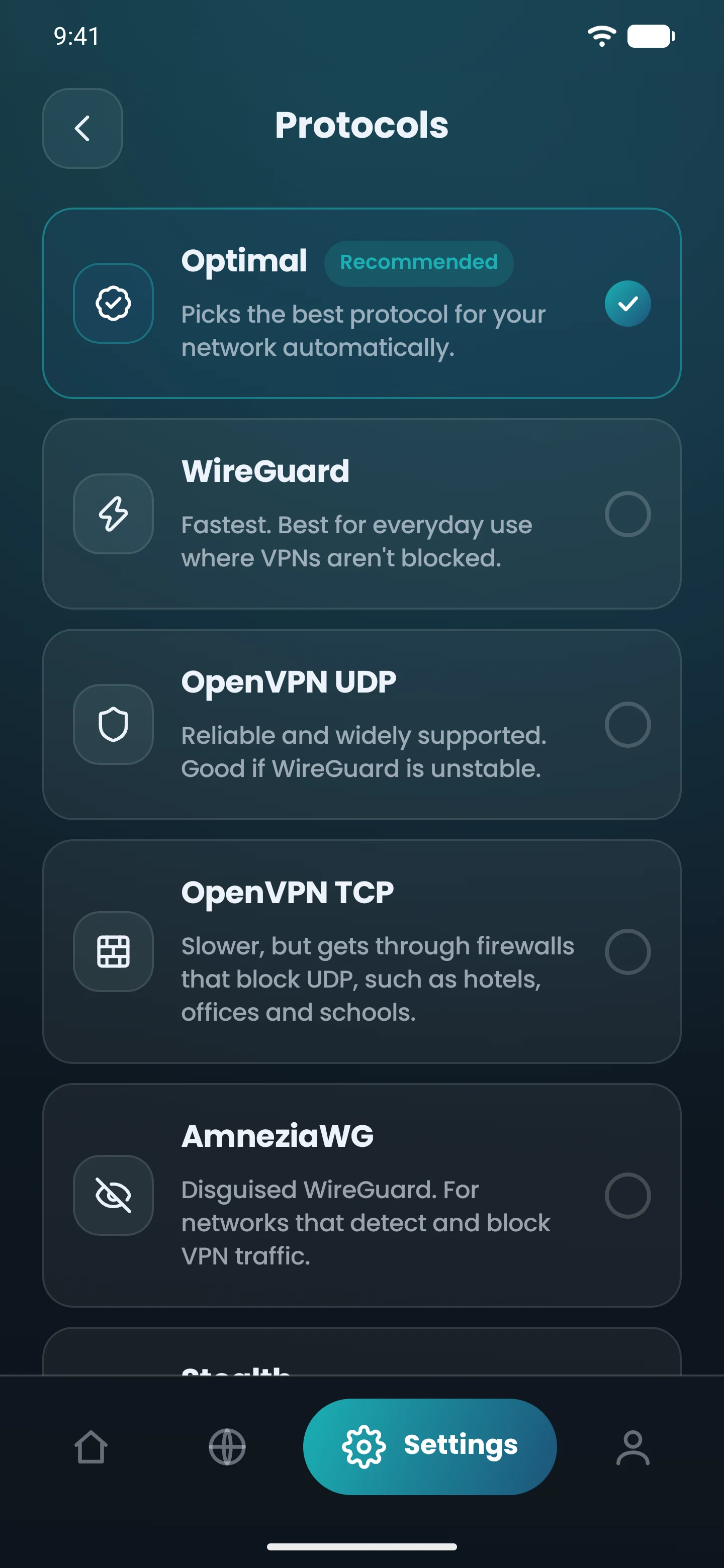
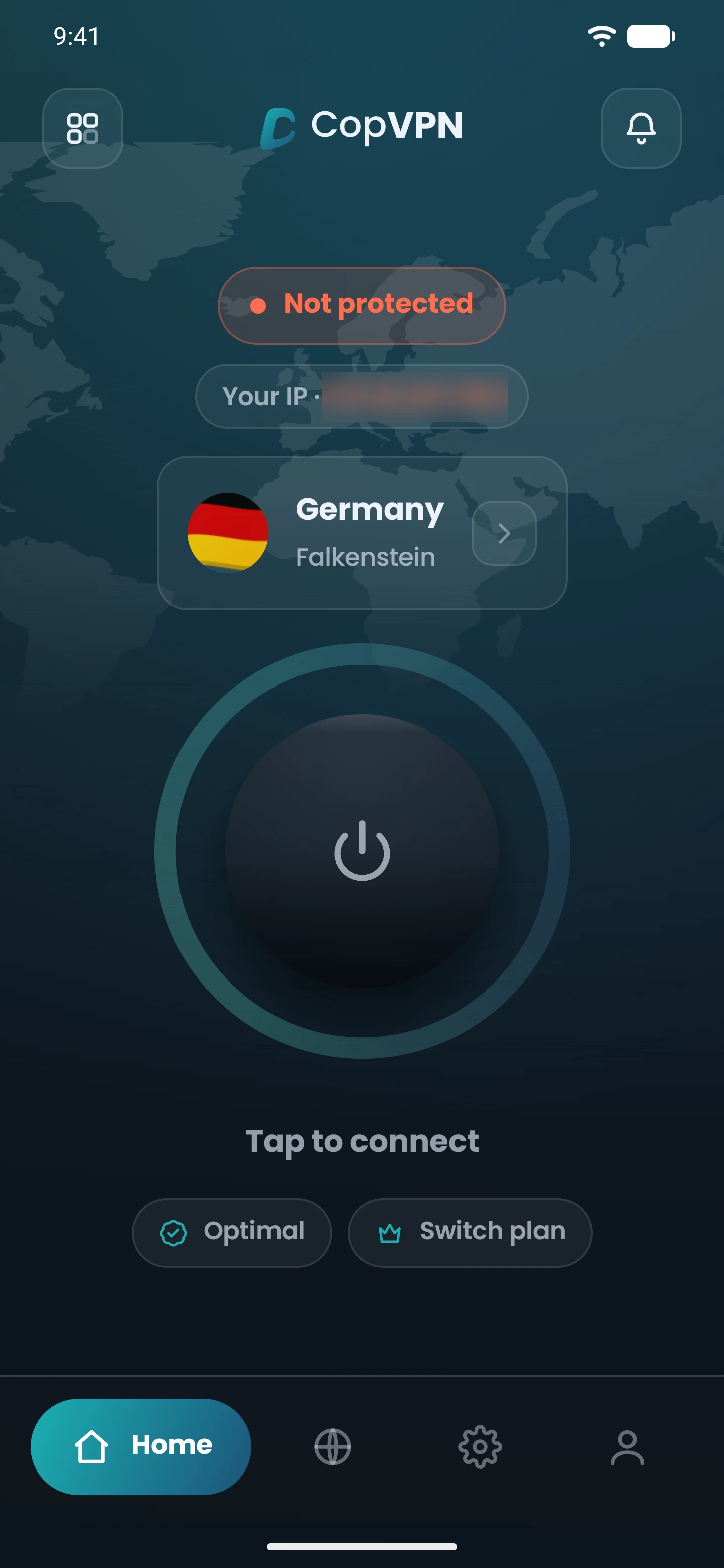
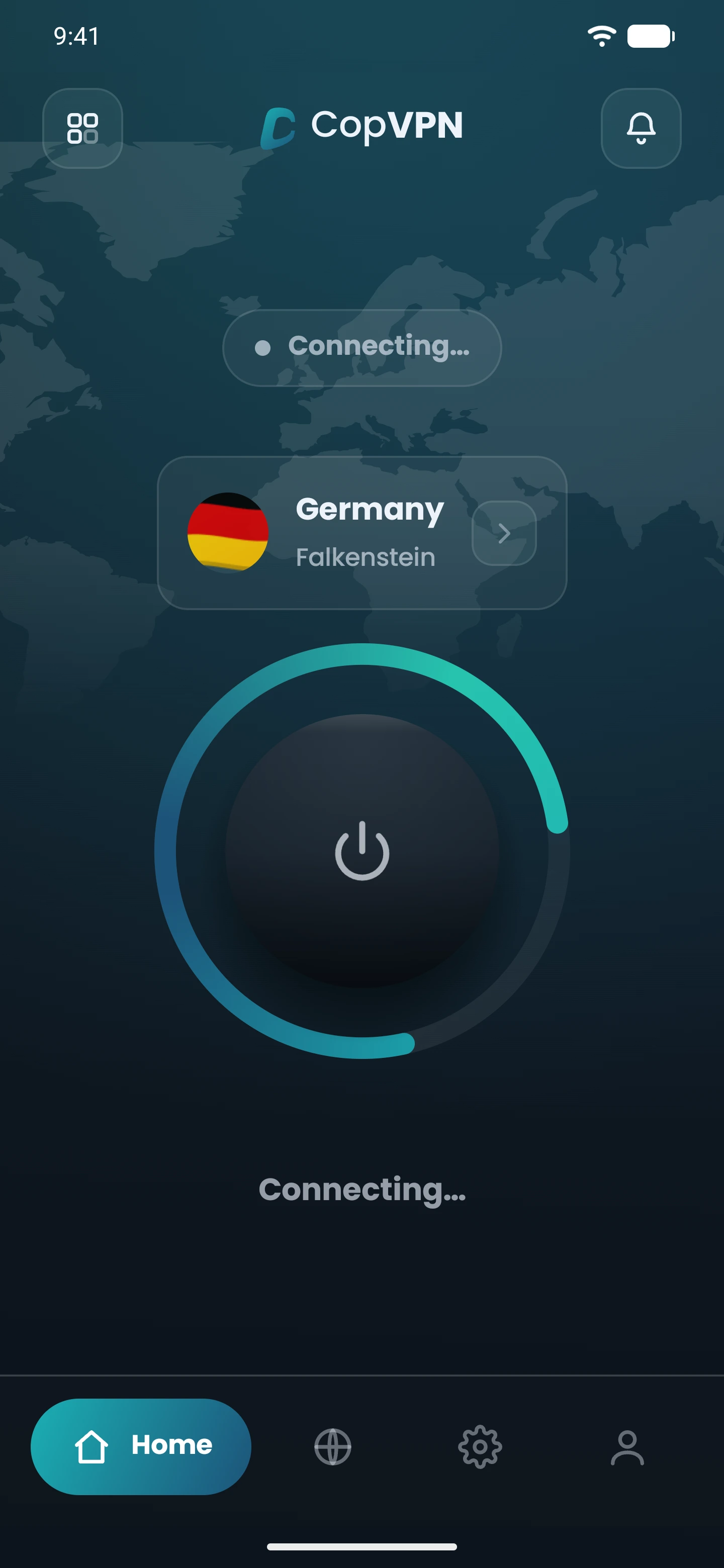
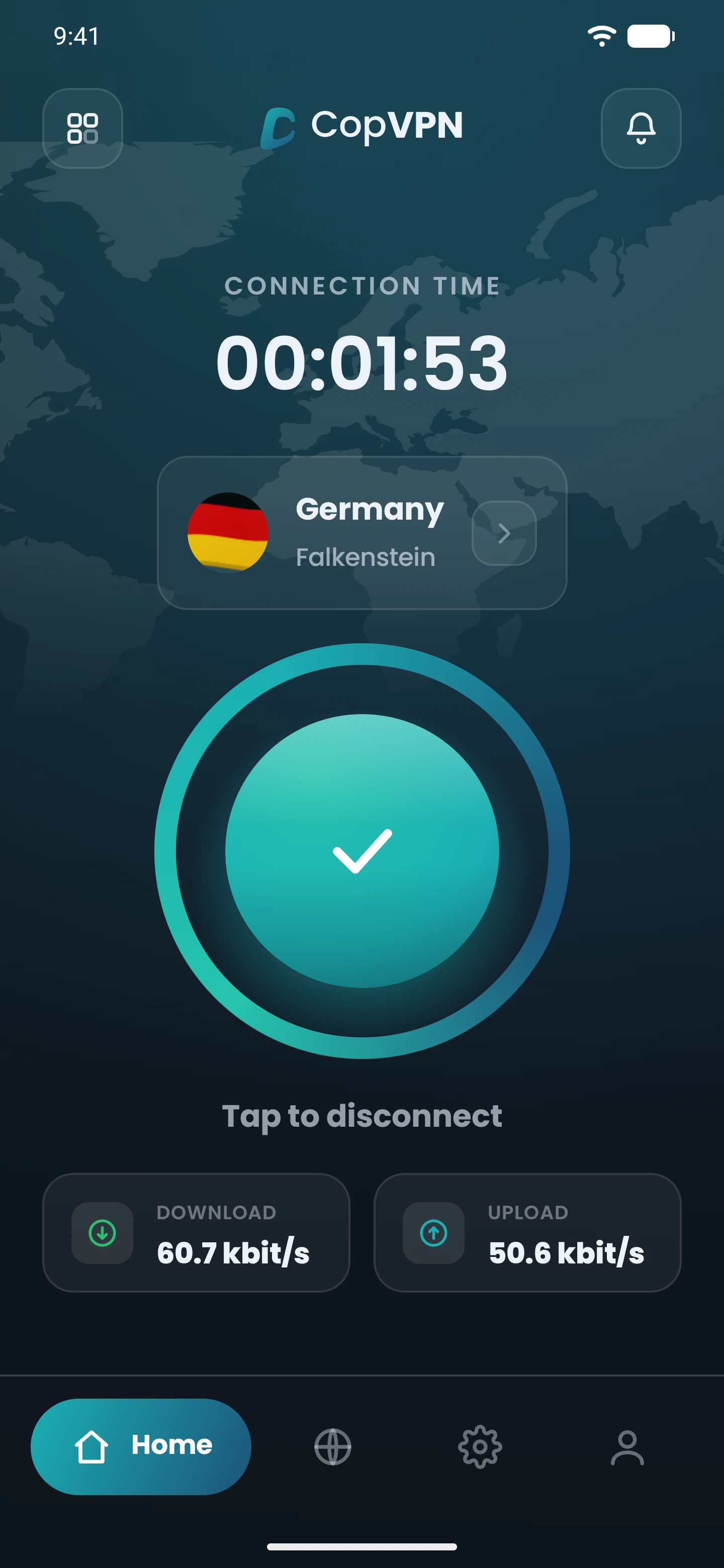
Choose Optimal and tap Connect. Smart Connect does the rest: it starts with the protocol most likely to work on your network right now and, if that one fails, moves to the next one by itself, in seconds. You don’t need to know which protocol to use.
OptimalStarts with the likeliestCan’t connect. Tries the next oneConnected
Illustration
How it works, in 3 steps
1
In the app, Optimal “Picks the best protocol for your network automatically.”
2
Smart Connect starts with the protocol that is working best for people on the same kind of network as you: the same country and the same internet provider.
3
If a protocol can’t connect within a few seconds, the app tries the next one. If none of them can connect, you get a clear message instead of a spinning wheel.
OptimalPicks the best protocol for your network automatically.Tap Connect.Can’t connectTries the next oneConnected
With Optimal: WireGuard first, disguised routes only when needed
With Optimal, Smart Connect starts with WireGuard on most networks. The app describes WireGuard as “Fastest. Best for everyday use where VPNs aren’t blocked.” If WireGuard can’t get through, it moves on to the next protocol. Only when the quicker ones fail does it use slower, disguised routes that make your connection look like ordinary web browsing.
In countries known to block VPNs, Smart Connect can start with the disguised routes instead.
12WireGuardeveryday
23Fast protocols
31Disguised routesordinary web browsing
connect
don’t
Illustration
It adapts when networks change
Networks change. When a network starts blocking one protocol, the app sees that connections there are failing and moves people on that network to the next protocol that works. You don’t have to wait for an app update or change a setting. The order adjusts by itself, from anonymous totals of which protocols connect and which don’t.
Home Wi-Fi
Mobile data
stays on your device
never sent to us
It remembers your networks
Your home Wi-Fi and your mobile data can behave very differently. The app remembers which protocol worked on each network and starts with it next time, so you connect faster on the networks you use every day. This memory stays on your device and is never sent to us.
Prefer one protocol? Keep it
If you choose WireGuard, OpenVPN UDP, OpenVPN TCP or AmneziaWG yourself, the app uses that protocol only, just as before, and sends no connection reports. Smart Connect works when you choose Optimal or Stealth.
Smart ConnectPicks the best protocol for your network automatically.
WireGuarduses that protocol onlysends no connection reports
OpenVPN UDPuses that protocol onlysends no connection reports
OpenVPN TCPuses that protocol onlysends no connection reports
AmneziaWGuses that protocol onlysends no connection reports
Smart Connect or a protocol you pick
AOptimal (Smart Connect)
1A protocol you pick
Which protocol
The one most likely to work on your network now
Always the same one
If it can’t connect
Moves to the next one by itself
Stays on that protocol; you change it yourself
When a network starts blocking it
Adapts by itself
You change it yourself
Remembers your networks
Yes
Not needed
Anonymous connection reports
Yes, hourly totals only
None
Your no-logs promise stays intact
Smart Connect learns from connection results, never from what you do online. To learn which protocols work where, the app sends one short anonymous report after each connection attempt in Optimal or Stealth: which protocol and server location it tried, whether it connected, and how long it took.
one short anonymous report
which protocol
server location
whether it connected
how long it took
sites you visit
DNS queries
traffic content
email
account
device ID
IP address
attempts0123456789012345678901234567890123456789
connected0123456789012345678901234567890123456789
per hourdelete after 90 days
Your browsing is never involved. No sites you visit, no DNS queries, no traffic content.
Nothing that identifies you is stored. No email, account, device ID or IP address. Your IP address is used for an instant lookup of your country and internet provider, then discarded. We never store it.
Only anonymous totals are kept: per hour, per country, internet provider and protocol, just how many attempts there were and how many connected. They can’t be linked to a person or a session, and we delete them after 90 days.
Only for Optimal and Stealth. Pick another protocol yourself and the app sends nothing.
One purpose only: choosing the protocol most likely to work on your network. We never sell these totals or use them for advertising.
We follow a no-logs policy, and Smart Connect doesn’t change that. It’s described in our Privacy Policy under “Connection quality data”. Read the Privacy Policy
Where it’s available
Smart Connect is in every CopVPN app with protocols: Android, Android TV, iPhone, iPad, Mac, Windows and Linux.
The browser extension uses a single protocol, Secure Proxy, so it doesn’t need Smart Connect.
When you choose Optimal or Stealth, Smart Connect picks the protocol most likely to work on your network. If that one fails, it moves to the next one by itself.
Should I leave it on Optimal?
Choose Optimal and let Smart Connect decide. Pick a protocol yourself only if you have a reason to.
Can I turn it off?
Yes. Pick WireGuard, OpenVPN UDP, OpenVPN TCP or AmneziaWG yourself and the app uses only that one.
Is this AI?
No. It counts which protocols connect on each network and uses the ones that work most often. No AI is involved.
Do I need a paid plan?
No. Choose Optimal or Stealth in any CopVPN app with protocols and Smart Connect runs. Every app also connects to the free locations without a plan.
What happens to my connection while the app switches?
Moving to the next protocol takes a moment, just like changing servers. For the strongest protection, turn on Always-on VPN with “Block connections without VPN” (Android) or the kill switch.
Does it collect my data?
Only anonymous hourly totals of which protocols connect, per country and internet provider. Your browsing is never involved, and we never store your email, account, device ID or IP address. See “Your no-logs promise stays intact” above.
Does it guarantee a connection on every network?
No VPN can promise that. Smart Connect tries every protocol your app supports, one after another, and tells you clearly if none of them can connect.
Why is my VPN not connecting on Wi-Fi?
Some Wi-Fi networks block VPN traffic. Try another server, or choose Optimal and Smart Connect switches to a protocol that works on that network by itself.
Why is my VPN not working at school or work?
These networks often block VPNs on purpose. When the fast protocols are blocked, Smart Connect moves to disguised routes that look like ordinary web browsing. Follow your school’s or employer’s rules.
Why does my VPN keep disconnecting?
Often the network is weak or changing. If the connection drops, the app reconnects automatically, and Smart Connect picks a protocol that works on that network and remembers it for next time.
Connect
Connect without guessing.
Choose Optimal, tap Connect, and let Smart Connect find the way.
We use essential cookies to run the site. With your OK, we also use Google Analytics and Hotjar to see how pages are used. We never use cookies for advertising. Privacy Policy