VPN download
Download a VPN app for all your devices
Turn the dial to your device, then press the knob to download. CopVPN has apps for Windows, Mac, Linux, iPhone, iPad, Android and Android TV, and extensions for Chrome, Edge and Firefox. One account works on unlimited devices.
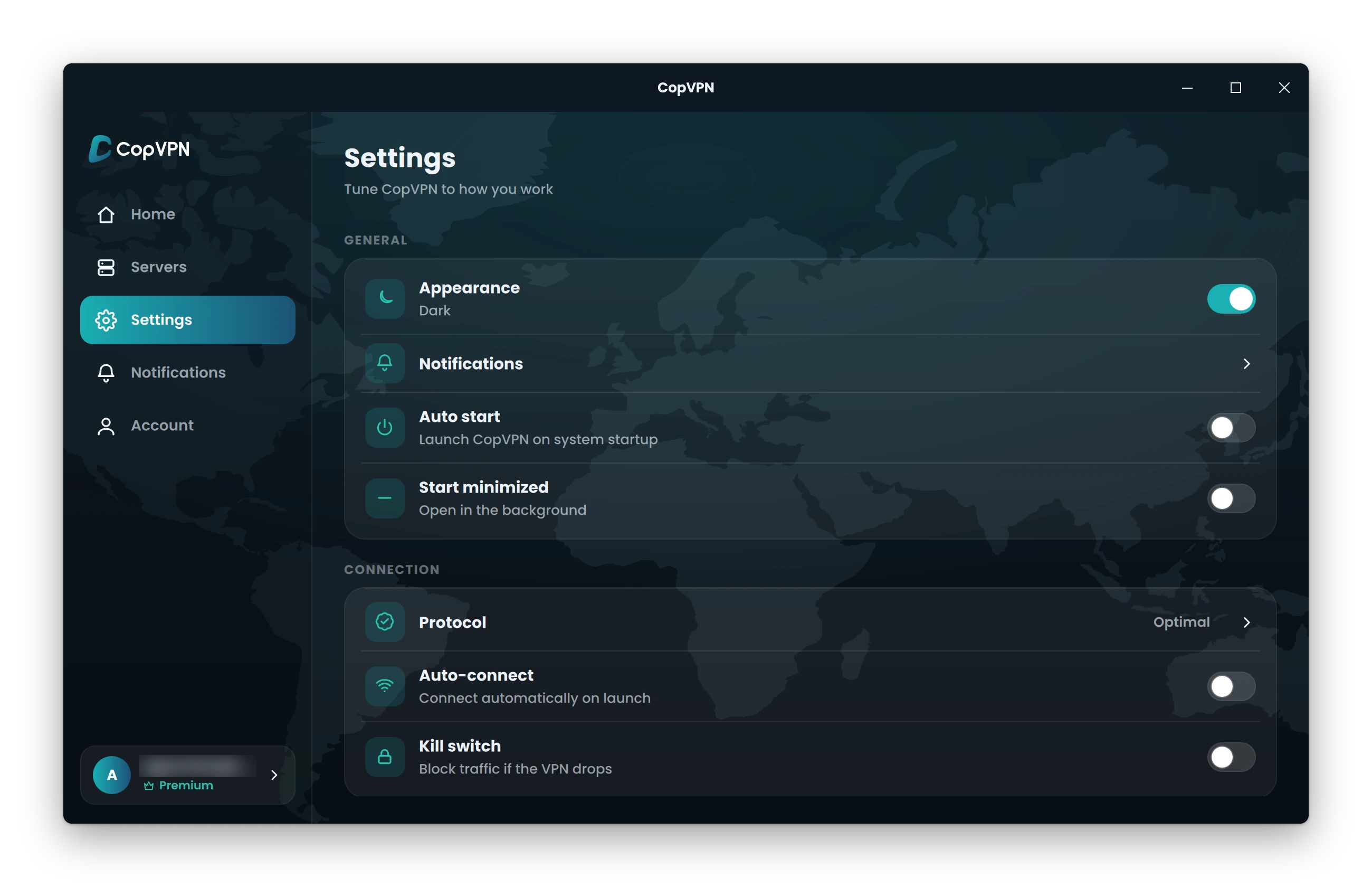
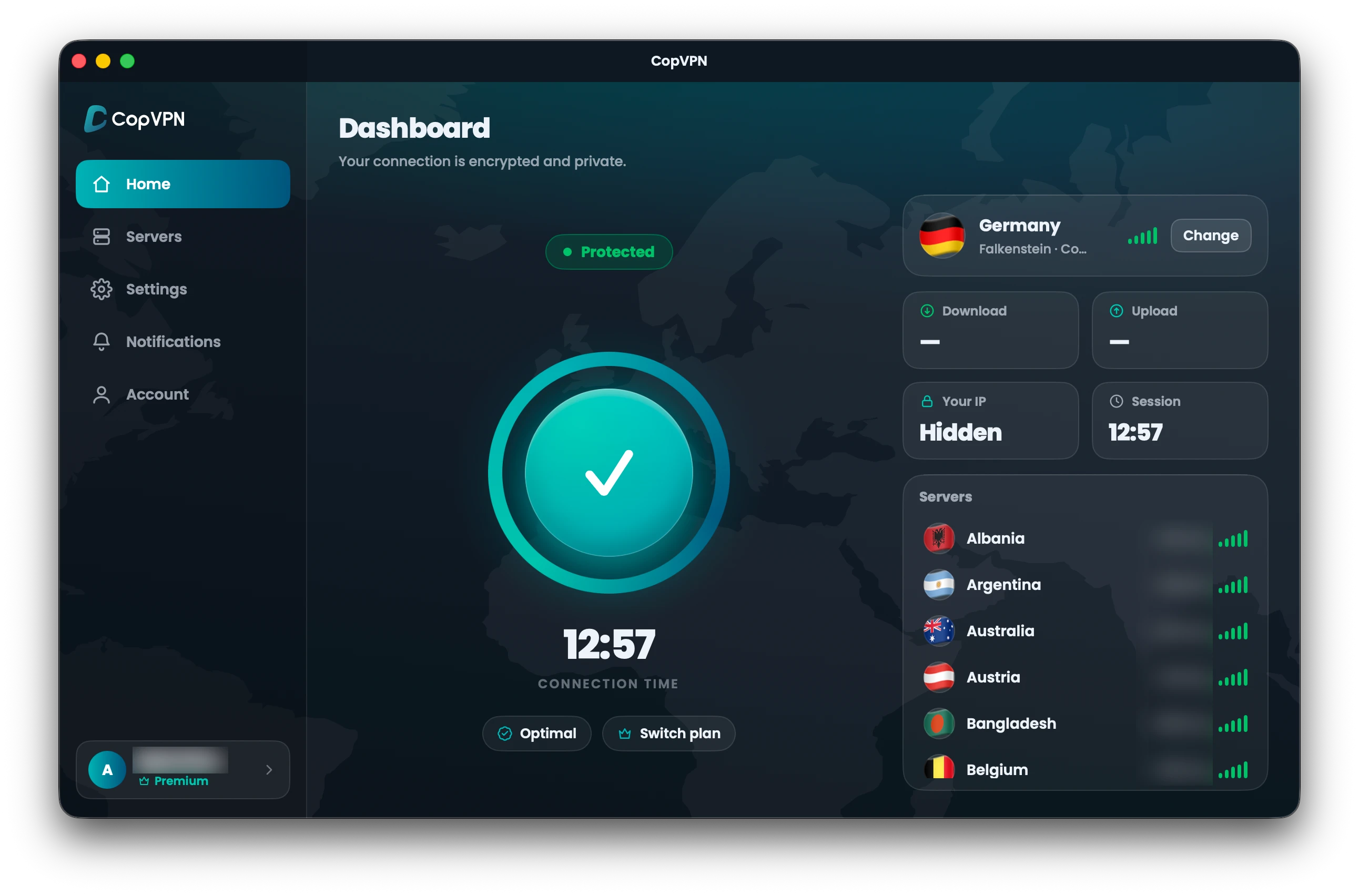
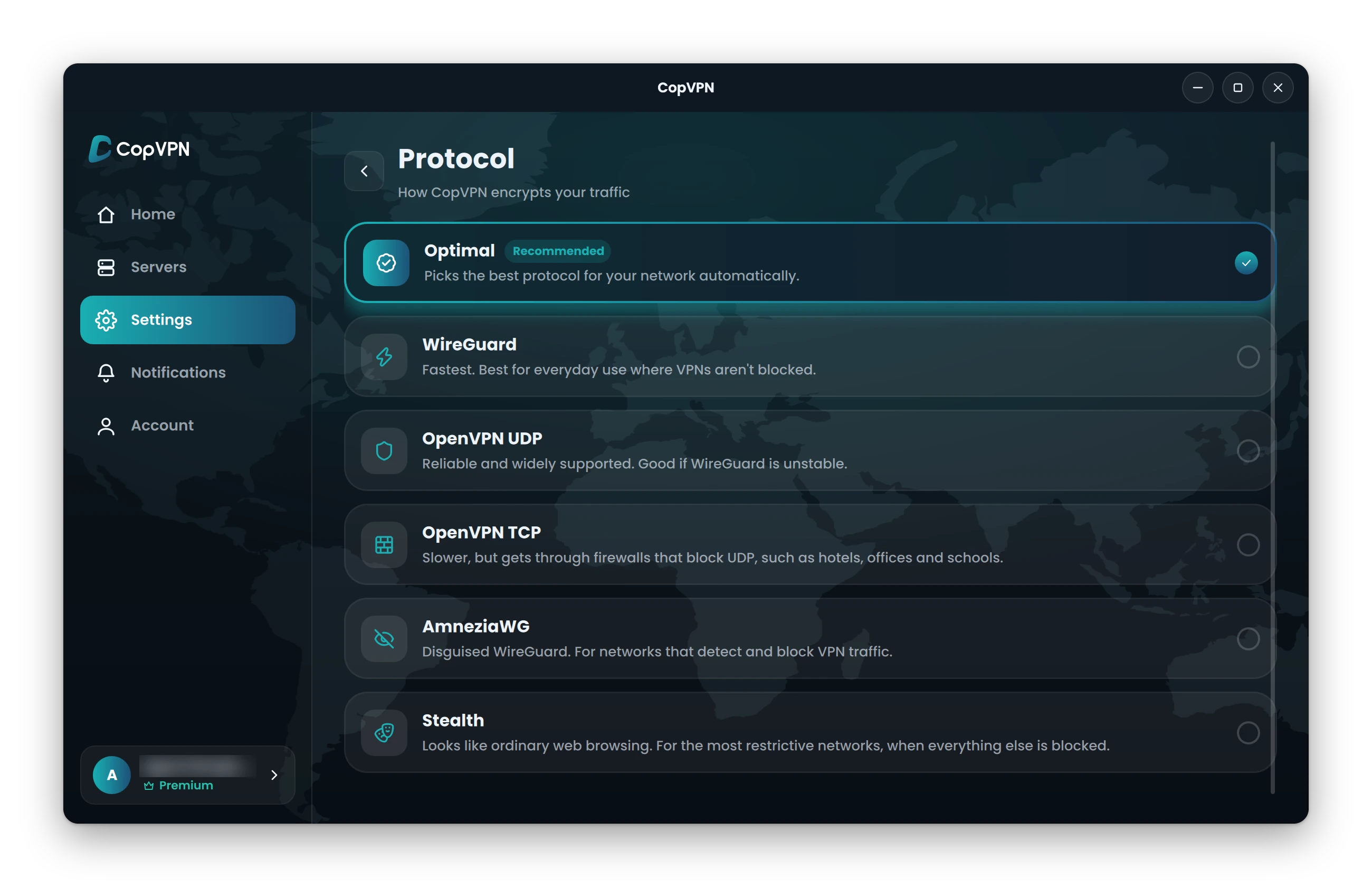
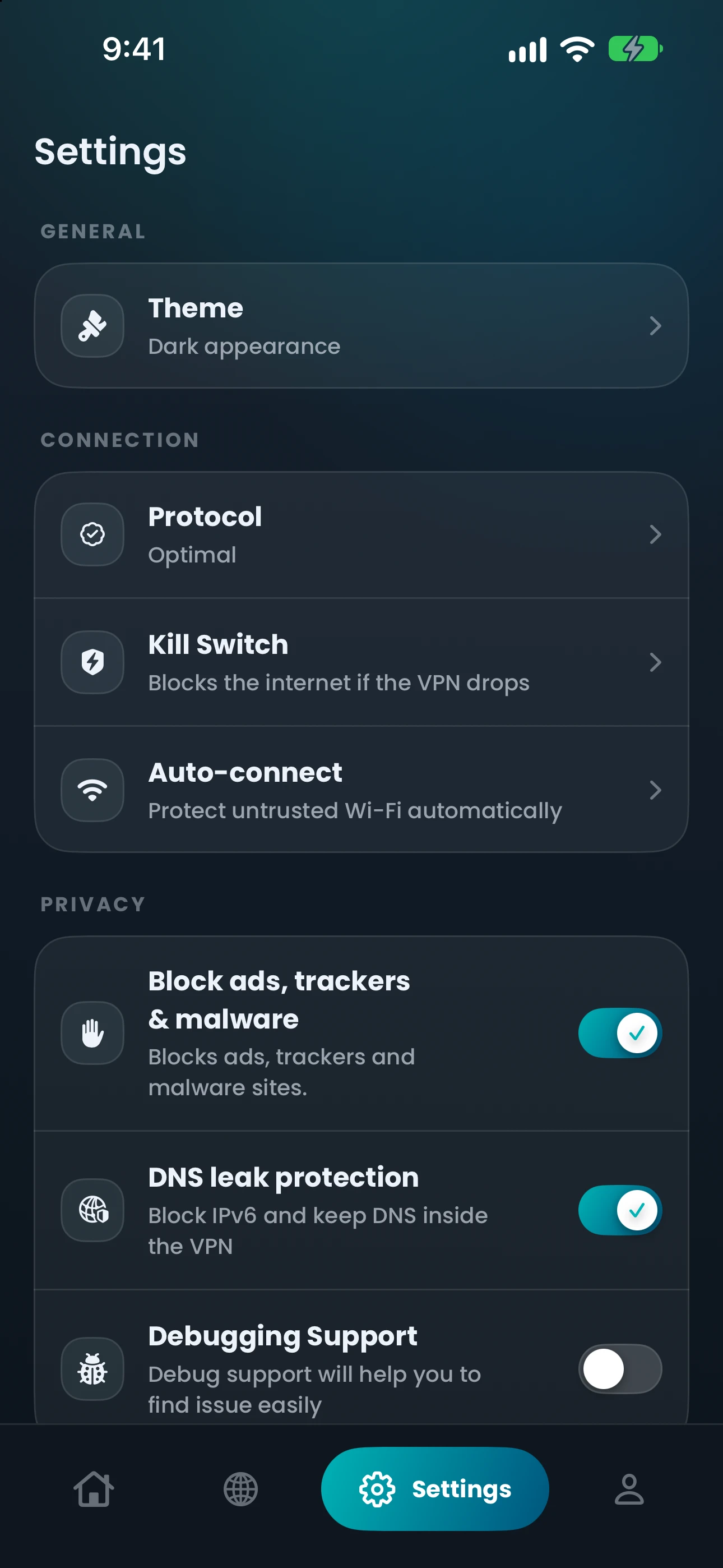
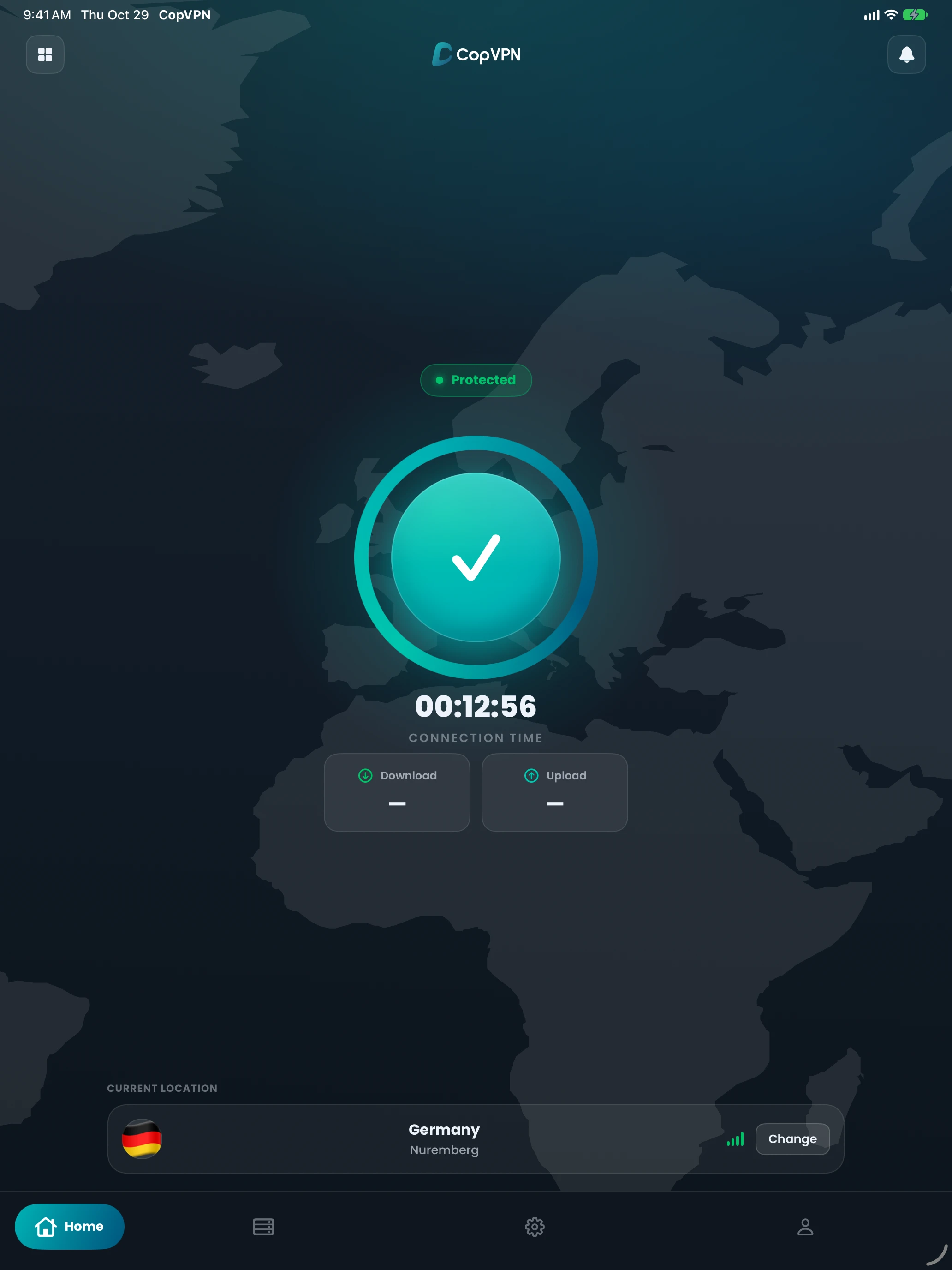
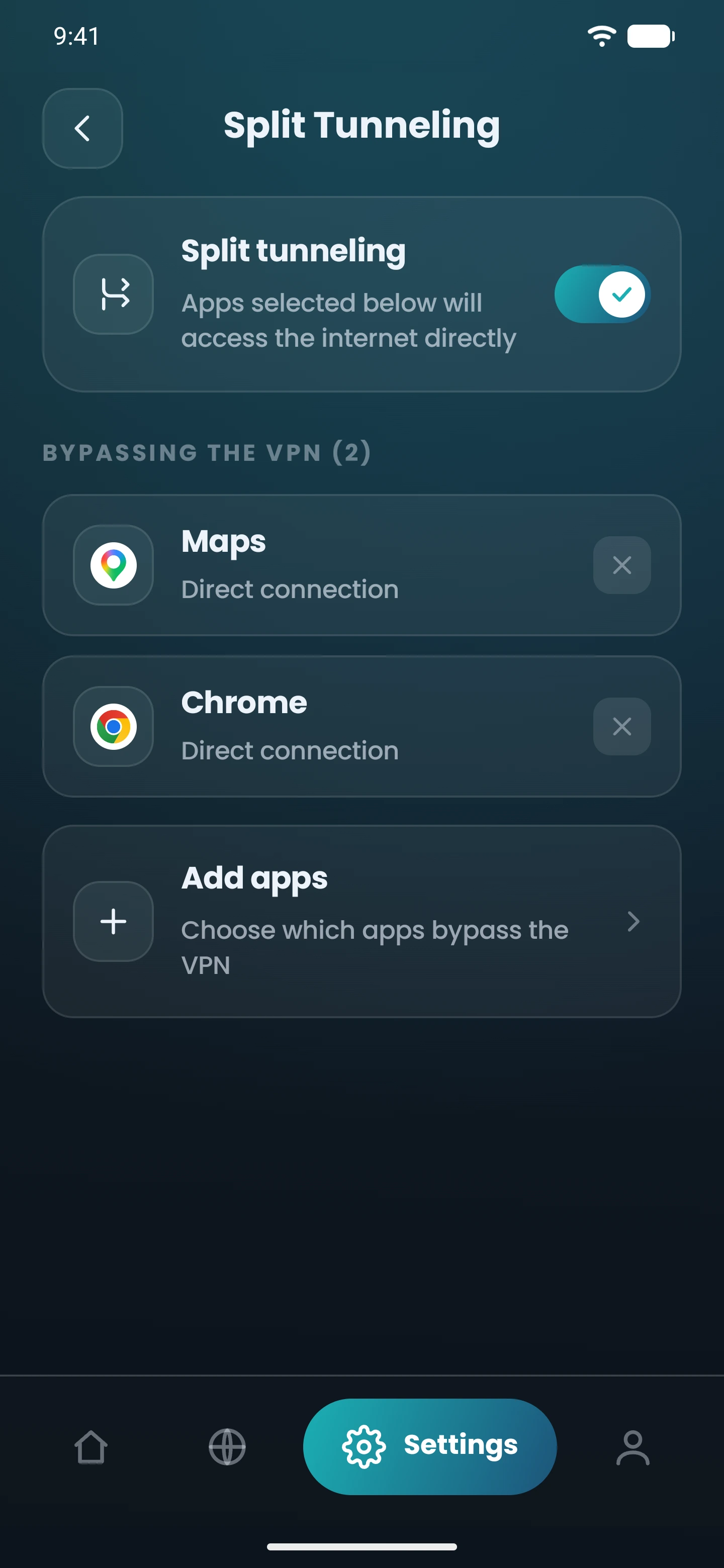
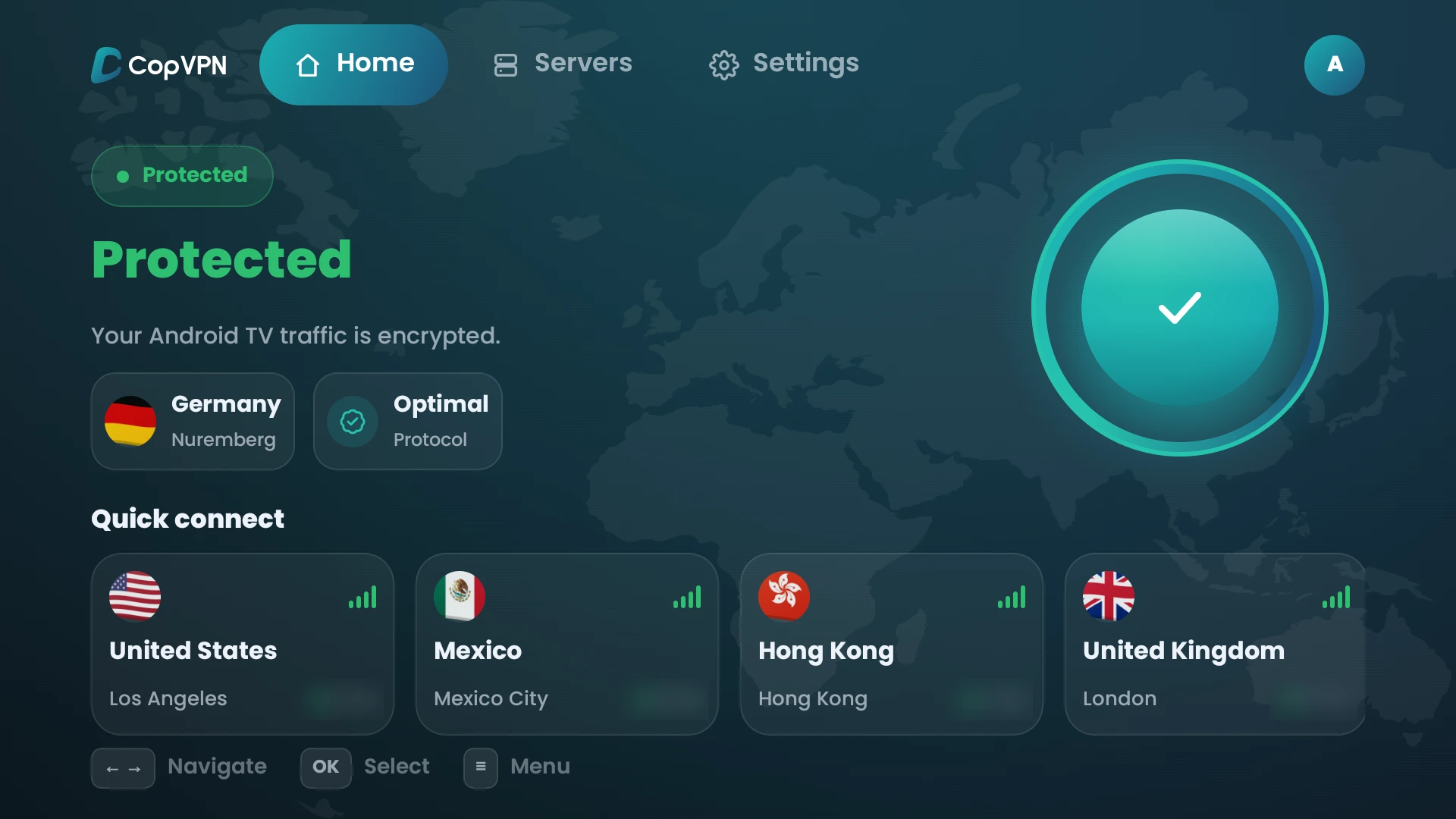
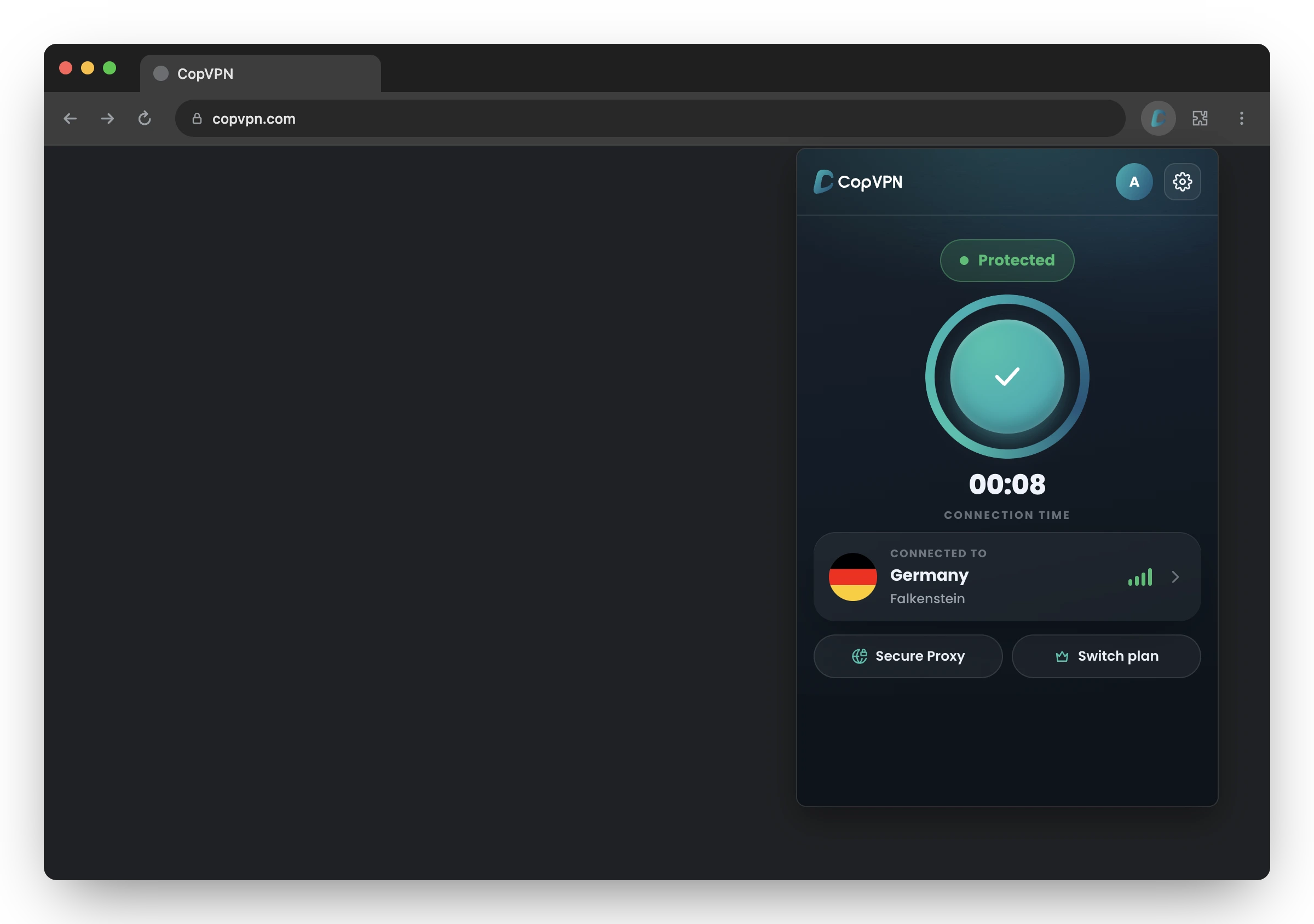
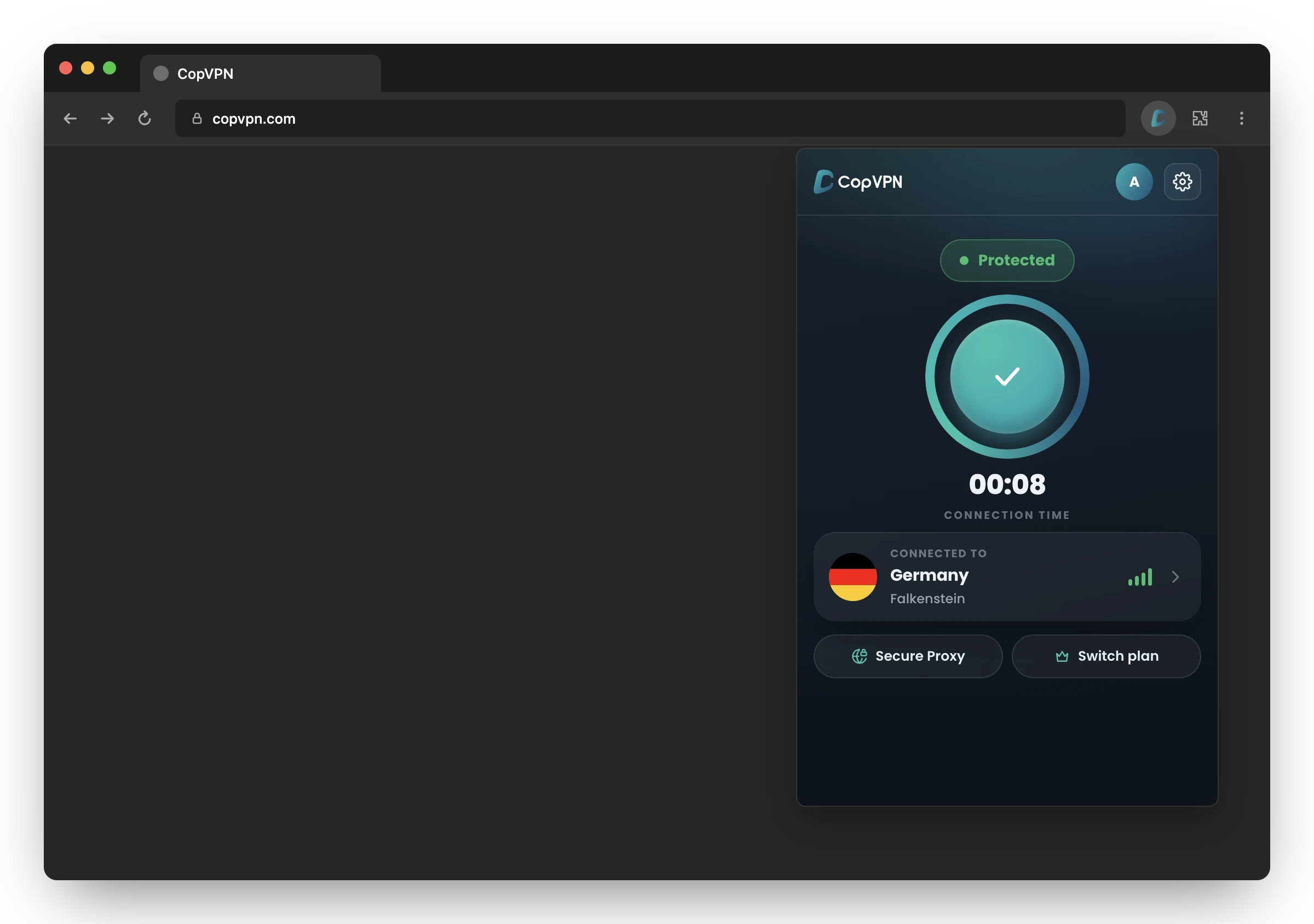
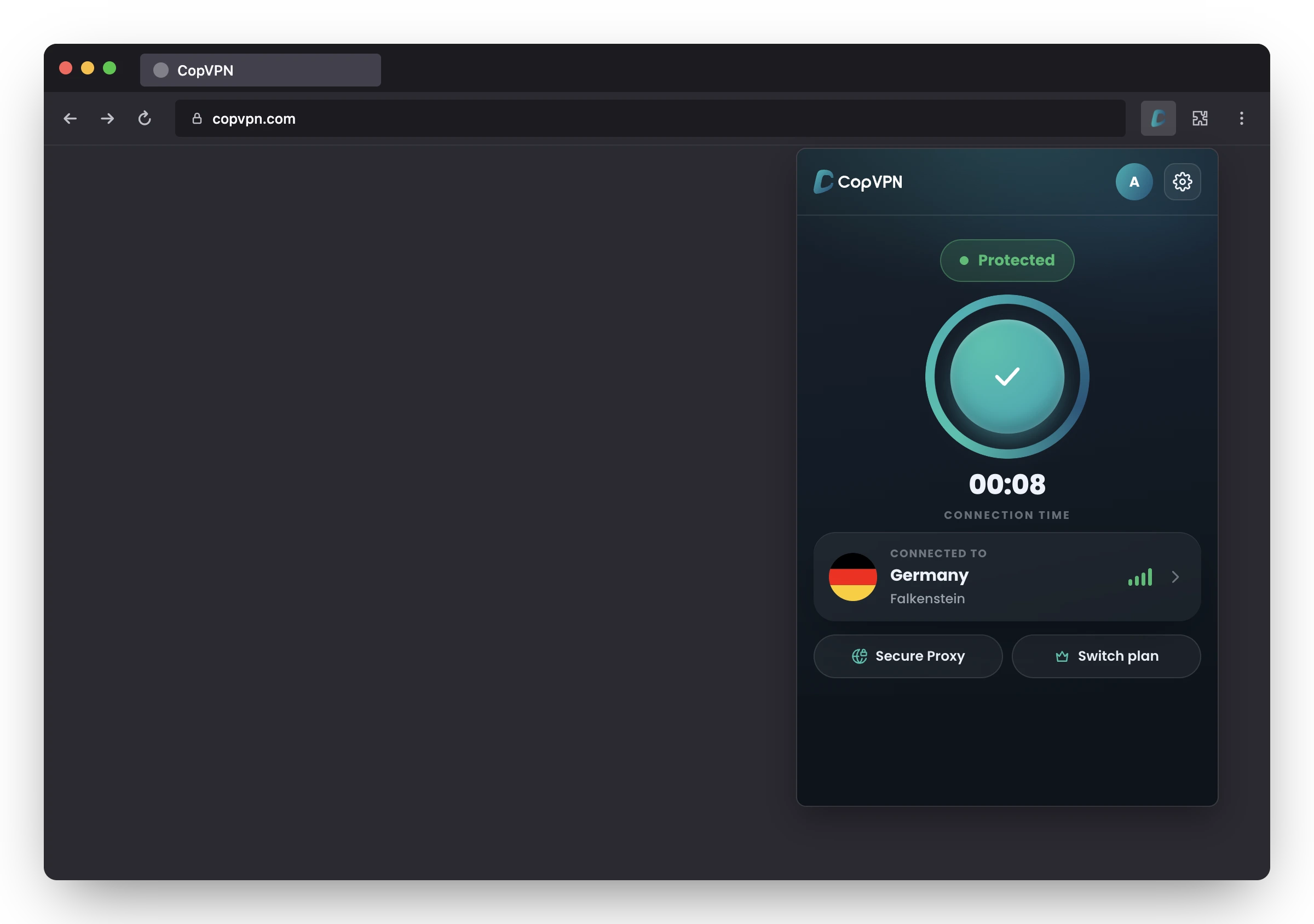
Windows app · Settings
- Get it from
- download.copvpn.com.exe installer
- Requires
- Windows 10 (version 1809 or later) and 11, 64-bit
- Without a plan
- Connects to the free locationsEvery location with a plan
On screen: Auto start.“Launch CopVPN on system startup.” Only the Windows and Linux apps have it.
No plan yet? Every CopVPN app connects to the free locations without a plan.
Every download
Download the right VPN app for your device
Each app and extension signs in with the same CopVPN account. One plan works on all of them: a plan bought at our checkout, in the App Store, the Mac App Store or Google Play unlocks every CopVPN app you sign in to with that account.
| App | Get it from | Requires | Without a plan | |
|---|---|---|---|---|
| Computers | Windows appCopVPN for Windows | Download for WindowsFrom download.copvpn.com · .exe installer | Windows 10 (version 1809 or later) and 11, 64-bit | Connects to the free locations |
Mac appCopVPN for Mac | Download on the Mac App StoreApple silicon and Intel | macOS 14 Sonoma or later | Connects to the free locations | |
Linux appCopVPN for Linux | Download for LinuxFrom download.copvpn.com · CopVPN Setup | Ubuntu 22.04+, Debian 12+ and systems built on them | Connects to the free locations | |
Install on LinuxOpen the .deb in your file manager, or run sudo apt install ./<the file you downloaded>.deb | ||||
| Phones and tablets | iPhone appCopVPN for iPhone | Download on the App Store | iOS 16 or later | Connects to the free locations |
iPad appCopVPN for iPad | Download on the App StoreThe same app as iPhone | iPadOS 16 or later | Connects to the free locations | |
Android appCopVPN for Android | Get it on Google PlayPhones and tablets | Android 7.0 or later | Connects to the free locations | |
| TV | Android TV appCopVPN for Android TV | Get it on Google PlayInstall it from Google Play on your Android TV or Google TV: the same listing as the phone app | Android TV and Google TV, Android 7.0 or later | Connects to the free locations |
| Browsers | Chrome extensionCopVPN for Chrome | Get it from the Chrome Web StoreThen click “Add to Chrome” | Chrome 116 or later | Connects to the free locations |
Edge extensionCopVPN for Microsoft Edge | Get it from Microsoft Edge Add-onsThen click “Get” | Microsoft Edge 116 or later | Connects to the free locations | |
Firefox extensionCopVPN for Firefox | Get it from Firefox Add-onsThen click “Add to Firefox” | Firefox 128 or later | Connects to the free locations | |
Plans bought in the App Store, the Mac App Store or Google Play are billed and refunded by the store. Compare our VPN plans and pricing
App or extension
The app covers the whole device. The extension, just the browser.
Both sign in with the same account. Pick the app for everything on your device, or the extension when you only need the browser covered.
CopVPN app · whole deviceCopVPN extension · this browser
- Browser Through the VPNOutside the VPN
- Mail Through the VPNOutside the VPN
- Chat Through the VPNOutside the VPN
- Games Through the VPNOutside the VPN
- Updates Through the VPNOutside the VPN
The CopVPN app
- Protects the whole device, not just one browser.
- 5 protocols, and Optimal to pick one for you.
- A kill switch in every app except Android TV.
- DNS leak protection, on by default. Always on in the Android TV app.
- Block ads, trackers & malware in each app except Android TV.
- Every CopVPN app connects to the free locations without a plan.
The browser extension
- Protects that browser only, which is handy on a shared computer. Traffic is encrypted between your browser and CopVPN.
- One protocol, Secure Proxy, with no picker.
- A kill switch for the browser: “Block this browser’s traffic if the VPN drops”.
- Bypass list: “Sites that skip the VPN”, up to 100.
- Block ads, trackers & malware, whether or not it’s connected.
- Without a plan it connects to the free locations. A plan opens every location.
Unlimited devices
Sign in on all apps with one VPN account
One CopVPN account works on unlimited devices. Install CopVPN on your phones, tablets, computers and Android TV, and sign in to each one with the same account.
- 1
InstallGet the app or extension for the device from the dial above.
- 2
Sign inUse your email and a 6-digit code, or Apple or Google. There’s no password.
- 3
ConnectTap connect and you’re protected.
- Windows
- Mac
- Linux
- iPhone
- iPad
- Android
- Android TV
- Chrome
- Edge
- Firefox
Questions
Frequently asked questions
Our support team answers by email:
contact@copvpn.comWhich CopVPN app should I download?
The one for your device: Windows, Mac, Linux, iPhone, iPad, Android or Android TV. The extensions for Chrome, Edge and Firefox protect that browser only, which is handy on a shared computer.
Do I need a plan to use CopVPN?
Without a plan, every CopVPN app connects to the free locations. A plan opens all 85+ locations. There’s no free trial.
Does one plan cover all my apps?
Yes. A plan bought at our checkout, in the App Store, the Mac App Store or Google Play is saved to your CopVPN account and unlocks every CopVPN app you sign in to with that account. Store plans are billed and refunded by the store.
How many devices can I use with CopVPN?
As many as you like. Install CopVPN on your phones, tablets, computers and Android TV, and sign in to each one with the same account.
What’s the difference between the app and the extension?
The app protects the whole device and has 5 protocols. The extension protects that browser only, with one protocol, Secure Proxy, a kill switch for the browser and a bypass list for sites that skip the VPN.
How do I install CopVPN on Linux?
Download CopVPN Setup, allow it to run and click Install. It’s for 64-bit Ubuntu, Debian and systems built on them, like Linux Mint. There’s no .rpm package.
Where do I get the Mac app?
From the Mac App Store. It’s one universal app for Apple silicon and Intel Macs, on macOS 14 Sonoma or later.
How do I get CopVPN on my TV?
On an Android TV or Google TV, open Google Play and install CopVPN. It’s the same listing as the phone app, with its own TV interface. Without a plan, the TV app connects to the free locations.
Your connection right now
This is what websites see
Any site you open can read your IP address and roughly where you are. Connect CopVPN and they see one of our servers instead.
- Your IP
- Location
- Provider