CopVPN for Android
Download a VPN app for Android
Get a reliable VPN app for Android phones and tablets from Google Play. It runs on Android 7.0 or later. Start with our free locations, or get every location with one subscription. Don’t use Google Play? Don’t worry, download our official VPN APK.

Don’t use Google Play? Download VPN APK
- Android 7.0 or later
- Phones and tablets
- Free locations without a plan
One account: unlimited devices.
Every screen
Try it here · real screens
2 / 8 · Home
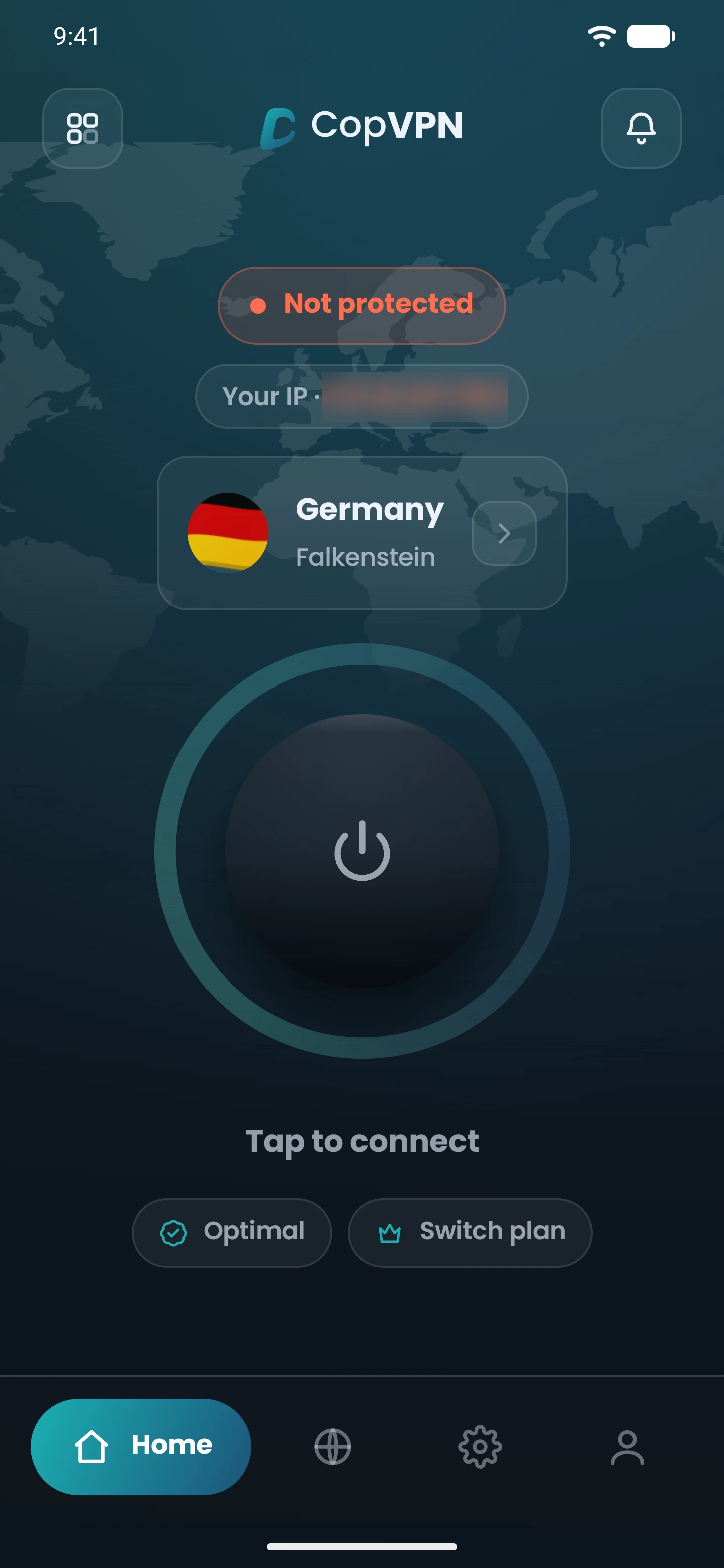
Home: tap to connect
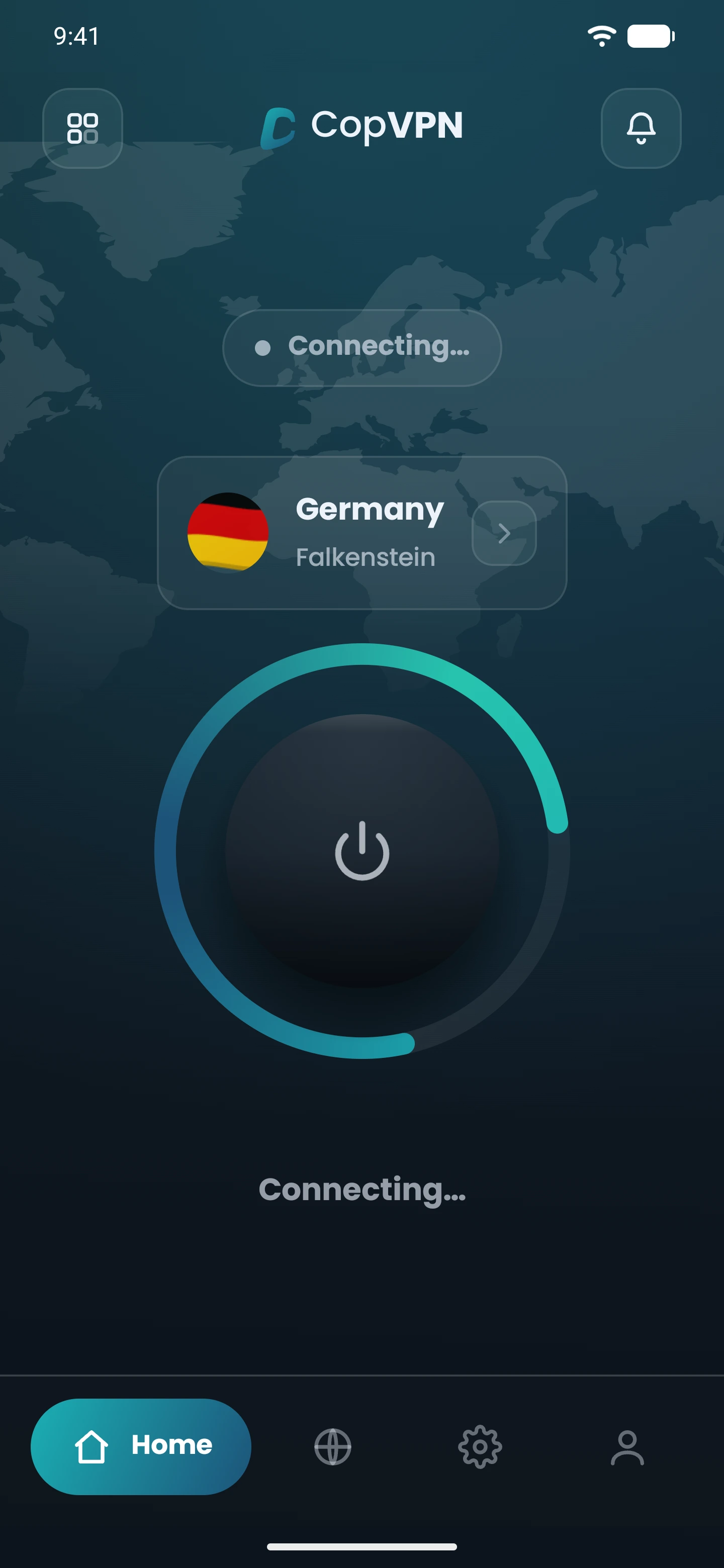
Germany, Falkenstein is one of the free locations. Tap the big button to connect, the location to pick another, or Optimal to choose a protocol.
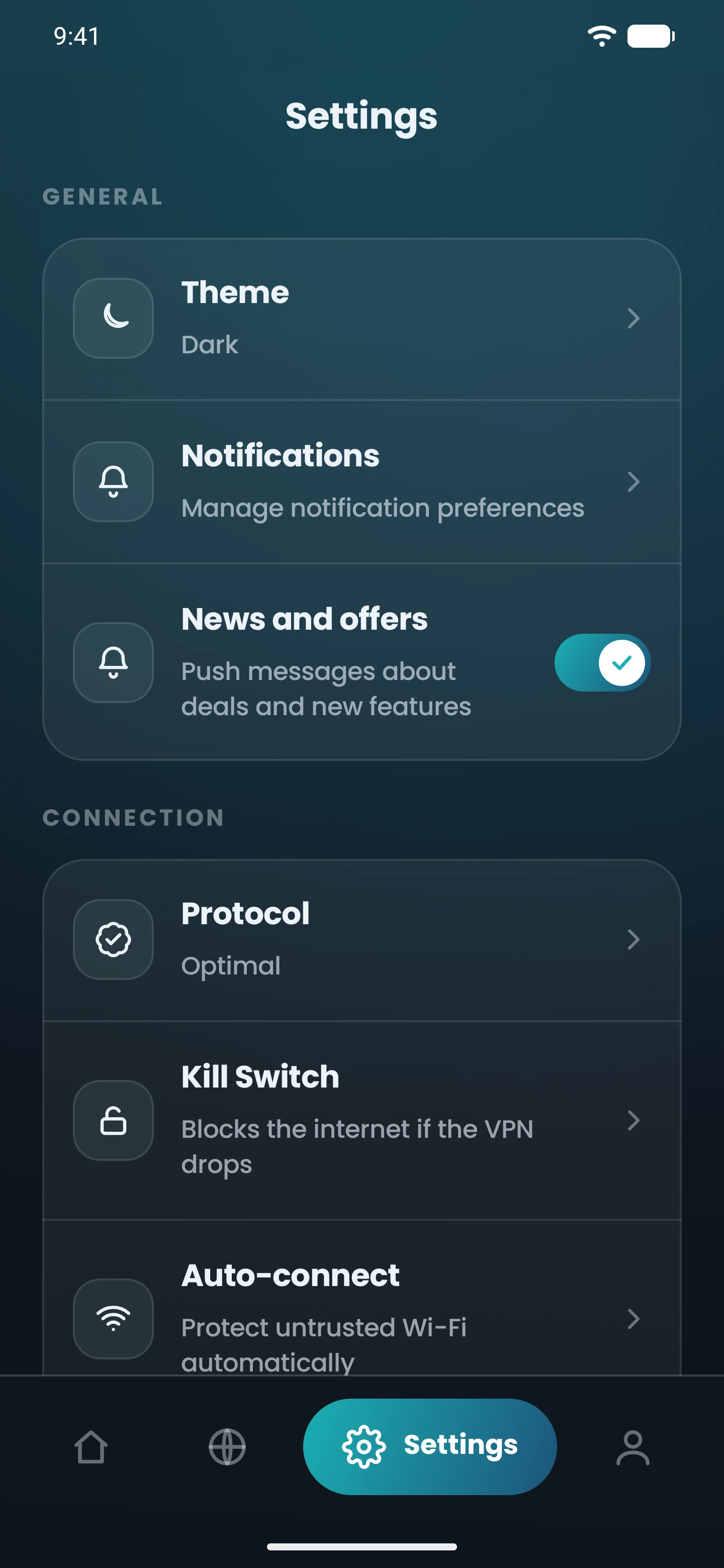
Free locations“Kill Switch, Auto-connect and Split tunneling are in Settings.”
Tap the glowing spots on the screen. goes back, goes home, shows every screen.
- 7.0Android 7.0 or later
- Phones and tablets, one Google Play listing
- LatestUpdates through Google Play
- 5protocols to choose from
Install
How to set up a VPN app on an Android device from Google Play
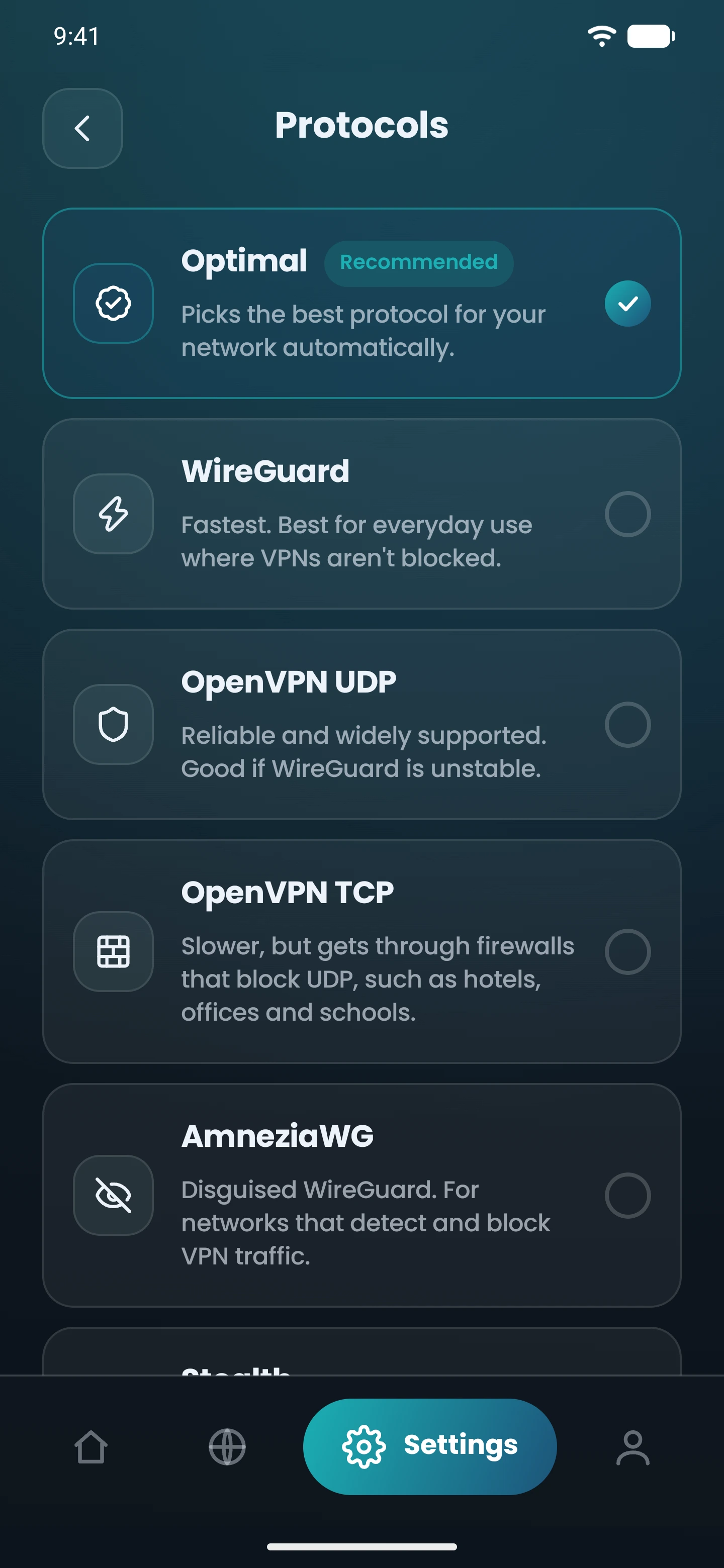
Four steps on your phone or tablet. Leave the protocol on Optimal, or choose one yourself. Optimal: “Picks the best protocol for your network automatically.” If one protocol can’t connect, Smart Connect tries another by itself.
- 1
Install from Google Play
On your Android phone or tablet, open CopVPN on Google Play and install it.
- 2
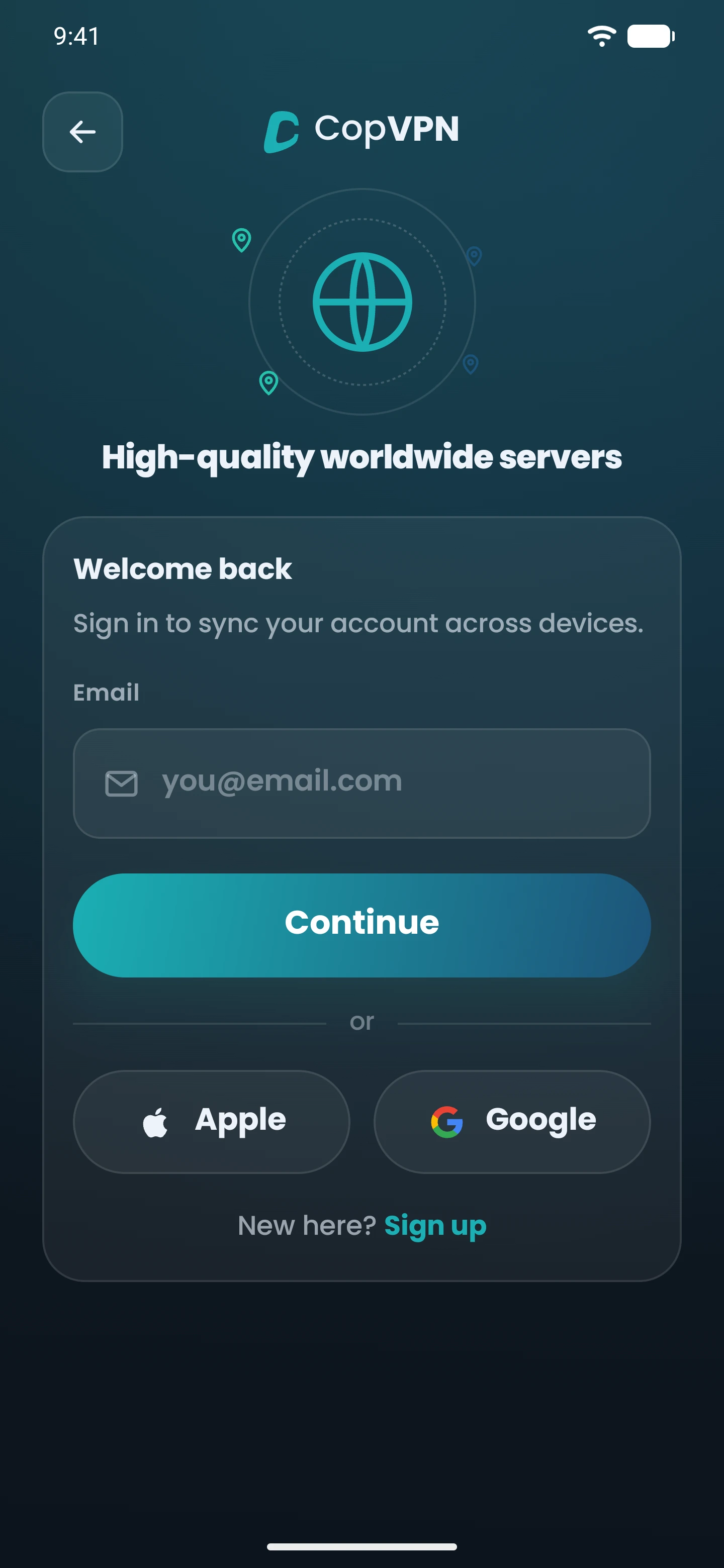
Sign in, no password
Use your email and the 6-digit code we send you, or Apple or Google. New here? Sign up the same way.
- 3
Pick a location
Without a plan, choose one of the free locations. A plan opens all 85+ locations in 65+ countries.
- 4
Tap to connect
The first time you connect, Android asks for permission to set up a VPN connection. Allow it once.
Direct download
How to install our official APK VPN app on Android
No Google Play on your device? Install the same CopVPN app straight from our site. The app checks for updates itself. Tap Update when it asks.
- 1
Download the APK
Download the CopVPN APK on your phone or tablet.
- 2
Allow the install
Open it. If Android asks, allow your browser or Files app to install unknown apps.
- 3
Install and open
Tap Install, then Open.
- 4
Sign in and connect
Sign in with the code we email you and tap to connect.
SHA-256: f3ba5fa47f2bc89f820428f6adafc00995e615d823cb18cec02568975350cf03
Free or with a plan
The free locations now, every location with a plan
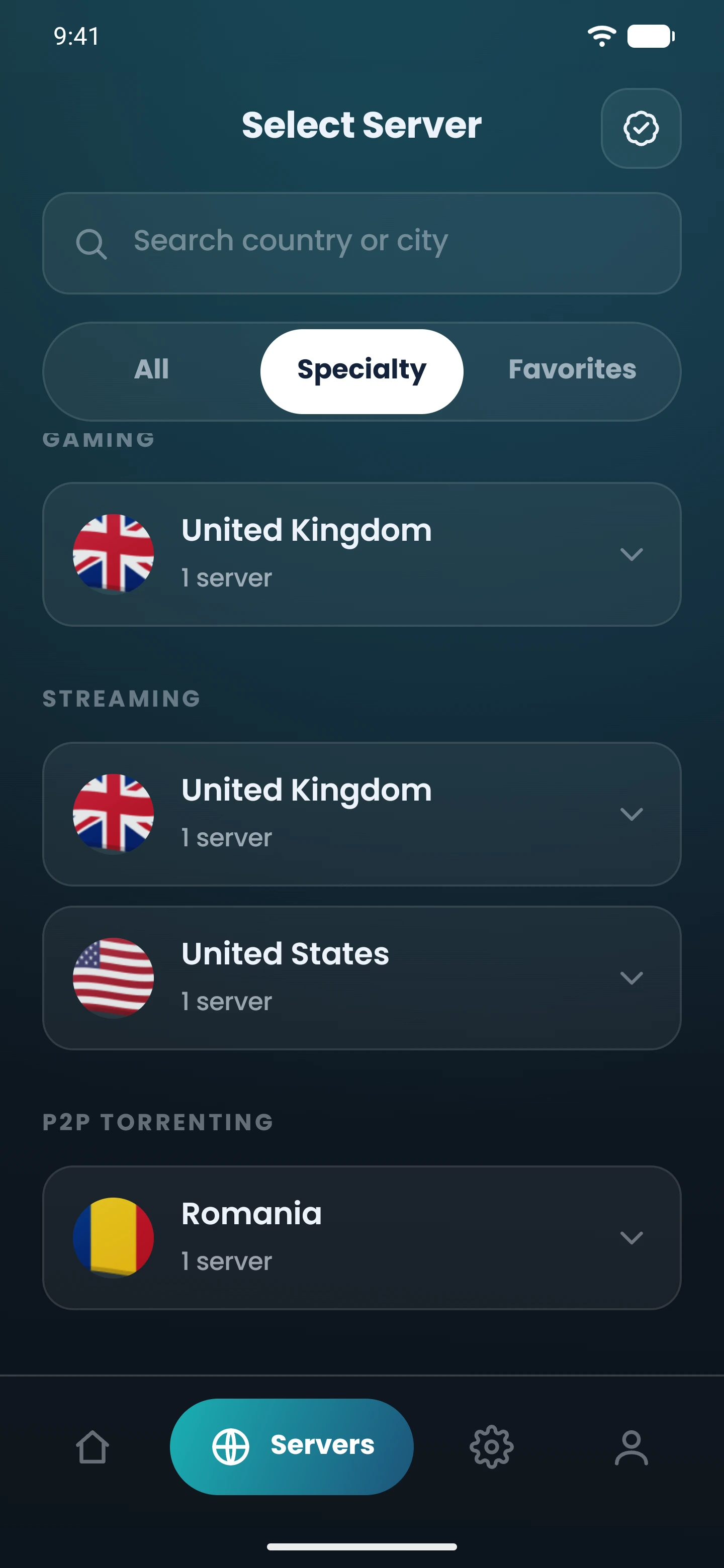
Without a plan, CopVPN for Android connects to the free locations. A plan opens every location and the Specialty servers.
Without a plan: the free locations
Buy a plan on our website, or in the app through Google Play. Either way it’s saved to your CopVPN account and unlocks every CopVPN app you sign in to. Google Play bills and refunds the plans bought there; plans bought on our website have a 30-day money-back guarantee.
What you get on Android
- Free locationsConnect without a planFree
- Every location85+ locations in 65+ countriesNeeds a plan
- Specialty serversStreaming, Gaming and P2P TorrentingNeeds a plan
- ProtocolOptimal with Smart Connect, or any of the 5 protocols
- Block IPv6 and keep DNS inside the VPNOn by default
- Block ads, trackers & malwareBlocks ads, trackers and malware sites.
- Kill SwitchBlocks the internet if the VPN drops
- Auto-connectProtect untrusted Wi-Fi automatically
- Split tunnelingChoose which apps use CopVPN
Built for Android
Three settings that make the most of Android
All three are in Settings. Real screens from CopVPN for Android.
 Only on Android
Split tunneling
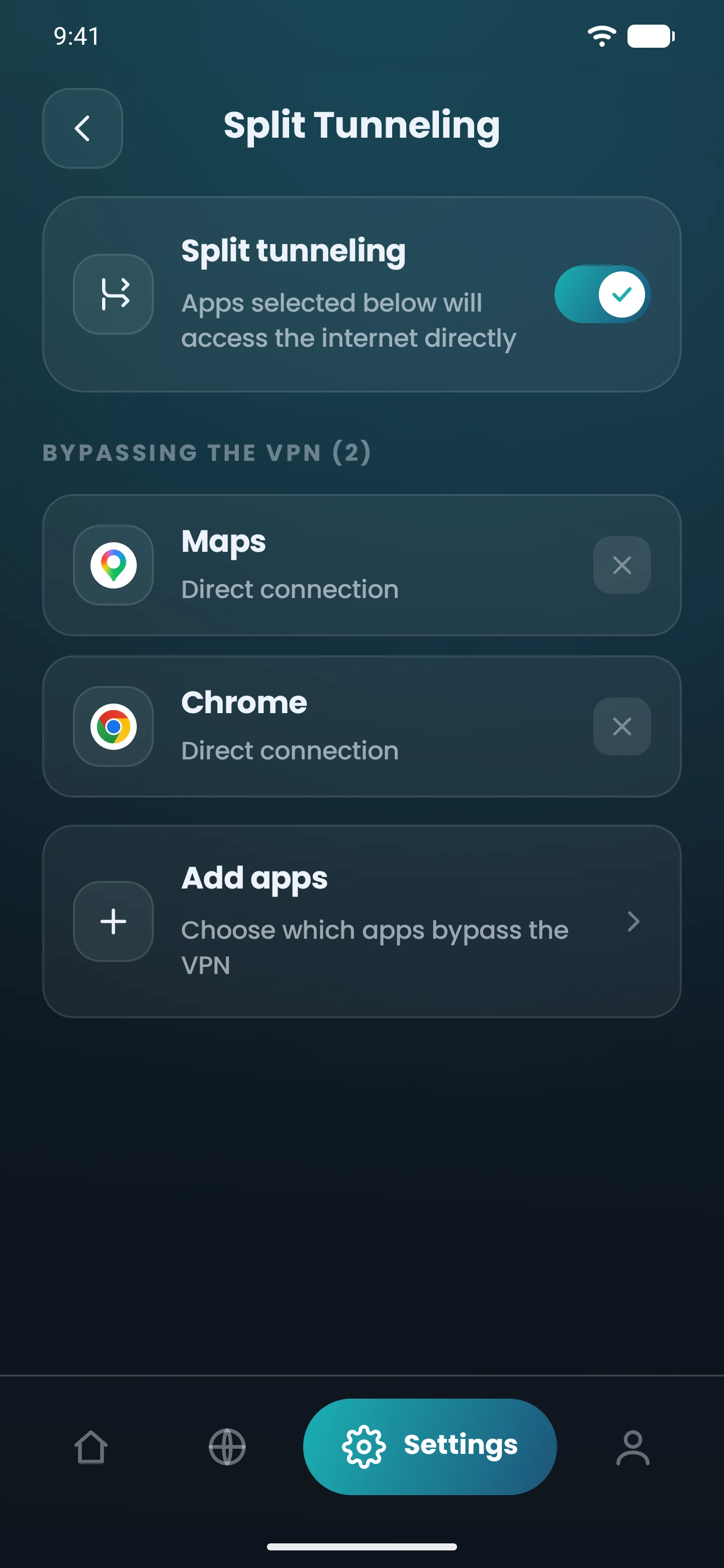
“Choose which apps use CopVPN”
The apps you pick skip the VPN and use your normal connection; here, Maps and Chrome. Everything else stays inside CopVPN. Android is the only CopVPN app with per-app split tunneling; the browser extension has a Bypass list for sites instead.
Split tunneling, explained Available- Works with Always-on VPN
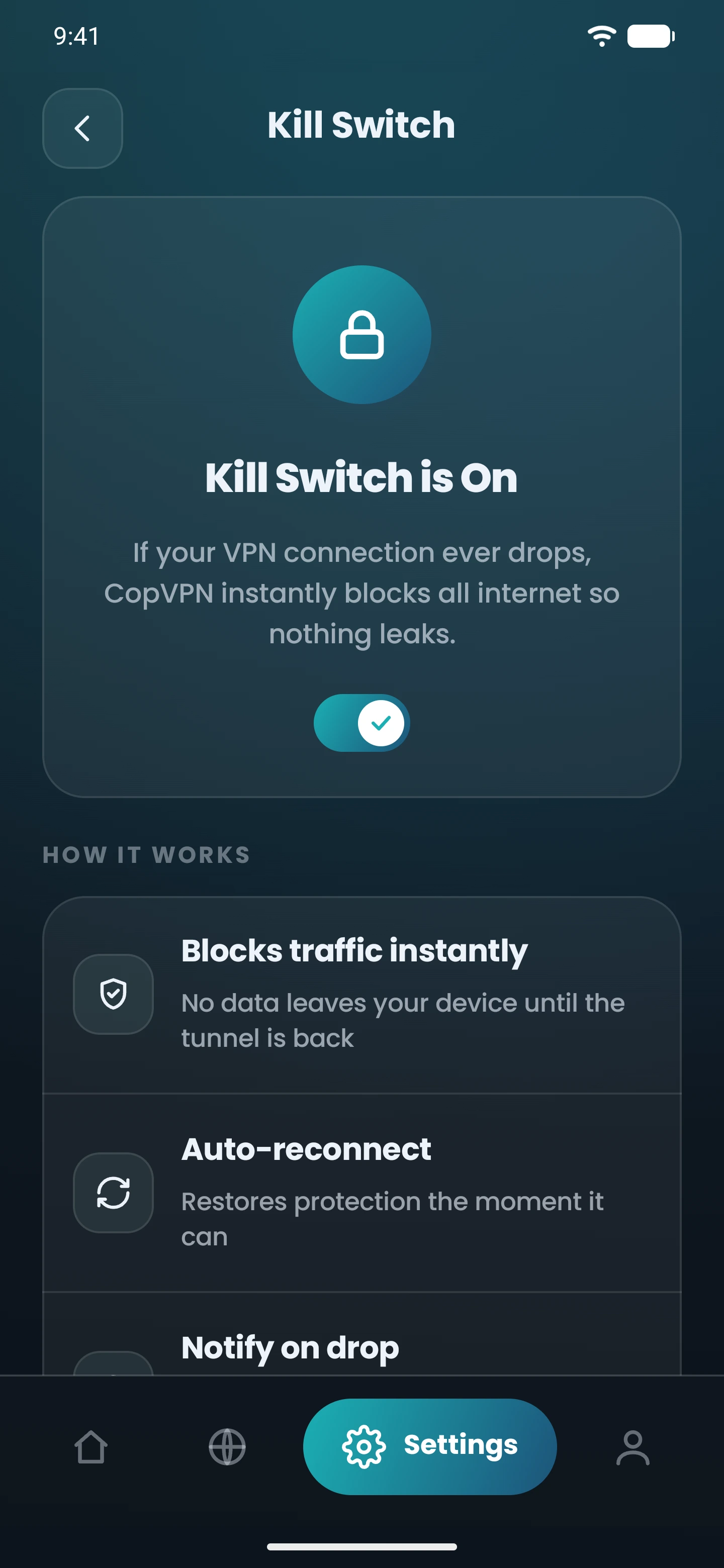
Kill Switch
“Blocks the internet if the VPN drops”
Off until you turn it on. The same screen has a “Block connections without VPN” row: “Turn on Always-on VPN in Android settings for a guaranteed, system-level kill switch”.
How the kill switch works Available - With trusted networks
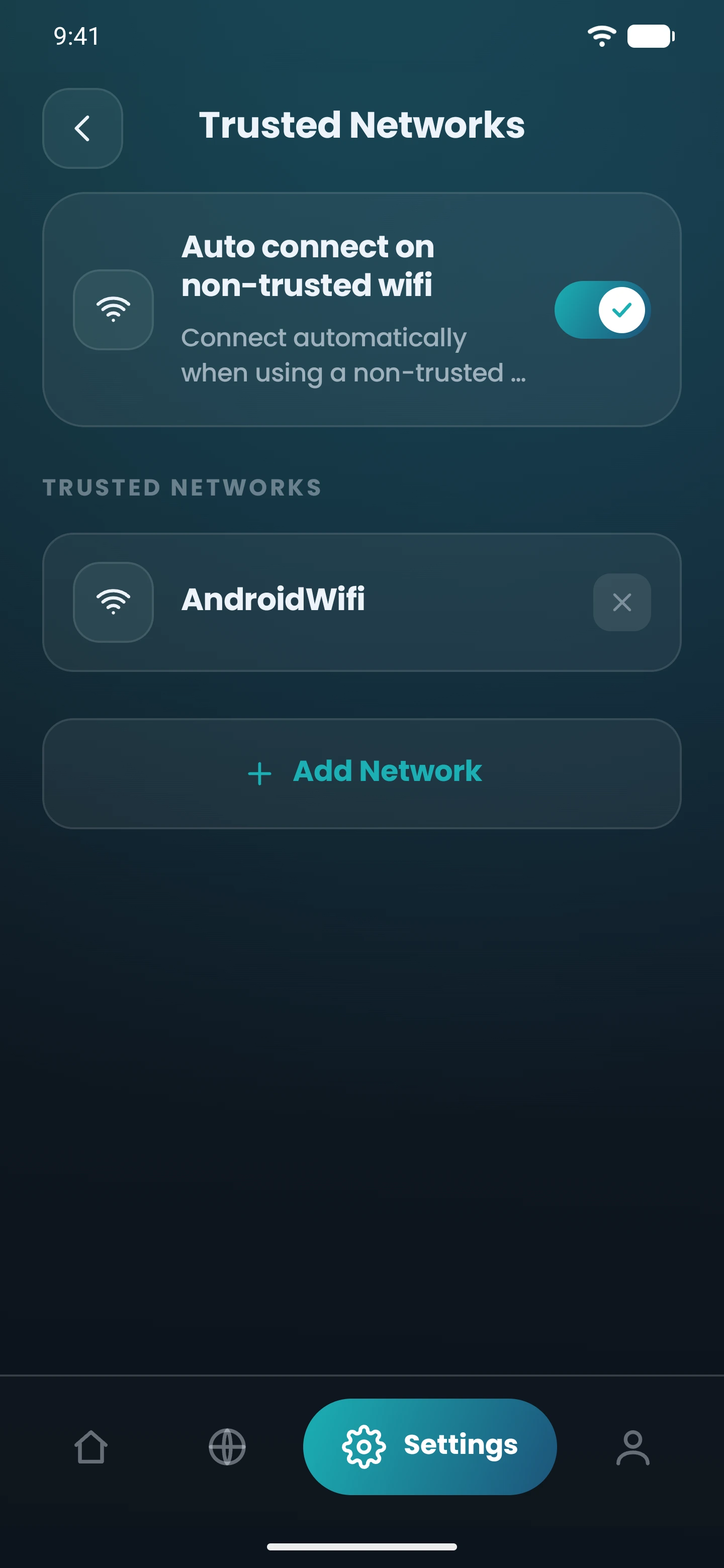
Auto-connect
“Protect untrusted Wi-Fi automatically”
You choose whether to turn it on. CopVPN then connects by itself on Wi-Fi you don’t trust, and skips the networks you add under Trusted networks, such as your home Wi-Fi.
Available
One account
Your plan comes to your other devices
Unlimited devices on one account. Sign in on your TV, computer and browser with the same email, Apple or Google account, and your plan comes with you.
All CopVPN downloadsQuestions
Frequently asked questions
Our support team answers by email:
contact@copvpn.comWhere do I download CopVPN for Android?
From Google Play: open the CopVPN listing (com.copvpn.android) and install it. It’s one app for Android phones and tablets, and it needs Android 7.0 or later.
Is CopVPN free on Android?
You can use it without a plan on the free locations. A plan opens every location and the Specialty servers. There is no separate free trial.
Which Android versions and devices are supported?
Android 7.0 or later, on phones and tablets. Android TV uses the same Google Play listing with its own TV screens, and it connects to the free locations without a plan too.
Does CopVPN for Android have split tunneling?
Yes. Split tunneling (“Choose which apps use CopVPN”) lets the apps you pick skip the VPN. It’s only in the Android app; the browser extension has a Bypass list for sites instead.
How does the kill switch work on Android?
Kill Switch (“Blocks the internet if the VPN drops”) is off until you turn it on. Its screen also has a “Block connections without VPN” row, which points you to Android’s Always-on VPN setting for a system-level kill switch.
Why does Android ask for permission when I first connect?
The first time you connect, Android asks for permission to set up a VPN connection. Allow it once, and CopVPN can connect from then on.
Can I buy a plan in the Android app?
Yes, through Google Play, which bills and refunds the plans bought there. You can also buy a plan on our website. Either way, the plan is saved to your CopVPN account and unlocks every CopVPN app you sign in to with it.
Do I need a password?
No. Sign in with your email and a 6-digit code, or with Apple or Google. There are no passwords to remember.
How many devices can I use with CopVPN?
As many as you like. Install CopVPN on your phones, tablets, computers and Android TV, and sign in to each one with the same account.
Your connection right now
This is what websites see
Any site you open can read your IP address and roughly where you are. Connect CopVPN and they see one of our servers instead.
- Your IP
- Location
- Provider