Travel and public Wi-Fi
Airports, cafés and hotel lobbies are where it’s easiest to forget. Auto-connect starts you protected.
VPN auto-connect
VPN auto-connect turns CopVPN on by itself, so you’re protected without having to remember. Depending on the app, it connects on Wi-Fi you don’t trust, when the app opens or when your browser starts. You choose when it connects in Settings.
In every CopVPN app.
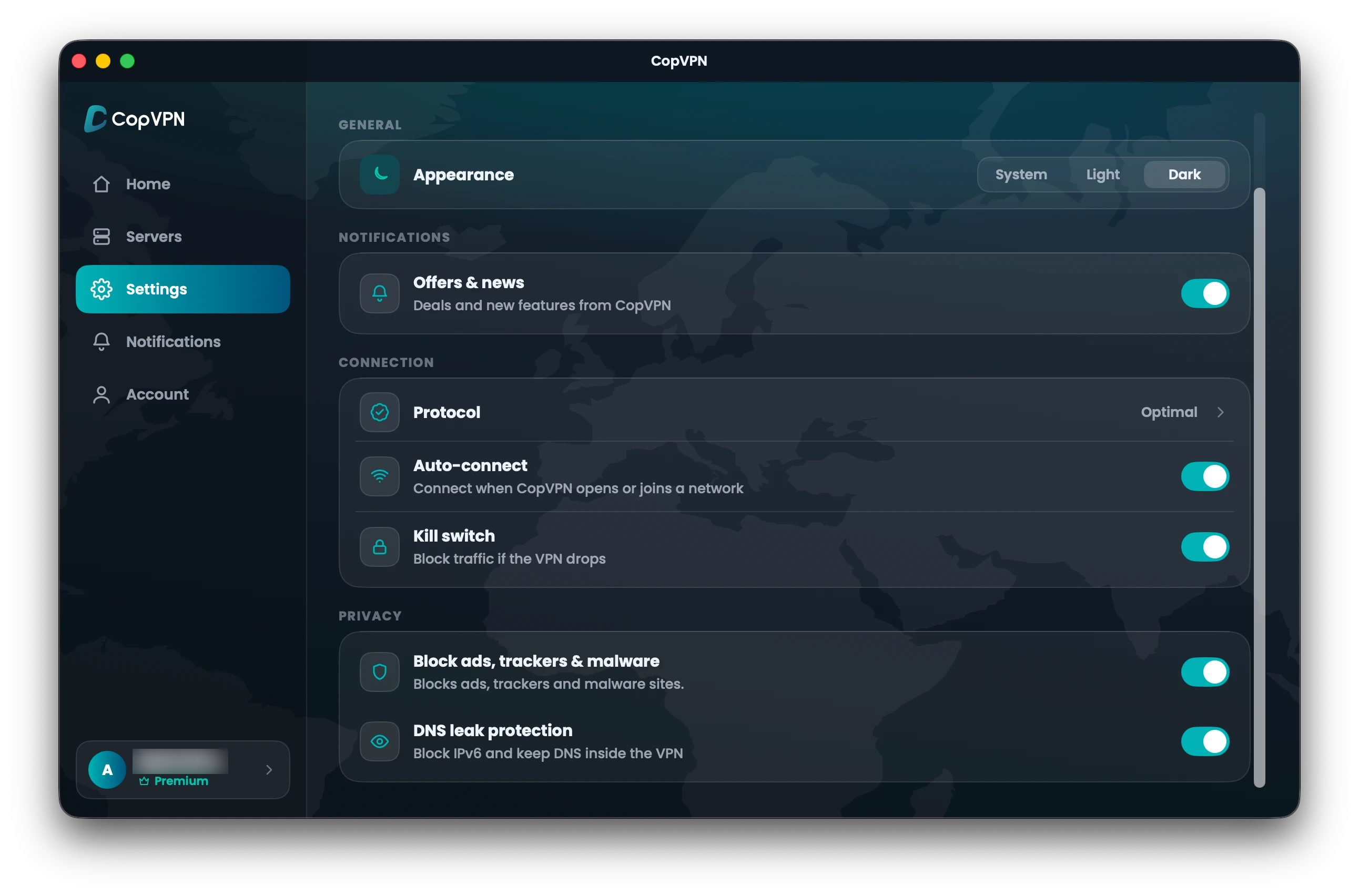
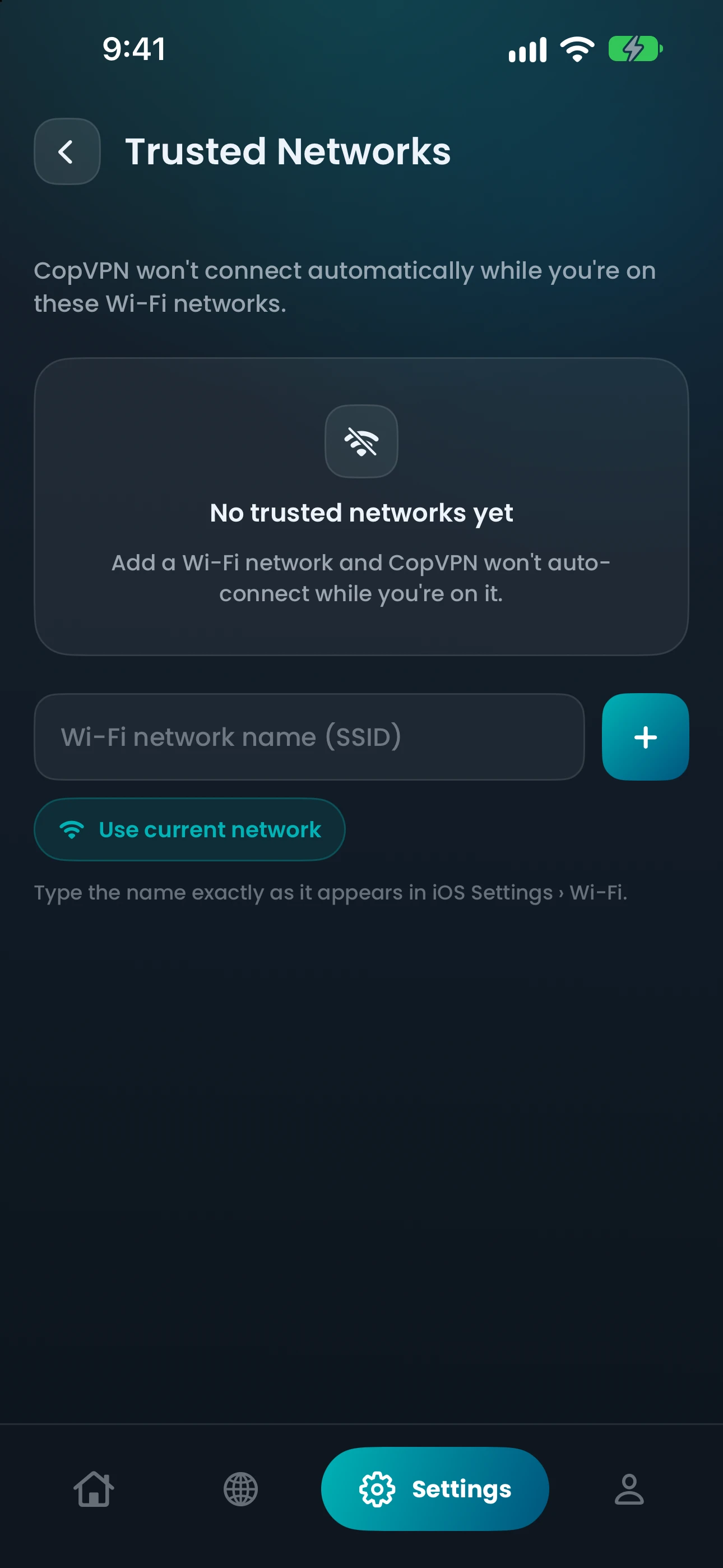
Real screens · Mac Settings and iPhone Trusted networks
Auto-connect“Connect when CopVPN opens or joins a network”
How it works
Open Settings and switch on auto-connect. Each app words it a little differently; the table below has the exact setting.
On iPhone, iPad and Android it connects when you join Wi-Fi you don’t trust. On a computer it connects when the app opens, and in the browser extension when the browser starts.
On Android, iPhone and iPad you can mark networks as trusted, such as your home Wi-Fi, so auto-connect leaves them alone.
What happens with auto-connect on
Connected automatically
iPhone, iPad and Android (“Protect untrusted Wi-Fi automatically”) and Android TV (“Protect on untrusted networks”).
By platform
Every CopVPN app can connect by itself; what sets it off differs.
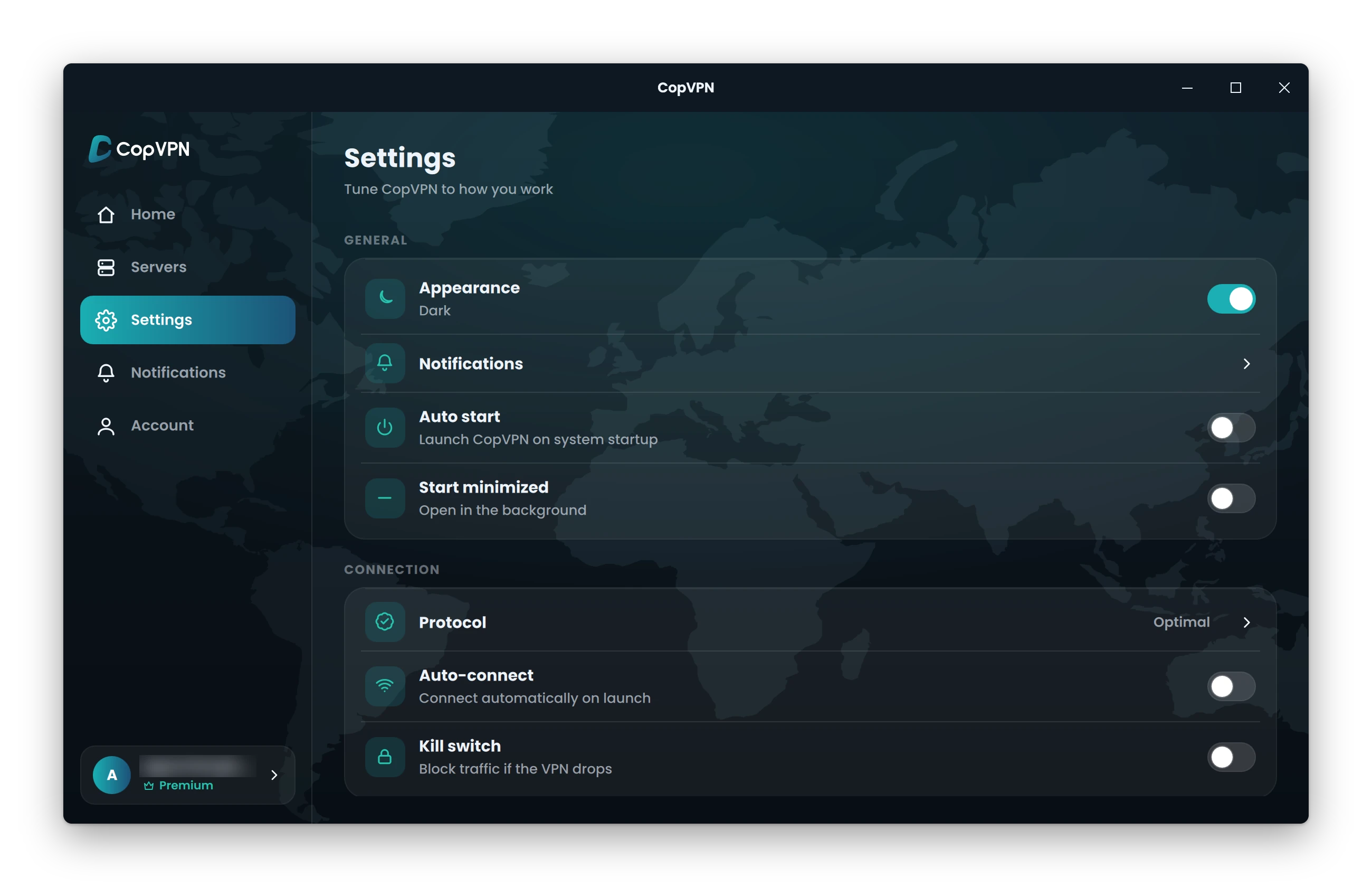
Auto-connect“Connect automatically on launch”
Add “Auto start” (“Launch CopVPN on system startup”) to connect when your computer starts.
Auto-connect“Connect when CopVPN opens or joins a network”
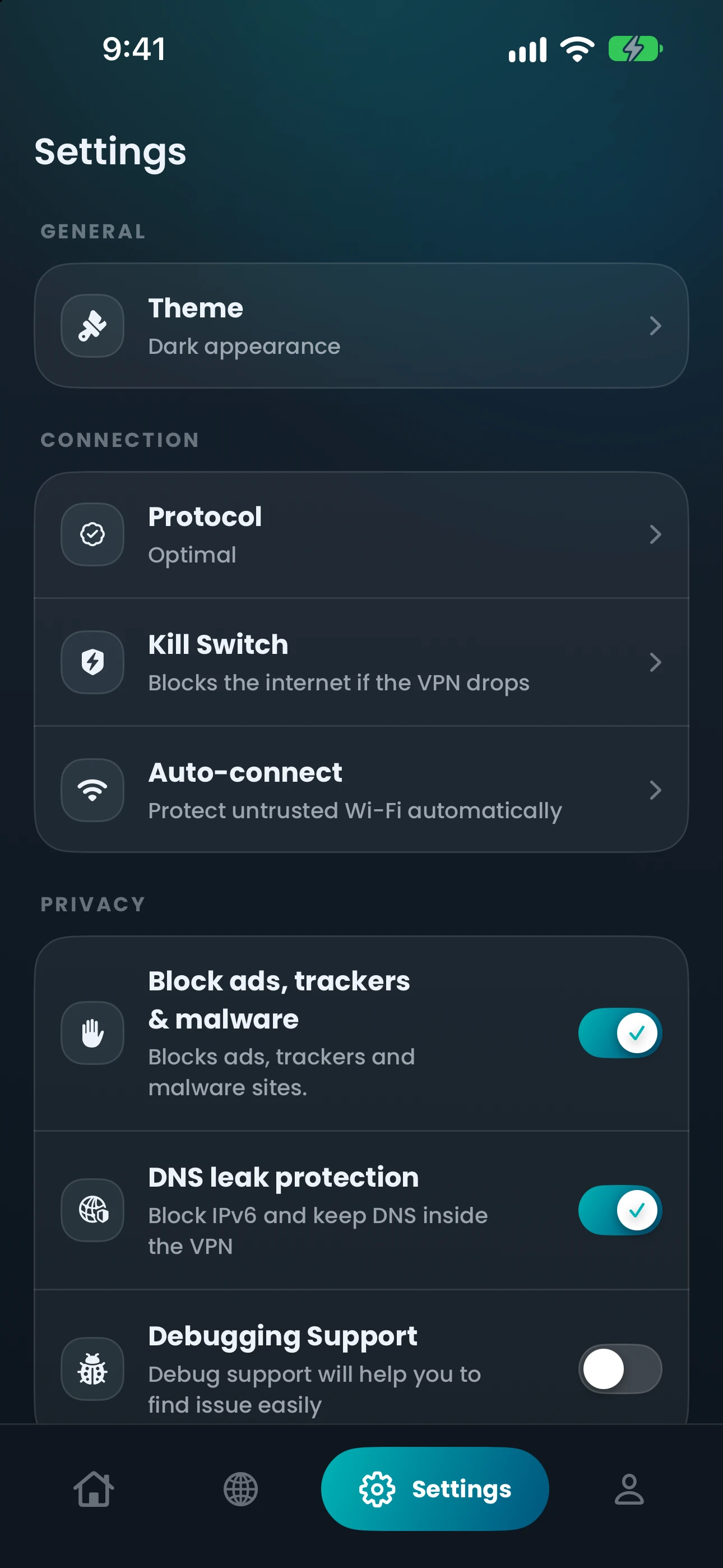
Auto-connect“Protect untrusted Wi-Fi automatically”
That’s the iPhone wording; iPad says “Connect when joining an untrusted network”. Both have “Trusted networks” (“Skip auto-connect on Wi-Fi you trust”).
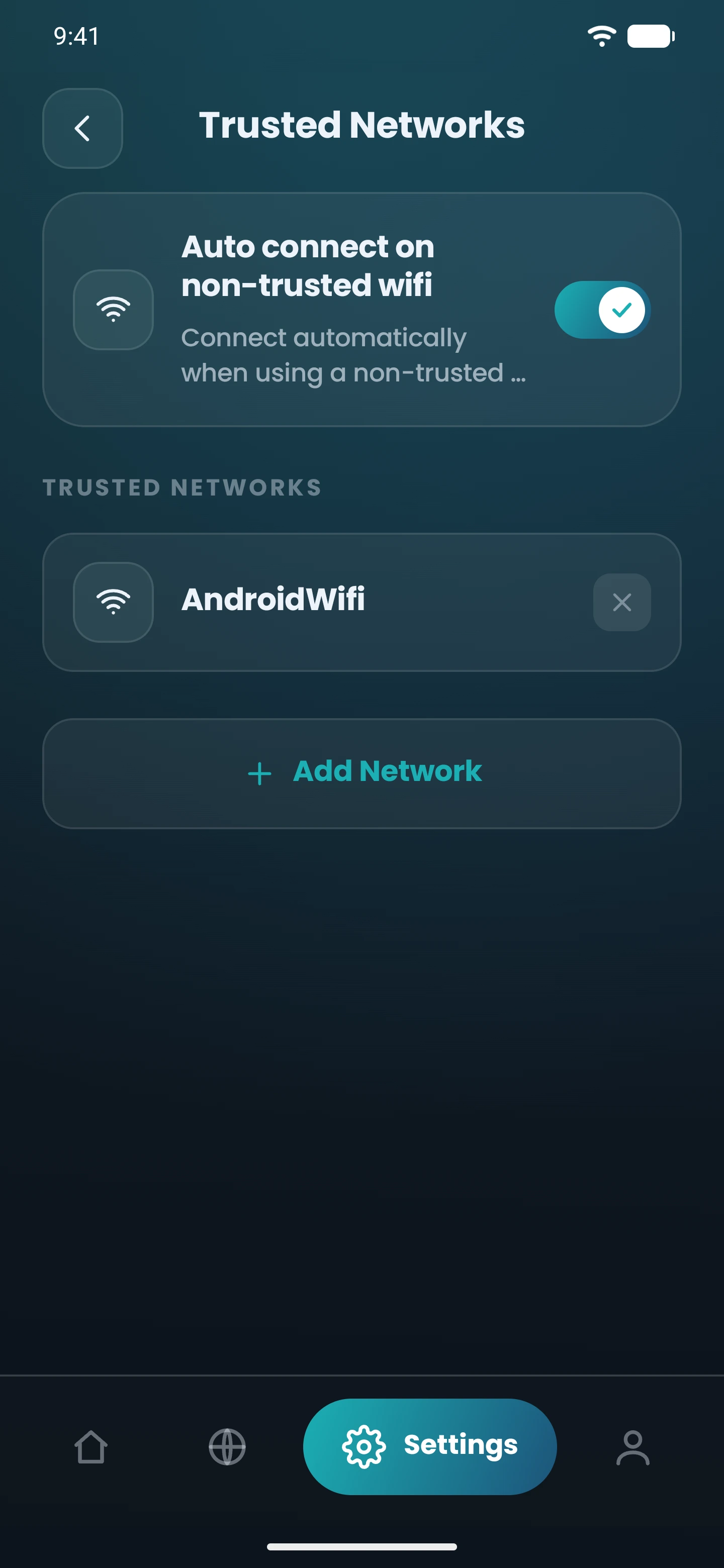
Auto-connect“Protect untrusted Wi-Fi automatically”
“Manage trusted networks” (“Skip auto-connect on Wi-Fi you trust”) leaves your own Wi-Fi alone.
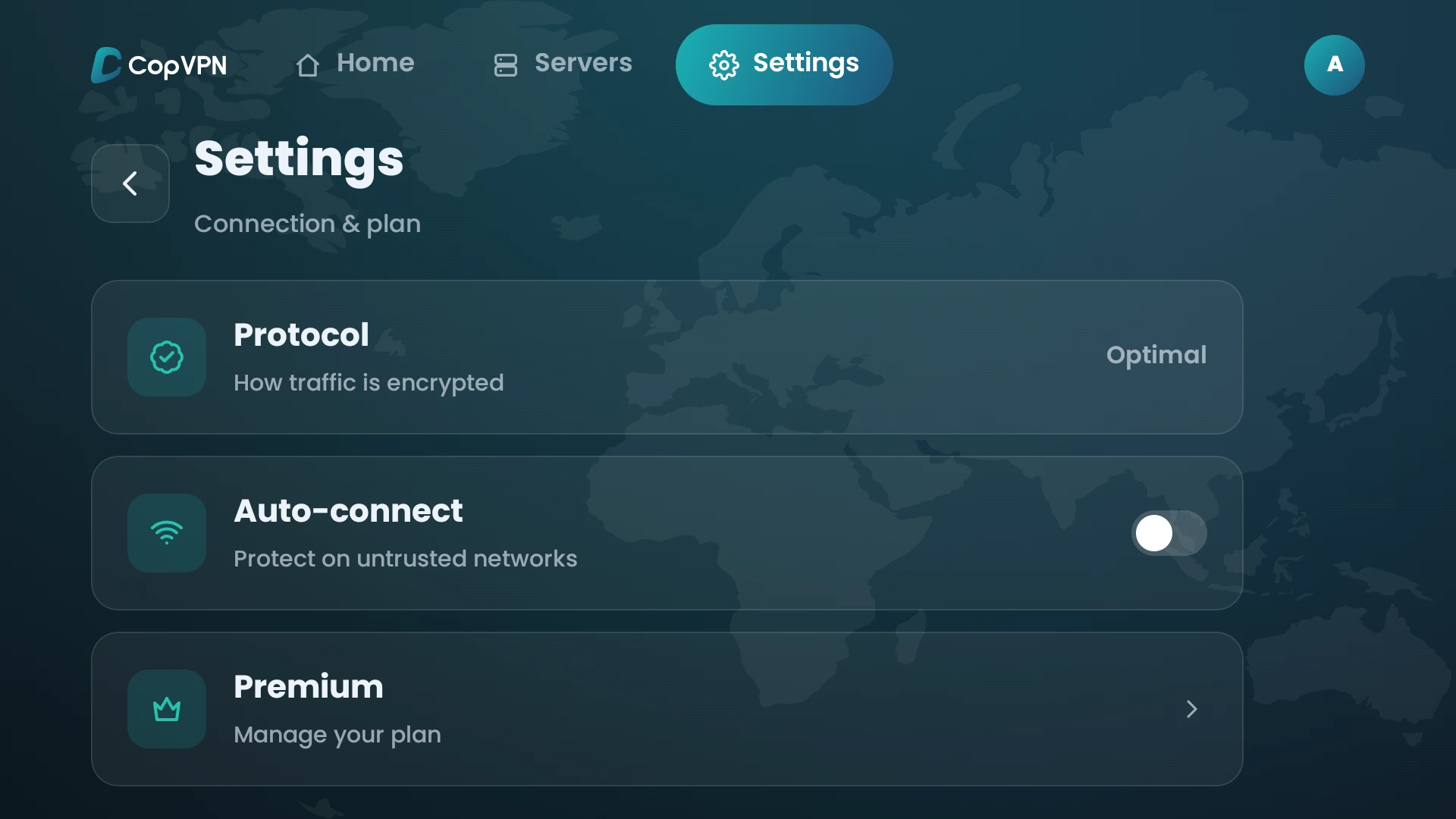
Auto-connect“Protect on untrusted networks”
Connects to the last server when the app opens. No trusted-networks list.
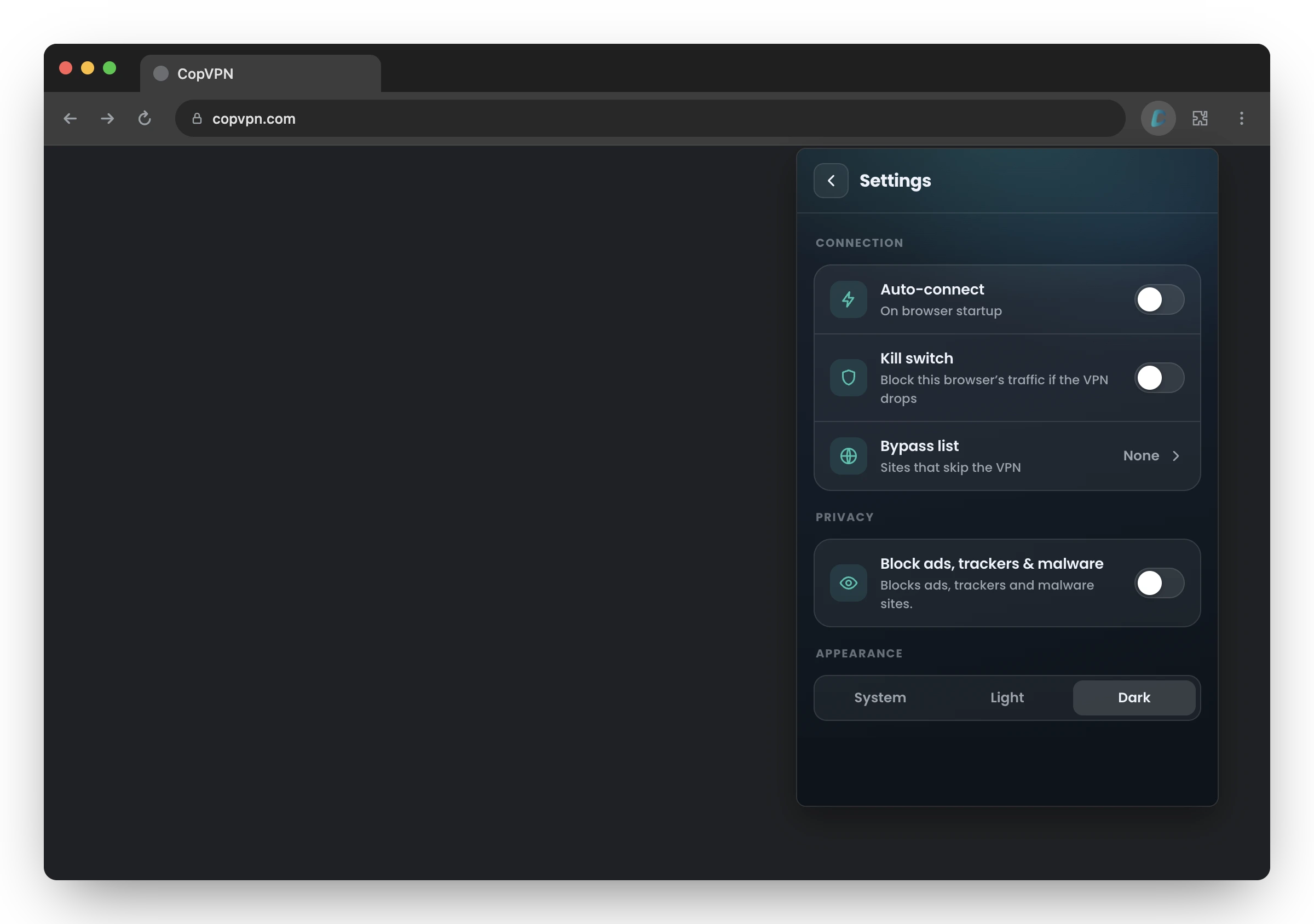
Auto-connect“On browser startup”
Connects to your last location or the fastest one, your choice.
| App | In the app | How it works there | Availability |
|---|---|---|---|
| Windows and Linux | Auto-connectConnect automatically on launch | Add “Auto start” (“Launch CopVPN on system startup”) to connect when your computer starts. | Available |
| Mac | Auto-connectConnect when CopVPN opens or joins a network | Available | |
| iPhone and iPad | Auto-connectProtect untrusted Wi-Fi automatically | That’s the iPhone wording; iPad says “Connect when joining an untrusted network”. Both have “Trusted networks” (“Skip auto-connect on Wi-Fi you trust”). | Available |
| Android | Auto-connectProtect untrusted Wi-Fi automatically | “Manage trusted networks” (“Skip auto-connect on Wi-Fi you trust”) leaves your own Wi-Fi alone. | Available |
| Android TV | Auto-connectProtect on untrusted networks | Connects to the last server when the app opens. No trusted-networks list. | Available |
| Browser extension | Auto-connectOn browser startup | Connects to your last location or the fastest one, your choice. | Available |
When to use it
Airports, cafés and hotel lobbies are where it’s easiest to forget. Auto-connect starts you protected.
On Windows and Linux, “Auto start” plus “Auto-connect” means CopVPN starts with your computer and connects on launch.
On Android TV it connects to the last server when the app opens, so nobody has to pick one with the remote.
Questions
Our support team answers by email.
contact@copvpn.comOn Android, turn on “Auto-connect” (“Protect untrusted Wi-Fi automatically”) in CopVPN’s Settings, then use “Manage trusted networks” to skip the Wi-Fi you trust.
Yes. Turn on “Auto start” (“Launch CopVPN on system startup”) and “Auto-connect” (“Connect automatically on launch”), and CopVPN connects when your computer starts.
Open Settings in the CopVPN app and turn on “Auto-connect” (“Protect untrusted Wi-Fi automatically”).
It’s a Wi-Fi network you’ve told CopVPN not to auto-connect on, such as your home network. You can set them on Android (“Manage trusted networks”), iPhone and iPad (“Trusted networks”).
Yes. Turn on “Auto-connect” (“On browser startup”) and the extension connects when the browser starts, to your last location or the fastest location, your choice.
Your connection right now
Any site you open can read your IP address and roughly where you are. Connect CopVPN and they see one of our servers instead.
Cookies on copvpn.com
We use essential cookies to run the site. With your OK, we also use Google Analytics and Hotjar to see how pages are used. We never use cookies for advertising. Privacy Policy